
On this page
Two links point to the same page. One reads bit.ly/3xK9wQz. The other reads go.yourbrand.com/spring. Which one would you click in an email from a stranger? People decide in a fraction of a second whether a link looks trustworthy, and a random string of characters loses that decision every time. Branded short links fix it by putting your name — not a generic domain — in front of every click.
What a branded link is
A branded short link has two customisable parts: the domain (the bit before the slash) and the slug or alias (the bit after it). A fully branded link controls both — your own custom short domain plus a readable alias like /spring-sale. Even without a custom domain, a descriptive vanity URL such as urlik.xyz/spring-sale already beats a random code, because a human can read its purpose before clicking.
Why branding a link matters
- Trust and clicks. A recognisable domain signals that the link is safe and expected, which lifts click-through — especially in email, SMS and DMs where people are wary of shorteners.
- Recall.
yourbrand.link/menuis something a person can remember and type; a random code is not. - Consistency. Every shared link reinforces your name instead of advertising a third-party service.
- Control. On your own domain, your links do not disappear if a free shortener shuts down.
Custom alias vs custom domain
Start with the alias — it is free and instant. When you create a short link on urlik.xyz, set the ending yourself instead of accepting a random one. Use words a human would choose: /webinar, /2026-report, /hire-me. Keep it short, lowercase and hyphenated.
The next step up is a custom domain. By pointing a domain (or subdomain) at urlik with a simple CNAME record, your short links live entirely on your brand — links.yourbrand.com/xyz — while still getting the same QR codes and analytics. It is a Pro feature; you can compare what is included on the pricing page.
How to set up a branded domain
- Pick a short domain or subdomain you own — many brands use a dedicated one like
brnd.coor a subdomain such asgo.yourbrand.com. - Add a CNAME record at your DNS provider pointing it to urlik.
- Connect it in your account, then choose it when you create links.
From then on, every new short link — and every QR code generated from it — carries your name.
Branded links still track everything
Putting your name on a link changes nothing about measurement: a branded short link records the same clicks, sources, devices and countries as any other. If anything, branded links get clicked more, so you have more data to read. See how to track link clicks for what to do with it.
Naming links that convert
Good aliases read like labels, not codes. Match the alias to the campaign so it makes sense in analytics later. Avoid dates you will forget the meaning of, spell things out (/black-friday, not /bf), and never reuse an alias for a different destination. A branded link doubles as a QR code for print, so a clean, readable alias also looks better under a scan on a poster or business card.
The bottom line
Branding a link is one of the cheapest trust upgrades available. A readable alias costs nothing and starts working immediately; a custom domain turns every share into brand exposure. Either way, you stop advertising someone else's URL and start building your own.
Frequently asked questions
What is a branded short link?
It is a short link that uses your own recognisable domain and/or a readable custom alias instead of a random code — for example go.yourbrand.com/spring rather than a string of random characters.
Do I need a custom domain for branded links?
No. A descriptive custom alias like urlik.xyz/spring-sale already makes a link readable and trustworthy for free. A custom domain is the next step for putting links entirely on your own brand.
How do I connect my own domain?
Point a domain or subdomain at urlik with a CNAME record in your DNS settings, then connect it in your account. After that you can pick it when creating links. Custom domains are a Pro feature.
Do branded links still show analytics?
Yes. Branded links track exactly the same clicks, sources, devices and countries as any other short link, and each one still generates a QR code.
Set your own readable alias in seconds, or connect a custom domain to put every short link on your brand.
Create a custom linkMore from the blog

Link Shortener with Custom Alias
Learn how a link shortener with custom alias creates branded, readable URLs that improve trust, sharing, and campaign clarity.
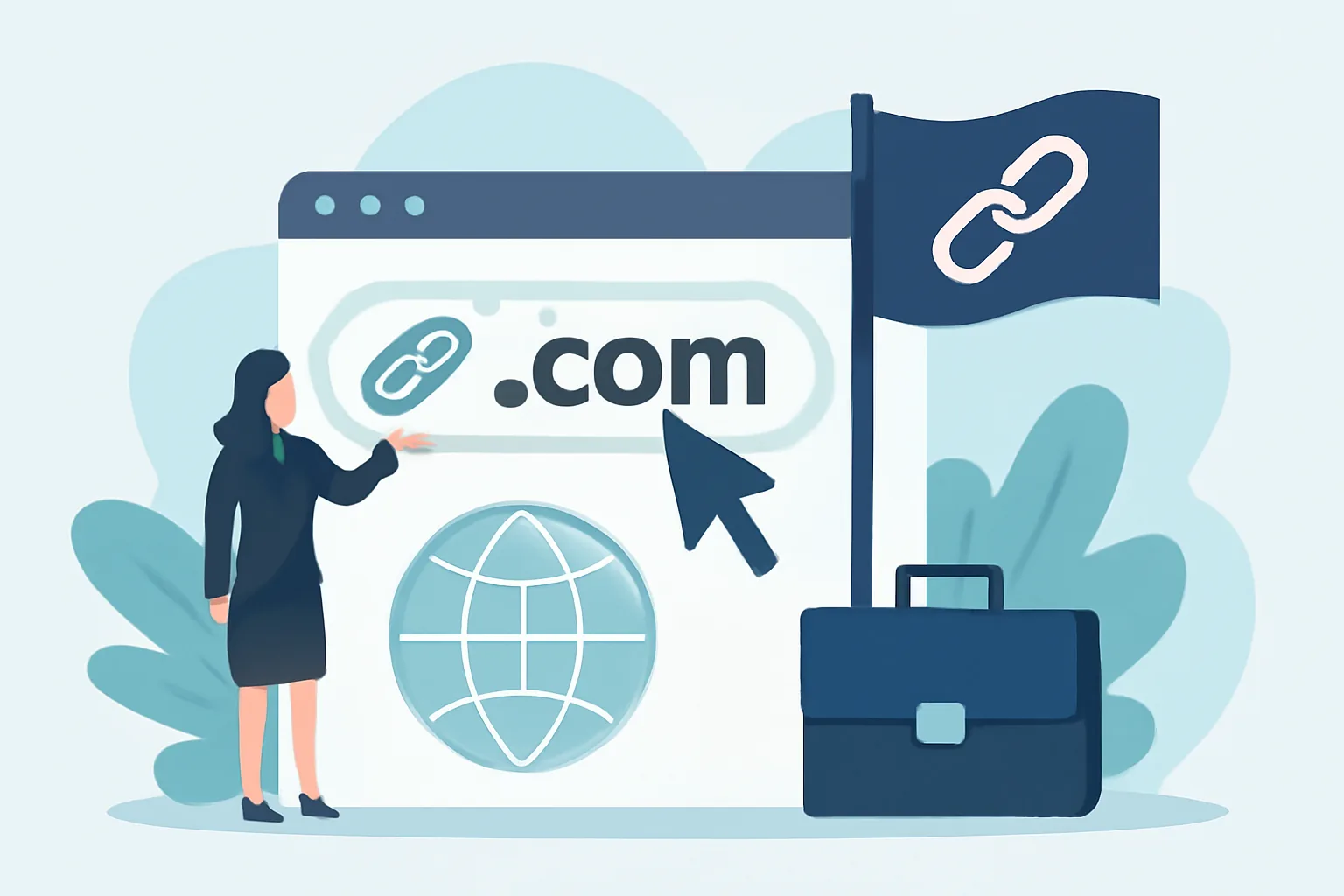
What a Custom Short Link Domain Is and Why Businesses Use It
Learn how a custom short link domain for business boosts branded short links, link trust, and campaign clarity across channels.
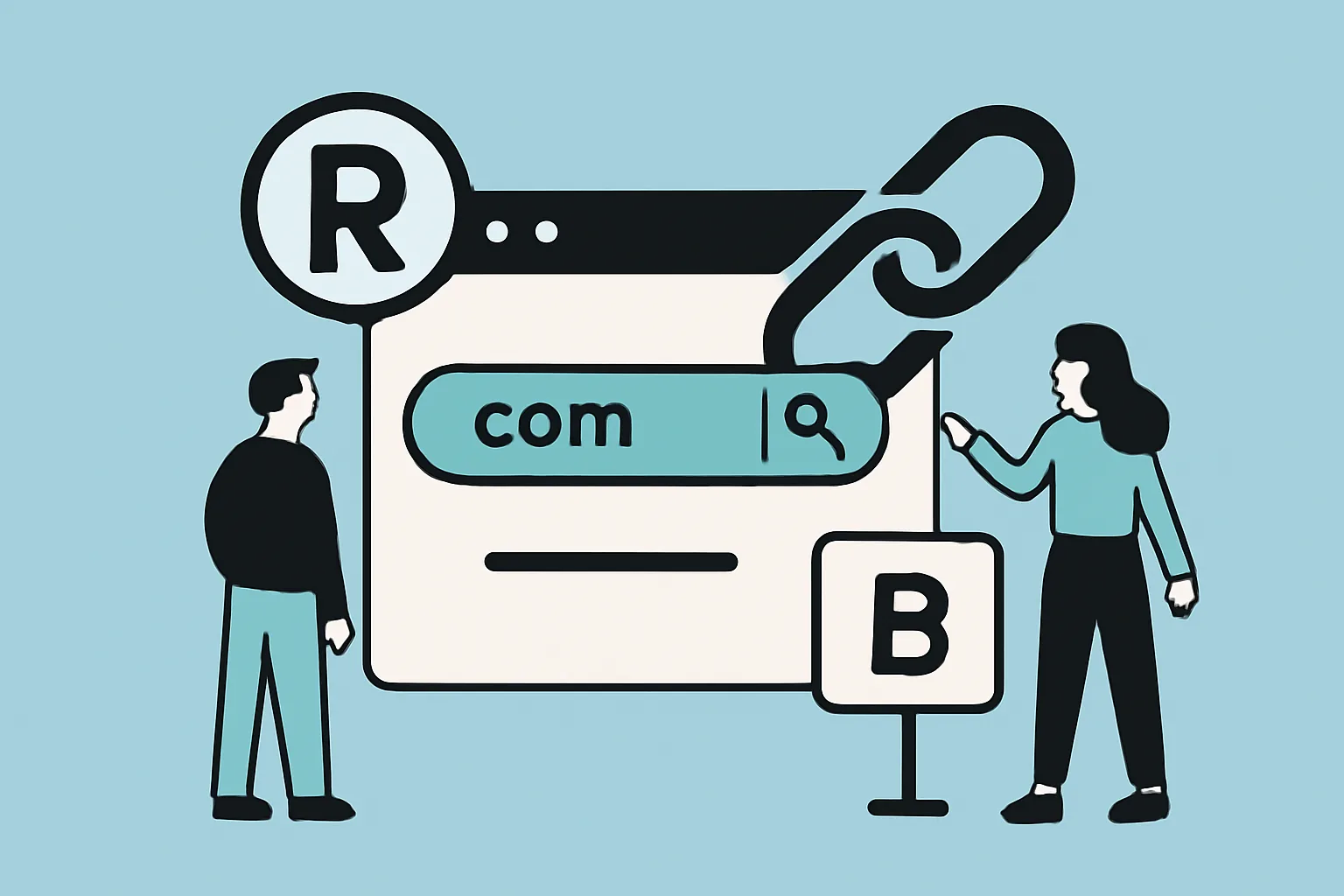
Custom Short Link Domain: Brand and Redirect Basics
Learn how a custom short link domain builds trust, improves tracking, and powers a clean custom short link domain redirect setup.