
How to Create a Payment Link and Get Paid Fast (No Gateway)
A payment link puts your card, IBAN and crypto details on one page with QR codes, so anyone can pay you directly. How to create one free and get paid online.
On this page
Someone owes you money and asks, "How do I pay you?" The worst answer is a wall of text — card number here, IBAN there, a crypto address they will surely mistype. The best answer is a single link. A payment link collects all the ways you accept money on one clean page, each with a scannable code, so the person paying just picks a method and goes. Here is how to create one and get paid online fast, without a payment gateway taking a cut.
What a payment link is
A payment link is a short URL that opens a page showing your payment details — a card, a bank account/IBAN, a crypto wallet, or all three — presented cleanly with a QR code for each. It is not a checkout that processes the transaction; it is a tidy, shareable way to hand over the details so the payer can send money directly to you through their own banking or wallet app. No middleman, no per-transaction fee, no account required from the person paying.
Why share a link instead of raw details
- Fewer mistakes. A QR code for an IBAN or wallet address removes the typos that lose or delay payments.
- It looks professional. One branded page beats a copy-pasted jumble in a chat.
- It is reusable. Put the same link on invoices, in your email signature or on your link-in-bio page.
- It is measurable. You can see how many times the page was opened, so you know your request landed.
How to create a payment link with urlik
The payment requisites editor builds the page for you:
- Add the methods you accept — card, IBAN, a crypto wallet, PayPal or a custom line.
- Give the page a name and, optionally, a short note about what the payment is for.
- Save it to get a public link like
urlik.xyz/r/your-code, plus a QR code for the whole page.
Each method is displayed with its own QR — a SEPA payment QR for a euro bank transfer, a wallet-URI QR for crypto — so the payer scans, their app pre-fills the details, and they confirm. Share the link, or print the page's QR on an invoice or a sign.
Where a payment link earns its keep
- Freelancers and invoices. Attach one link that covers every way a client might want to pay.
- Small sellers. Put the QR on packaging or a market stall for instant payment or tips.
- Donations and split bills. Share one link with a group instead of repeating your details.
- Cross-border. Offer IBAN and crypto side by side so international payers pick what suits them.
Is it safe to share your details this way?
Sharing an IBAN or a receiving wallet address is designed to be safe — those are the details people need to send you money, not to take it. urlik does not process the payment or touch your card as a merchant; the page simply displays the details you chose to publish so the payer can act on them directly. Publish only what you are comfortable showing, and use a card or IBAN meant for receiving rather than a primary account if you prefer to keep that separate.
Make it easy to find
A payment link only works if people can reach it. Add it to your link-in-bio hub, drop the QR into invoices and receipts, and — if you sell in person — print it on a card by the till. For more ways to put a scannable code to work, see our QR code marketing ideas. The whole point is to remove every step between "I want to pay you" and "done."
Frequently asked questions
How do I create a payment link for free?
Open the requisites editor on urlik.xyz, add the payment methods you accept (card, IBAN, crypto, PayPal), and save. You get a public link like urlik.xyz/r/your-code plus a QR code — free, no gateway.
Does urlik take a fee from my payments?
No. A payment link only displays your details so the payer can send money directly to you through their own bank or wallet app. urlik does not process the transaction, so there is no per-payment fee.
Is it safe to share my IBAN or wallet address on a page?
Yes. An IBAN or a receiving crypto address is what someone needs to send you money, not to withdraw it. Publish only the details you are comfortable showing, ideally on an account you use for receiving.
Can people pay by scanning a QR code?
Yes. Each method on the page has its own QR — a SEPA QR for euro transfers, a wallet-URI QR for crypto — so the payer scans, their app pre-fills the details, and they confirm.
Put your card, IBAN and crypto on one clean page with a QR for each — share the link and get paid directly.
Create a payment linkMore from the blog
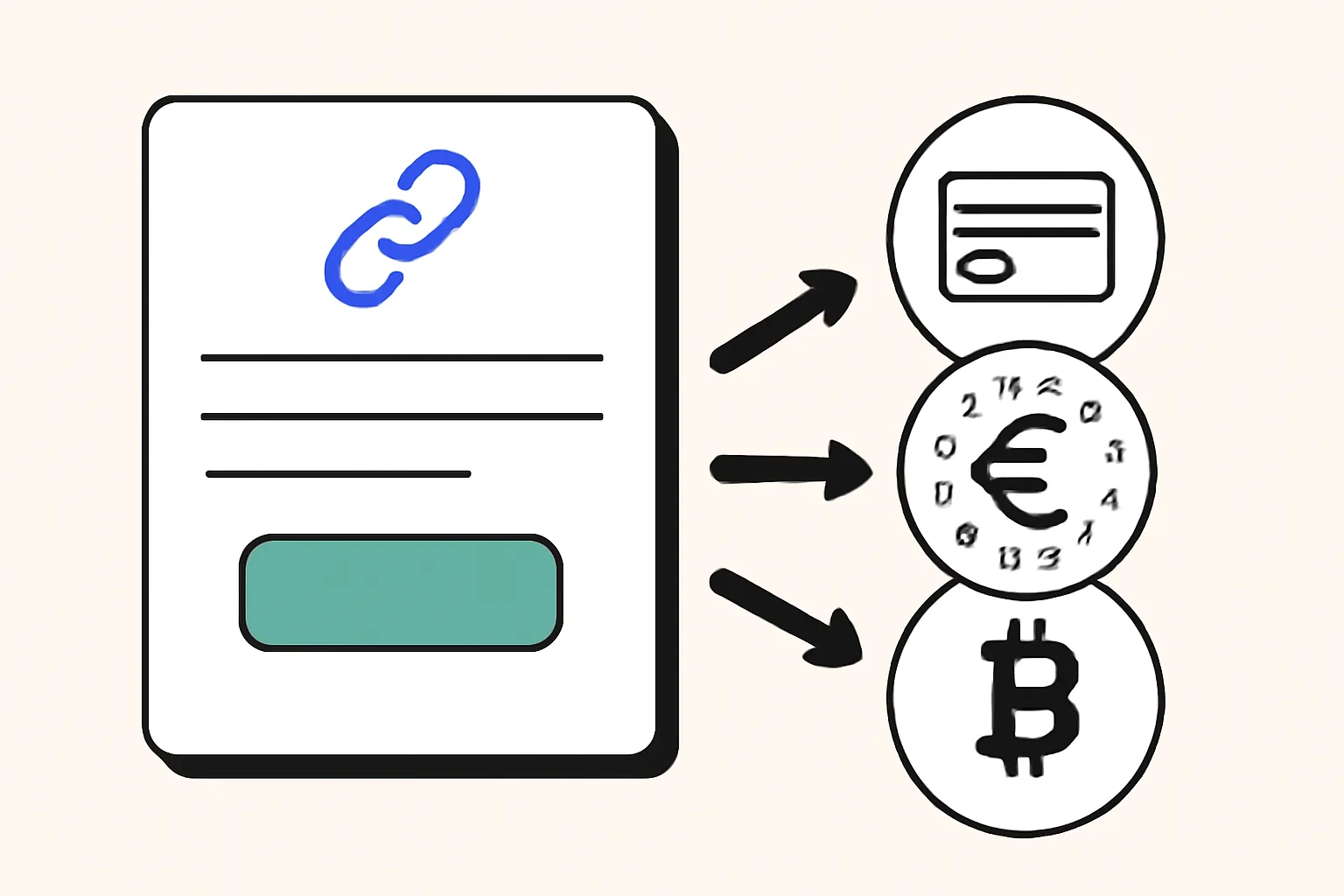
How to Create a Payment Link with Card, SEPA, and Crypto Options
Learn how to create a payment link with card, SEPA, and crypto options for a simple checkout, lower drop-offs, and faster payments.
Clearer Explanations for Short Link Redirect Issues
If you work with short links every day, you probably already know the annoying part: a redirect can be clean on paper and still create messy conversations in practice. One person says the link “didn’t
Why are my short link clicks not matching ad platform clicks?
Why are my short link clicks not matching ad platform clicks? Learn about filtering, redirects, consent, privacy tools, and timing gaps.