
On this page
Anyone who has spent real time in affiliate marketing or performance advertising has run into the moment where the numbers just don't add up. The ad platform says one thing, the network says another, and somewhere in between, conversions vanish. Nine times out of ten, the culprit is unreliable client-side tracking. Server-to-server (S2S) postback tracking exists to fix exactly that problem, and once you understand how it works, it's hard to go back to anything else.
What Is S2S Postback Tracking?
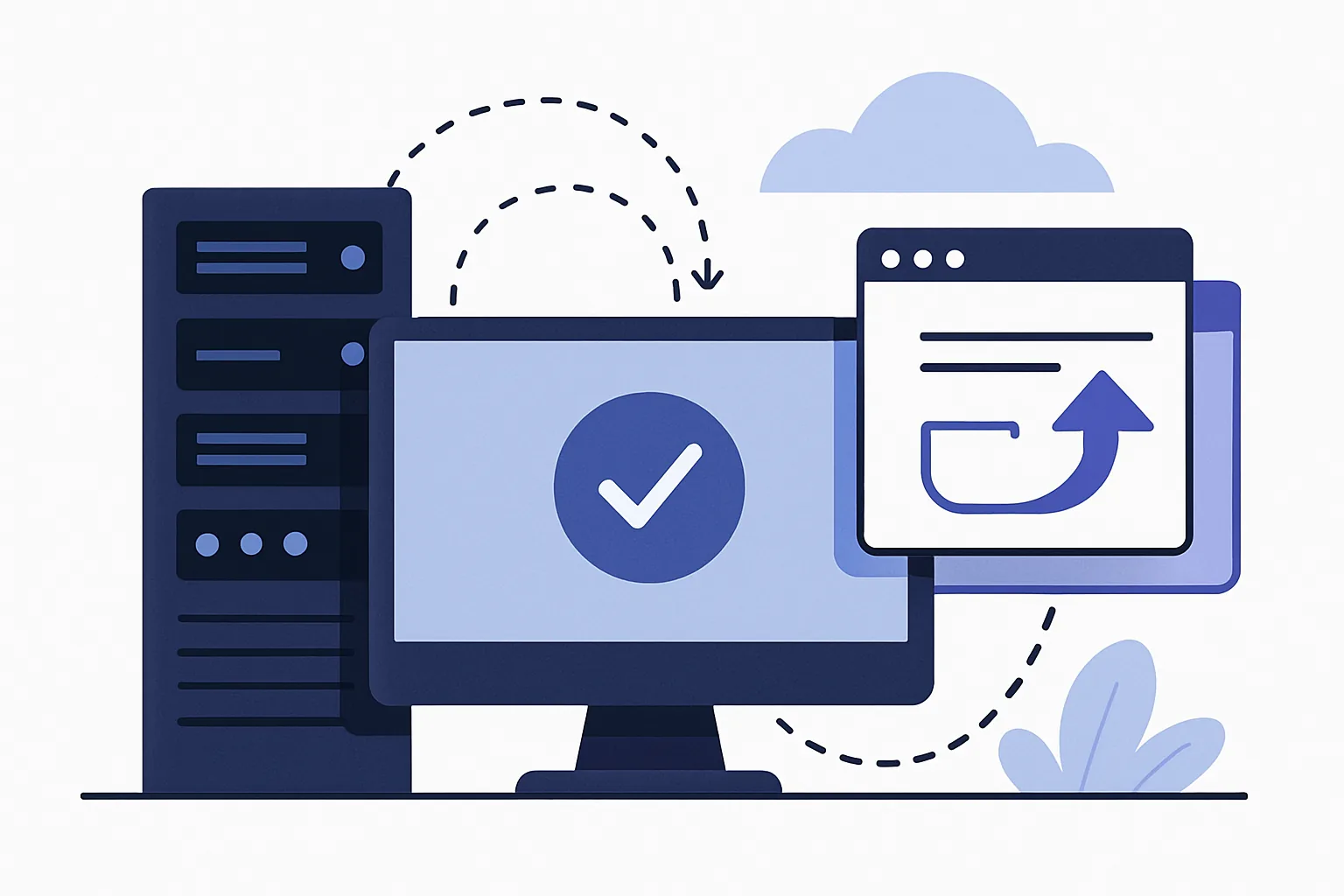
Server-to-server tracking means two servers — say, your affiliate network's server and the advertiser's or tracker's server — talk directly to each other to confirm a conversion happened. No browser, no cookie, no JavaScript pixel sitting on a landing page waiting to fire. Instead, when a conversion event occurs (a sale, a lead, a signup), the destination server sends a small HTTP request, called a postback, straight to the tracking platform to report it.
Compare that to pixel or cookie-based tracking, which relies on a snippet of code loading in the user's browser after a purchase page renders. That approach has always been a bit fragile. Browsers block third-party cookies more aggressively every year, users run ad blockers, and if someone closes the tab before the confirmation page fully loads, the conversion just never gets recorded. S2S tracking skips the browser entirely. The data travels backend to backend, which means it doesn't care what browser extension the user has installed or whether they cleared their cache five minutes ago.
It's not that pixel tracking is useless — it still has its place — but for anything where money is changing hands based on conversion counts, S2S is the more dependable option.
Why Server-to-Server Tracking Matters for Affiliates
If you're running affiliate campaigns, server to server tracking affiliate setups have basically become the industry standard for a reason. Affiliate networks pay out based on confirmed actions, and both the network and the affiliate need to trust that the numbers are accurate. Client-side tracking introduces too many points of failure for that kind of relationship to work smoothly.
A few concrete advantages stand out:
- Ad-blocker resistance: Since there's no script running in the visitor's browser, ad blockers and privacy extensions simply have nothing to block.
- Cross-device accuracy: Someone might click an ad on their phone, then complete the purchase on a laptop later. Cookie tracking often loses that connection; a click ID passed through the funnel and confirmed via postback doesn't.
- Reduced data loss: Browser tracking has always leaked some percentage of conversions due to slow page loads, script blockers, or users navigating away too fast. S2S tracking largely avoids that leakage because the confirmation happens on the backend, independent of what the user's browser is doing.
- Better fraud visibility: Because the data passes through servers you control, it's easier to spot irregular patterns — duplicate conversions, mismatched click IDs, suspicious timing — before they turn into disputed payouts.
For affiliates managing multiple offers across several networks, this reliability isn't a nice-to-have. It's the difference between trusting your dashboard and constantly second-guessing it.
How Postback URLs Work in the Conversion Flow
The mechanics are simpler than they sound once you walk through the sequence.
- A user clicks an affiliate link. At this point, the tracking system generates a unique click ID and attaches it to the URL as a parameter.
- The user gets redirected through to the offer — a landing page, an app store listing, a signup form, whatever the campaign requires. The click ID rides along through this redirect chain, often stored in a cookie or passed via URL parameters, or sometimes carried by the platform itself (app install tracking, for instance).
- The user completes the desired action: buys something, signs up, installs an app.
- The advertiser's or offer's server recognizes that a conversion happened and fires a postback — an HTTP GET or POST request — back to the tracking platform's postback URL, including the original click ID plus details like payout amount and conversion status.
- The tracking system matches the click ID from the postback to the original click record, logs the conversion, and updates reporting (and, in affiliate contexts, triggers commission calculations).
Think of it as a receipt being mailed back to the sender rather than the sender watching over the buyer's shoulder to see if they actually paid. The click ID is the reference number that ties the whole transaction together — without it, the postback is just a random signal with no context.
Postback URL Setup — Step-by-Step
Setting up postback URL tracking sounds intimidating the first time, but it's a fairly mechanical process once you've done it once or twice. Here's the general flow:
- Get the postback URL template from your tracker or network. This usually looks something like
https://tracking-domain.com/postback?click_id={click_id}&payout={payout}¤cy={currency}. The curly-brace items are macros that get replaced with real values at fire time. - Identify which macros the destination platform supports. Not every platform uses the same macro names — some call it
click_id, othersclickidorsubid. You'll need to map your tracker's macros to whatever the advertiser's platform expects. - Insert the URL into the correct postback field. This is typically found under a "conversion tracking," "postback," or "S2S" settings tab on the affiliate network or ad platform side. Some platforms let you set separate postbacks per offer or campaign, which is handy if payout structures differ.
- Fill in the required parameters. Beyond the click ID, you'll often want payout, currency, transaction ID, and conversion status passed along so your reporting reflects real revenue, not just raw counts.
- Test with a sandbox or test conversion. Most reputable platforms offer a way to fire a test postback without needing a live conversion. Run it, then check your tracker's logs to confirm the data arrived correctly and mapped to the right fields.
- Do a live dry run. Once the sandbox test passes, generate one real, small conversion if possible and verify end to end that it shows up correctly in reporting before scaling traffic.
It's tempting to skip the testing step when you're in a hurry to launch a campaign, but a broken postback can silently cost you days of unrecorded conversions before anyone notices something's off.
Common Postback Parameters and Macros Explained
Most postback setups revolve around a fairly small set of recurring parameters. Getting familiar with these makes troubleshooting much faster later on.
| Parameter | Purpose |
|---|---|
| click_id | Unique identifier generated at click time; links the postback back to the original click record. |
| offer_id | Identifies which specific offer or campaign the conversion belongs to. |
| transaction_id | A unique ID for the conversion event itself, useful for deduplication. |
| payout | The commission or revenue value tied to the conversion. |
| currency | Specifies the currency of the payout, important for cross-region campaigns. |
| status | Indicates whether the conversion is approved, pending, or rejected. |
The main headache here is naming mismatches. One platform's sub_id might be another's aff_click_id, and if you paste the macro incorrectly, the postback fires but arrives with an empty or literal placeholder value instead of real data. Always double-check the exact macro syntax the sending platform requires — some use curly braces, others square brackets, others a dollar-sign prefix.
Troubleshooting Common S2S Tracking Issues
Even well-configured postback setups run into hiccups. The usual suspects:
- Missing macros: A macro left blank or misspelled means the postback fires but carries no usable click ID, so it can't be matched to anything. Check the raw postback log for literal, unreplaced macro text — that's a dead giveaway.
- Firewall or whitelisting issues: Some tracking servers block incoming requests from unrecognized IPs by default. If postbacks aren't arriving at all, confirm the sending platform's IP ranges are whitelisted on the receiving end.
- Duplicate postbacks: Occasionally a platform fires the same postback more than once due to retries or page reloads. Using the transaction ID for deduplication prevents double-counting revenue.
- Delayed conversions: Some conversions — subscription renewals, delayed approvals — don't fire immediately. If reporting looks lower than expected right after launch, check whether the offer has an approval delay before assuming the integration is broken.
The single most useful habit here is simply reading the raw postback logs rather than trusting the dashboard summary. Logs show you the exact request that hit the server, parameters and all, which usually reveals the problem within a minute or two.
S2S Postback vs. Pixel Tracking vs. API Integration
None of these three methods is universally "best" — they suit different situations.
| Method | Reliability | Setup complexity | Best for |
|---|---|---|---|
| S2S Postback | High — unaffected by browser/ad blockers | Moderate, requires backend access on both sides | Affiliate payouts, app installs, high-value conversions |
Low to moderate — can be blocked by browsers, cookie rules, or ad blockers
Low, usually easy to place on a page
Simple websites, basic remarketing, quick deployment
API Integration
Very high — direct server-to-server communication
High, often requires authentication and custom development
Platforms with strong technical teams and full control over systems
In practice, many teams use a combination: a pixel for quick visibility, S2S for accurate attribution, and API calls for deeper validation or reconciliation. That gives you both speed and reliability without relying on a single point of failure.
Common pitfalls to avoid
- Sending the wrong click ID or leaving it blank when the conversion fires.
- Mixing up event names between traffic source and tracker.
- Forgetting currency, payout, or order value fields when they are required.
- Testing on a live offer without filtering out internal conversions.
- Assuming a missing postback always means a broken setup, instead of checking delays or status filters first.
Once your tracking is stable, document the flow end to end: where the click ID is captured, where it is stored, and how it is sent back on conversion. A clear handoff makes troubleshooting much easier later.
With clean logs, consistent parameters, and a good test process, S2S postback tracking becomes one of the most dependable ways to measure performance. That reliability is what makes it worth the setup effort.
Put this into practice
Paste a link and get a short URL, a QR code and click stats in seconds — free, no sign-up.
More from the blog

Why are my short link clicks not showing up in analytics after I share on social media?
Learn why are my short link clicks not showing up in analytics after I share on social media, from app browsers to stripped tracking parameters.

What Changed in Link Tracking Recently and What Should I Do Now
Learn what changed in link tracking recently and what should I do now to spot referrer loss, tag issues, and broken attribution fast.

How to add UTM tags to a short link in Urlik
Learn how to add UTM tags to a short link in Urlik by editing the destination URL and checking the final redirect.