Link in Bio Tool for Instagram: Simple Guide

Instagram gives you one clickable link in your profile, which is both useful and oddly limiting. Useful, because it is the one place where followers can move from curiosity to action. Limiting, because a single link has to do the work of a website menu, a product hub, a content index, and sometimes a contact page too. That is where a link in bio tool for Instagram comes in.

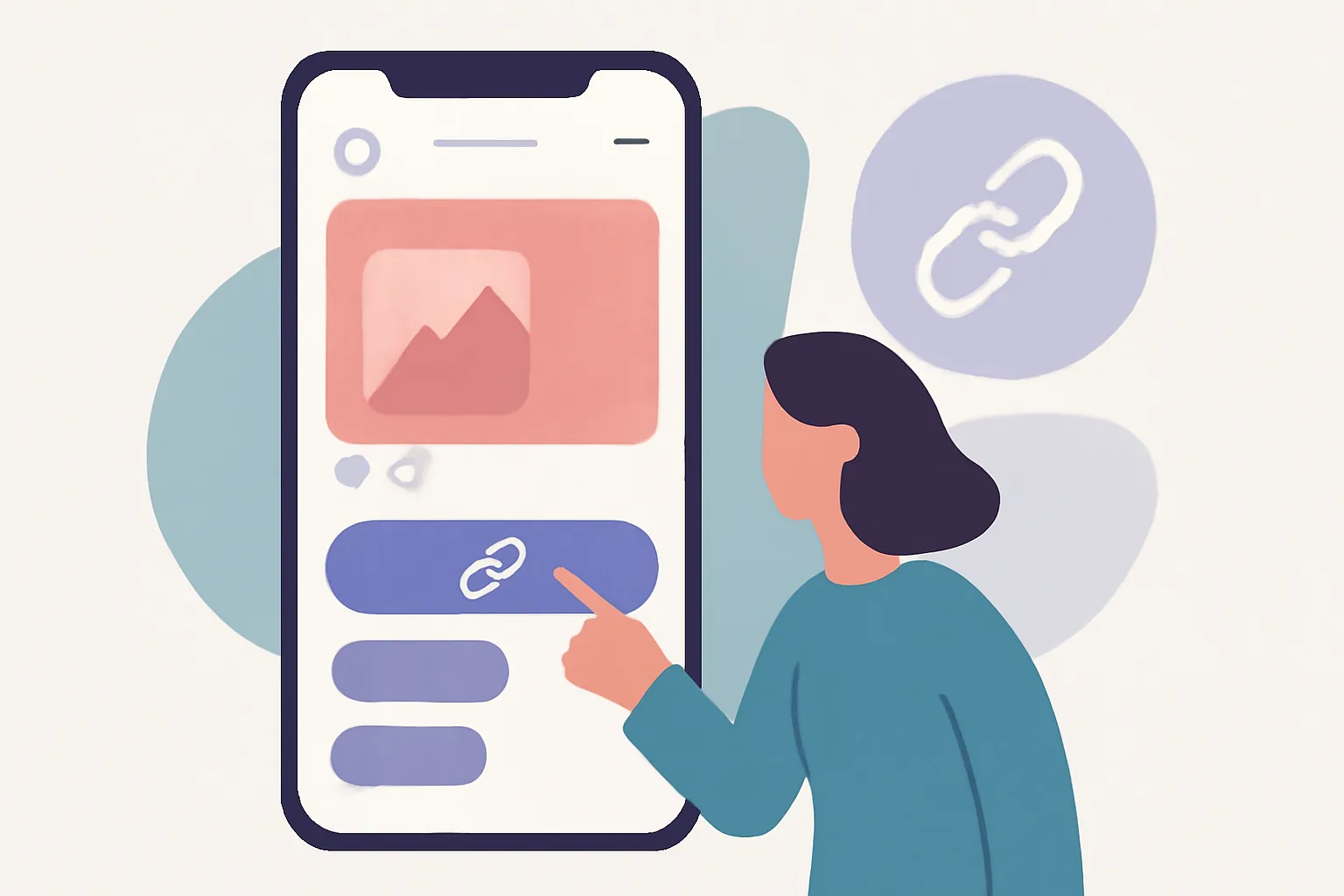
Instead of sending people to one destination, you can turn that profile link into a simple landing page with several clear options. One tap opens a mobile-friendly page where visitors can choose what matters most right now: your latest video, a shop page, a booking form, a newsletter signup, or a podcast episode. It is a small shift in setup, but it changes how your profile works.

What a Link in Bio Tool for Instagram Actually Does

A link in bio tool for Instagram is a page builder made for a very specific job: taking one profile link and turning it into a tidy menu of destinations. Think of it as a miniature landing page that sits between your Instagram profile and everything else you want people to see.

The basic structure is simple. You create a page, add a short introduction or profile image, then place buttons or cards below it. Each button links to a destination you choose. That might be a product page, a blog post, a booking calendar, a YouTube video, or a contact form. Your Instagram bio then points to that page instead of a single URL.

The appeal is not complexity. It is clarity. A visitor lands on one page and immediately sees several paths forward. No hunting through a website. No scrolling around hoping the right page appears. Just a compact, mobile-first list of choices.

For people who want more control over the links they share, this structure also pairs neatly with tools that manage short links, branded destinations, or tracking. If you are already thinking about how to present clean, trustworthy links, it may help to look at related topics like custom short link domains for a brand.

Why Instagram Bio Link Pages Matter for Creators and Brands

Instagram is a visual platform, but the actual business often happens somewhere else. A creator may want followers to watch a video, join a mailing list, buy a digital product, or read a new article. A brand may want to push traffic toward a campaign page, a seasonal product, or a store locator. A link-in-bio page helps all of that live in one place.

For creators, the page can act like a rolling front door to their current work. A new Reel goes up, and the bio link points to the full video, the related newsletter issue, and a sponsor page. For a musician, it might lead to streaming links, tour tickets, and merch. For a coach or consultant, the same page might include a booking link, a case study, and a free resource.

For brands, the value is usually organizational. Product launches do not always fit neatly into one website page. Campaigns change quickly. Social posts have a short shelf life. A link-in-bio page makes it easier to keep the profile aligned with what is happening now, rather than what was relevant two weeks ago.

There is also a practical benefit: one updated page can reduce the need to edit the Instagram bio every time you post something new. That matters when your content calendar is moving quickly or when multiple team members are coordinating releases.

Some teams also use the page to support broader link management. If you have already been thinking about how clicks, campaigns, and audience journeys fit together, a good next step is understanding tools such as retargeting pixels on short links so your traffic does more than just arrive and leave.

Key Features to Look for in a Link-in-Bio Page

Not every link-in-bio tool needs a mountain of extras. In practice, the best ones are the ones people can understand at a glance. Still, a few features make a real difference.

  • Multiple links or buttons, so you can share several destinations without crowding the page
  • Branding options, such as profile images, colors, fonts, or background choices
  • Analytics, so you can see which links get clicks and which ones get ignored [verify if comparing specific tool capabilities]
  • Custom domains, which can make the page feel more polished and on-brand [verify if comparing specific tool capabilities]
  • Mobile-friendly layout, since most Instagram visitors will view it on a phone
  • Embeds or media blocks for video, audio, or a featured image [verify if comparing specific tool capabilities]
  • Easy editing, so you can update links quickly without rebuilding the page

Analytics deserve a special mention. Even basic click data can tell you a lot. Maybe your audience wants your shop link far more than your latest blog post. Maybe the email signup gets attention, but the free download does not. That is useful information, not vanity math.

Custom branding matters too. The page should feel like an extension of your profile, not a random detour into someone else’s template. If a visitor clicks through from a carefully curated Instagram grid and lands on a page that looks generic or cluttered, trust drops fast. That is why some users also combine link-in-bio pages with branded short links, password-protected pages for private sharing, or other controlled-sharing tools. A helpful companion read is password-protected links, especially if you share limited-access content.

How to Set Up Your Link in Bio Tool for Instagram

The setup process is usually straightforward, even if the tool offers several design options. Start with the destination, not the decoration. What do you want people to do when they land on the page?

  1. Choose a link-in-bio tool that fits your needs.
  2. Create your page and add a name, photo, or short bio.
  3. Add the main links you want to promote.
  4. Arrange those links in a logical order.
  5. Customize colors, fonts, or buttons so the page feels like your brand.
  6. Preview the page on a phone and make sure it is easy to tap.
  7. Copy the page URL and place it in your Instagram bio.

The order of the links matters more than people think. Put the most urgent or most useful destination near the top. If you are launching a new product, that link should not be buried under old blog posts and a podcast archive. If you are a freelancer, your contact or booking link should be impossible to miss.

Once the page is live, test it like a normal visitor would. Tap each link. Check load time. Make sure the text is readable without zooming. Small friction points matter more on mobile, where people are likely to tap quickly and move on if something feels awkward.

If your page supports flexible destinations, that opens up useful options beyond standard links. For example, a campaign can use a dynamic QR code connected to the same landing page, which keeps print materials and social profiles in sync. That approach is covered in more detail in dynamic QR codes.

Best Practices for Optimizing Your Instagram Bio Link

A link-in-bio page works best when it stays lean and current. The temptation is to add everything. The better move is to add what matters now.

Use clear labels. “Latest video” is better than “Watch now” if the visitor already knows they are coming from Instagram. “Shop new arrivals” is better than “Explore.” Specific language reduces hesitation. People should understand the destination before they tap.

Keep the page organized. A few strong options beat a crowded wall of buttons. If you need to feature many destinations, group them by purpose or place the most important ones first. Some tools let you visually separate a featured item from supporting links, which is helpful for launches or time-sensitive posts.

Update the page often. If you are promoting a holiday campaign, a live event, or a fresh article series, the link-in-bio page should reflect that. Old links create confusion and waste attention. A stale bio page can make a very active profile feel oddly abandoned.

Match the page to the content around it. When a post points people to the bio, the landing page should continue the same story. If your Instagram Reel is about a tutorial, the first button should probably lead to the tutorial, not to your homepage. The less guesswork, the better.

There is also a trust angle. People are cautious with unfamiliar links, especially on social platforms where links can lead anywhere. Good formatting, recognizable branding, and consistent destinations help the page feel safer. For readers who want a deeper look at link trust and verification, are short links safe? is a useful companion topic.

Link-in-Bio Page Examples and Common Use Cases

Different users need different structures, but the same basic tool can support all of them.

A creator might use a page with four links: latest YouTube video, newsletter signup, digital shop, and media kit. The page serves as a quick map of what they do right now. If a new piece of content goes live, it replaces the oldest one at the top.

A small business might focus on practical actions: book an appointment, view services, read reviews, or contact the team. In that case, the page is less about content and more about conversion. The visitor is not there to browse; they are there to make a decision.

An online store may structure the page around a sale, a featured collection, and customer support. That keeps Instagram traffic aligned with what the store wants to push that week. If a new product drop is underway, the first button can go straight to it, while secondary links provide context.

A nonprofit or community project might include donation, volunteer signup, event information, and newsletter subscription. The important thing there is not selling a product but helping supporters take the next step without searching around.

Campaign use is especially common. A brand may change the page every few weeks to support a launch, a seasonal campaign, or a partnership. Because the bio link can be updated quickly, it becomes a flexible part of the marketing workflow rather than a static placeholder.

In some cases, the link-in-bio page is just one piece of a wider link strategy. Brands that share affiliate offers, for example, often need cleaner presentation and clearer disclosure. If that is part of your workflow, affiliate link cloaking is worth reading alongside the bio-page setup.

Common Mistakes to Avoid When Using an Instagram Bio Link

The most common mistake is overloading the page. Too many buttons create indecision. If everything looks equally important, nothing stands out. A visitor should not need a spreadsheet to choose where to tap.

Another issue is vague labeling. “Learn more” and “Click here” do very little work. They ask the visitor to guess. Better labels tell the truth: “Read the full guide,” “Book a consult,” “Shop the collection,” or “Listen to the episode.”

Outdated links are another quiet problem. People notice when a page still promotes last month’s event or a campaign that has already ended. It makes the profile feel less active than it really is. Even a quick weekly review can prevent that.

Many users also forget the mobile experience. A link-in-bio page is not a desktop brochure. It needs large enough tap targets, short text, and a layout that reads cleanly on a narrow screen. If buttons are too close together or the page loads awkwardly, you lose people before they explore anything.

Finally, avoid turning the page into a catch-all. If the destination is meant to support Instagram traffic, keep it focused on Instagram traffic. A page that tries to behave like a full website often becomes slower, busier, and harder to use. The best link-in-bio pages feel almost calm.

Choosing the Right Link in Bio Tool for Instagram

Choosing a tool is less about finding the one with the longest feature list and more about finding the one that fits how you work. If you update links once a week, need only a few buttons, and care most about simplicity, a lightweight page builder may be enough. If you run campaigns often, manage several destinations, or want detailed tracking, you may need something more flexible [verify if naming specific providers].

Ease of use should come first. If it takes too long to update a link, the tool will not stay useful for long. Branding control comes next, because your page should look like part of your presence, not a detached add-on. Analytics are valuable if you want to learn from traffic patterns rather than just collect clicks. And if your team uses broader link workflows, such as custom domains or campaign tracking, the tool should support that without making setup painful.

Think about maintenance too. A good link-in-bio page is one you can keep fresh. That means fast editing, a layout that does not fall apart when you change one button, and a structure that makes future updates easy rather than awkward.

In the end, the right link in bio tool for Instagram is the one that helps you present the next step clearly. It should make your profile easier to use, not more complicated. It should help followers get where they want to go without turning your bio into a maze.

Used well, a link-in-bio page does something simple but valuable: it turns a single Instagram link into a useful entry point. That is enough for many creators, brands, and small teams. And if you build it thoughtfully, it will do that job without demanding attention from anyone except the people who need it.