
Password-Protected Links: Share Privately, No Account
Put a password and an expiry on a link in seconds. What that actually protects against, what it does not, and when to encrypt end to end instead.
Na tej stronie
Not every link should be open to whoever finds it. A quotation for one client, a draft nobody outside the team should read, a download meant for the twelve people who paid for it — the moment that URL exists, it can be forwarded, screenshotted, pasted into a group chat and indexed by something you never invited.
A password-protected link puts a door in front of the destination: anyone who opens it gets a password prompt instead of your content. Add an expiry date and the door disappears entirely once the link has done its job. Both take about ten seconds to set up, and neither needs the person on the other end to have an account.
How it works
When you create the link you set a password. urlik stores it hashed — not the password itself, a one-way hash of it — so the stored value cannot be read back into the original, not by an attacker with the database and not by us. A visitor opening the link sees a prompt; type the right password and the destination opens, type the wrong one and it does not. That is the entire mechanic, and its simplicity is the point.
Expiry works alongside it. Choose an hour, a day, a week or a month, and once the moment passes the link stops resolving and answers 410 Gone — the honest HTTP code for "this existed and deliberately does not any more", which also tells search engines to drop it rather than keep retrying.
When a password beats every other option
- Client work in progress. A staging site or a draft deck you want reviewed but not circulated.
- Paid content. A file, a recording or a resource that should reach buyers rather than the whole internet.
- Anything printed. A QR code on a poster is scannable by every passer-by. Put the password behind the counter and only your actual customers get through.
- Internal links. A dashboard or document that lives at a guessable URL and would be awkward, not catastrophic, in the wrong hands.
Be honest about what this protects against
This is where most articles would keep selling. Here is the line instead: a password on a link is access control, not secrecy. It stops casual access — the forwarded message, the curious colleague, the crawler. It does not make the content secret in any cryptographic sense.
Concretely: the destination URL sits in our database in plain form, because the server has to redirect you there. Anyone with the password can share the password. And the link only guards the door — if the destination itself is public, someone who reaches it another way walks straight in. A password-protected link in front of a public Google Doc protects nothing at all; fix the document's sharing settings instead.
If you need actual secrecy — where nobody, including the people running the server, can read the content — a password on a link is the wrong tool. Use the secure drop: files are encrypted in your browser before upload, the key travels in the part of the URL the server never receives, and the file self-destructs after one download. That is a different guarantee, and how to send files securely explains where the line falls.
Choosing a password that is worth having
The password is the whole security model, so:
- Do not reuse a real one. This is a share password, not your account password. Never the same string.
- Send it separately. The password in the same email as the link protects against nothing — one forward and both are gone. Link by email, password by messenger or in person.
- Make it awkward to guess, easy to read aloud. Three unrelated words beat
Pass2026!— longer, and it survives being dictated over the phone. - Rotate it per recipient group when it matters. One link per client with its own password tells you who leaked it, because the click stats are separate.
Password plus expiry is stronger than either
The combination is where this gets genuinely useful. A password limits who; an expiry limits how long. Together they bound the damage from a leak, because a password that escapes into a group chat next month opens a link that no longer exists.
A pattern that works well: link expires a week after the deadline it serves, password shared out-of-band, one link per recipient. If something leaks you know which copy it was, and it stops working on its own — no cleanup task you will forget.
What visitors see
A plain prompt on a page that says which service is asking, with no hint of the destination — the target stays hidden until the password is right, which matters when the URL itself gives the game away (/acme-corp-acquisition-draft tells a story before anyone gets in). Wrong password, and the page says so and asks again. Expired, and it says the link has expired rather than pretending it never existed — less confusing for someone who had a legitimate reason to be there.
Worth knowing: protected links are excluded from the rich preview shown to social crawlers, so pasting one into a chat will not leak the destination's title and image into the message. That is deliberate — a preview that reveals what the password protects would defeat the password.
The short version
A password on a link is a door: cheap, instant, no account needed, and enough for the ordinary case where content should reach some people and not everyone. Pair it with an expiry so a leak has a shelf life, send the password through a different channel than the link, and be clear-eyed that this is access control rather than encryption. When you need the stronger promise, encrypt it end to end instead — and if you are weighing how much to trust short links generally, are short links safe covers the other side of that question.
Najczęściej zadawane pytania
How do I put a password on a link?
Paste your URL on urlik.xyz, open the advanced options and type a password before shortening. Anyone opening the short link then gets a prompt instead of the destination. No account needed, and the password is stored hashed rather than in readable form.
Is a password-protected link encrypted?
No — and the difference matters. The password controls access to the redirect; it does not encrypt the destination, which is stored on the server so it can send visitors there. For content that must stay unreadable to everyone including the server, use the secure drop, which encrypts in your browser.
Can I make a link expire?
Yes. Choose an hour, a day, a week or a month when you create it. After that the link answers 410 Gone — it tells visitors it expired on purpose and tells search engines to drop it. Password and expiry combine well: one limits who, the other how long.
What if someone shares the password?
Then they have shared the access — a password cannot tell people apart. Limit the blast radius: one link per recipient group with its own password, an expiry so leaks stop working by themselves, and separate click stats per link so you can see which copy travelled.
Add a password and an expiry to any link — free, no account, and the password is stored hashed rather than in readable form.
Create a protected linkWięcej z bloga
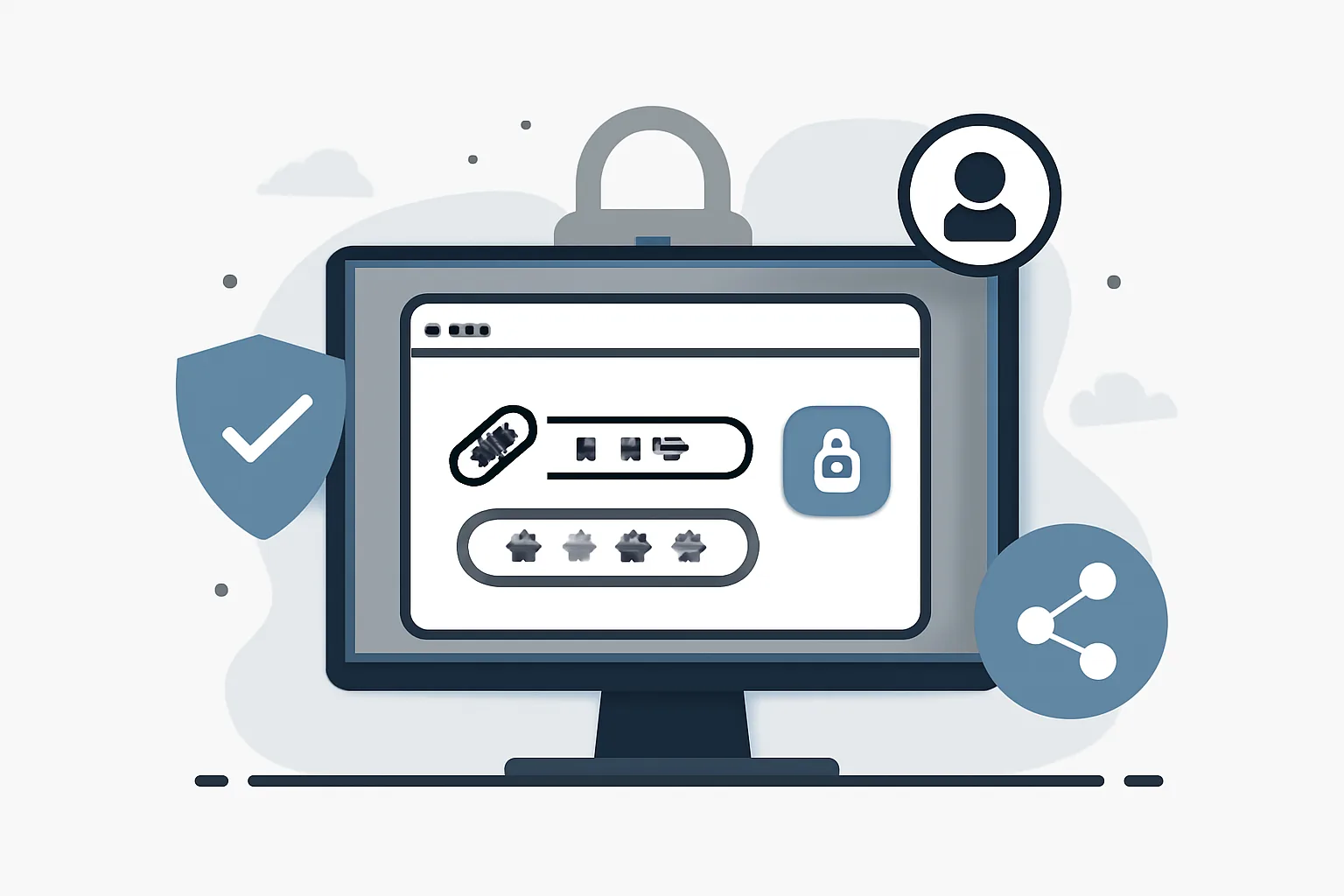
Password-Protected Short Links: A Practical Guide to Safer Sharing
Learn how password-protected short links improve private link sharing, reduce accidental access, and pair well with expiring links.
How to Stop Spam Email: What Actually Works
Why unsubscribing from spam backfires, how disposable addresses cut the flow at the source, and the habits that keep your real inbox clean for good.

Is Link Click Tracking Compliant with Cookie Consent Rules?
Is link click tracking compliant with cookie consent rules when redirects use cookies or identifiers? Learn when consent is needed and when it is not.