
How to Send Files Securely: End-to-End Encrypted File Sharing
The safest way to send a sensitive file is a one-time, end-to-end encrypted link the server cannot read. Here is how to send files securely in your browser.
Na tej stronie
You need to send a contract, a passport scan or a database export to one person — and you would rather the whole internet not get a copy. Email attachments sit on servers you do not control. Shared cloud folders quietly stay open for months. The safest way to move a sensitive file is a link that only works once and that no one, not even the service hosting it, can read. This guide explains how to send files securely with end-to-end encryption, and how to do it in your browser in under a minute.
Why ordinary file sharing is risky
Convenience and security usually pull in opposite directions. The everyday options leak in predictable ways:
- Email attachments are copied to your outbox, the recipient's inbox and every mail server in between — often forever, and often unencrypted at rest.
- Cloud share links tend to stay live long after they are needed, and "anyone with the link" is a wider audience than most people realise.
- Chat apps may keep files on their servers and sync them across every device the recipient owns.
None of these were built for a one-time, private handoff. For that, you want encrypted file sharing with a link that expires.
What end-to-end encryption means
End-to-end encryption (E2E) means the file is scrambled on your device before it is uploaded and can only be unscrambled by the recipient. The server in the middle stores nothing but an unreadable blob. Even the people running the service cannot open your file, because they never hold the key. That is the whole point: security that does not depend on trusting the host.
The trick is where the key lives. With a well-designed tool, the decryption key is placed in the part of the link after the # — the URL fragment — which browsers never send to the server. So the link you share carries the key, but the server only ever sees the encrypted data. Share the link with one person and the file is theirs alone.
How to send a file securely with urlik
The secure drop tool does exactly this, entirely in your browser:
- Open the drop page and choose your file.
- Your browser encrypts it locally with a fresh key — the raw file never leaves your device unprotected.
- You receive a one-time link containing the key in its fragment.
- Send that link to your recipient. When they open it, the file is downloaded and decrypted in their browser, then the link burns — a second attempt finds nothing.
Because the encryption happens client-side and the key rides in the fragment, the server only ever stores ciphertext it cannot read, and the file self-destructs after a single download or a short expiry window.
When to use a one-time encrypted link
- Credentials and secrets — an API key or a temporary password you do not want sitting in a chat history.
- Identity documents — a passport or ID scan for a one-off verification.
- Legal and financial files — contracts, statements, exports meant for a single recipient.
- Anything you would not want re-downloaded — the one-time nature is a feature, not a limitation.
Best practices for a private handoff
Send the link and any password through different channels — for example the link by email and a confirmation by message — so intercepting one is not enough. Tell your recipient the link only works once, so they download when they are ready rather than "just checking." And if you need a private address to receive something without exposing your real inbox, pair this with a disposable email — the same privacy-first thinking we cover in our guide to temporary email.
The takeaway
Secure sending is not about paranoia; it is about not leaving copies of sensitive files scattered across servers you will never think about again. A browser-based, end-to-end encrypted, one-time link gives you a clean handoff: the right person gets the file, everyone else gets nothing, and there is no trail left behind.
Najczęściej zadawane pytania
How can I send a file so only one person can open it?
Use an end-to-end encrypted, one-time link. The file is encrypted in your browser, the key travels in the link fragment, and the link stops working after a single download — so only the person you send it to can open it once.
Can the service read my uploaded file?
No. With true end-to-end encryption the file is scrambled on your device before upload and the server only stores unreadable ciphertext. The decryption key never reaches the server, so the host cannot open your file.
What happens after the file is downloaded?
A one-time link self-destructs after the first successful download, and any unclaimed file expires automatically. A second attempt to open the link finds nothing left to download.
Is encrypted file sharing free?
Yes. You can send a securely encrypted, self-destructing file on urlik.xyz for free, with no account required.
Encrypt a file in your browser and share a one-time link that self-destructs after download — free, no account.
Send a file securelyWięcej z bloga
How to Create a Secure One-Time File Sharing Link
Learn how to create a secure one-time file sharing link with expiry, access controls, testing, and separate delivery channels.
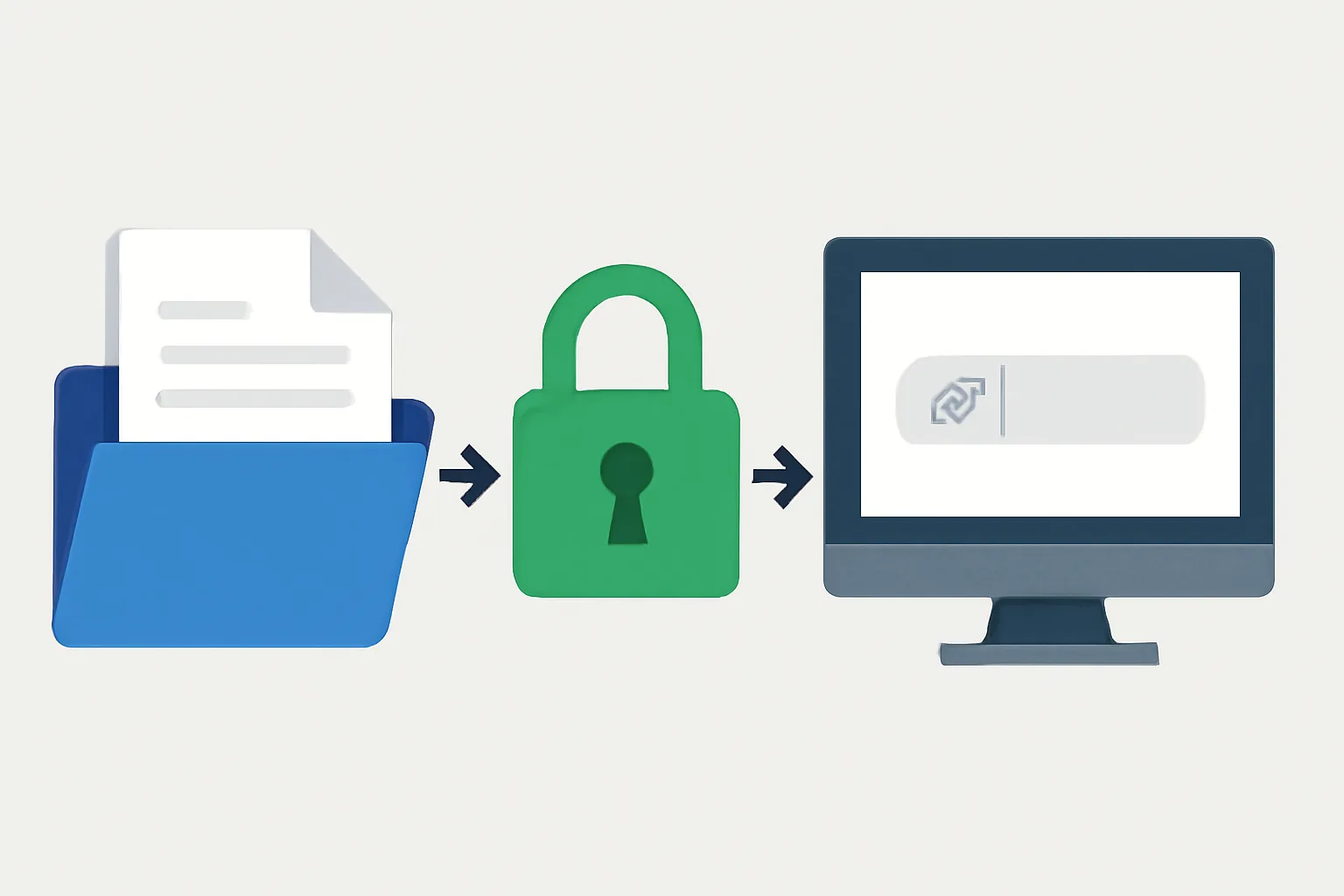
How to Share Files with End-to-End Encryption and One-Time Download Link
Learn how to share files with end-to-end encryption and a one-time download link using secure settings, expiry, and access controls.
What a Disposable Email Address Is
Learn what a disposable email address is, how it works, and when it helps reduce spam, protect privacy, and limit inbox clutter.