
On this page
How to migrate from a different URL shortener to Urlik
Switching shorteners sounds boring until a bad redirect breaks a live campaign at 9 a.m. or a QR code on a poster sends people to the wrong page. Then the job gets real. If you are planning how to migrate from a different URL shortener to Urlik, the safest path is simple: map every active link, rebuild the ones that matter, and check each redirect before you change a single public asset.
1. Why migrate to Urlik
People usually migrate for 3 practical reasons: control, clarity, and continuity. A short-link setup that started with 12 links can grow to 1,200 links fast, and the old dashboard often turns into a drawer full of mystery URLs. Urlik gives you one place to manage those links without guessing which team member created what in March or why a slug points to a landing page that no longer exists.
Keeping existing links working matters most. An old tweet, an ad in a paid search campaign, or a printed flyer may keep sending traffic for months. If those links break, you lose clicks you already paid for. You also lose trust, which is harder to measure and harder to win back. A good migration preserves the old paths while giving you a cleaner home in Urlik. That is how to keep old short links working.
There is another reason people switch: ownership. Some shorteners lock links behind features you cannot export cleanly, or they hide settings that matter later, like tags, campaigns, or redirect type. If your team needs a custom short link domain, tracking, or a better way to separate brand links from internal ones, Urlik is easier to keep tidy. Small detail, big difference.
2. Audit your current short links
Start with a full list. Not “the important ones,” the full list. Export everything you can from the old shortener, then compare that export with what marketing, sales, support, and product teams think they use. Those lists are never the same on the first pass.
Mark each link with 4 facts: destination, owner, location, and activity. Destination tells you where the link should go. Owner tells you who can answer questions. Location tells you whether it appears in an email, a paid ad, a QR code, a PDF, or a help article. Activity tells you whether it still gets clicks this month or has gone quiet since last quarter.
Pay extra attention to links with real traffic. A link in an email signature can be easy to overlook, yet it may be used thousands of times across a team of 25 people. A link on a webinar slide can be even trickier, because the deck might still be shared long after the event ends. Those are the links that deserve first attention, not the vanity links someone made for a one-off internal joke.
Make a second pass for special cases. Look for password-protected links, campaign-specific slugs, affiliate links, and links tied to retargeting pixels on short links. If the old shortener handled any of those settings, you need to know before you move them. A plain destination URL is easy; a link with rules is the one that bites later.
3. Export or collect your link data
Gather the fields you can export and write down the fields you cannot. At minimum, you want destination URLs, short slugs, creation dates, tags, campaign names, and any expiration or geo rules. Some platforms also store notes, UTM parameters, redirect behavior, and tracking IDs. If your old tool keeps those in separate screens, screenshot them. Yes, really.
If export is weak, collect the data by hand in a spreadsheet. That sounds slow. It is slow. But a half-complete export causes more trouble than a careful manual pass, especially when a link has 3 hidden settings and only 1 of them breaks a campaign. Use one row per short link and one column per setting. Keep the old short code in a separate column so you can match it later.
Do not trust memory here. Someone will say, “That was just a temporary link,” and that temporary link will turn out to be in a printed brochure, a conference booth sign, and a customer onboarding email. Numbers help. So do dates. So does the name of the campaign. The spreadsheet becomes your migration map, and the migration map becomes your sanity.
If your current tool supports export by workspace or folder, split the data that way. A team folder for events is easier to review than a single 8,000-row sheet. That also helps you decide which links can wait and which ones need same-day migration. If a record is missing a destination, mark it clearly and do not guess.
4. Recreate links in Urlik
Now rebuild the active links in Urlik. Match each destination URL first, then recreate the slug if the old code matters for branding or recognition. If a link was shared widely, keeping the slug close to the original reduces confusion. People notice changes, even when they pretend not to.
Some links need exact matches, some do not. A paid ad link with a measured campaign ID should be recreated carefully; a one-time internal memo link can sometimes point straight to the final destination. Still, confirm the business owner before you make that call. One extra approval is better than a support ticket from a sales rep who lost a deal because a link no longer matched the deck.
Match tags and campaigns where they matter. If the old shortener grouped links by product launch, trade show, or region, rebuild that structure in Urlik so reporting stays readable. That is also the moment to decide whether a link should be public, private, or protected. If you need more control, read about Password-Protected links before you publish.
For teams that care about branded domains, this is the place to set one up. A consistent domain makes migration less confusing and keeps the link experience familiar to your audience. If that matters to your team, review the guide on custom short link domain before you rebuild everything under a new host. A domain switch is easier when it is planned once, not patched 40 times.
5. Set up redirects and preserve link equity
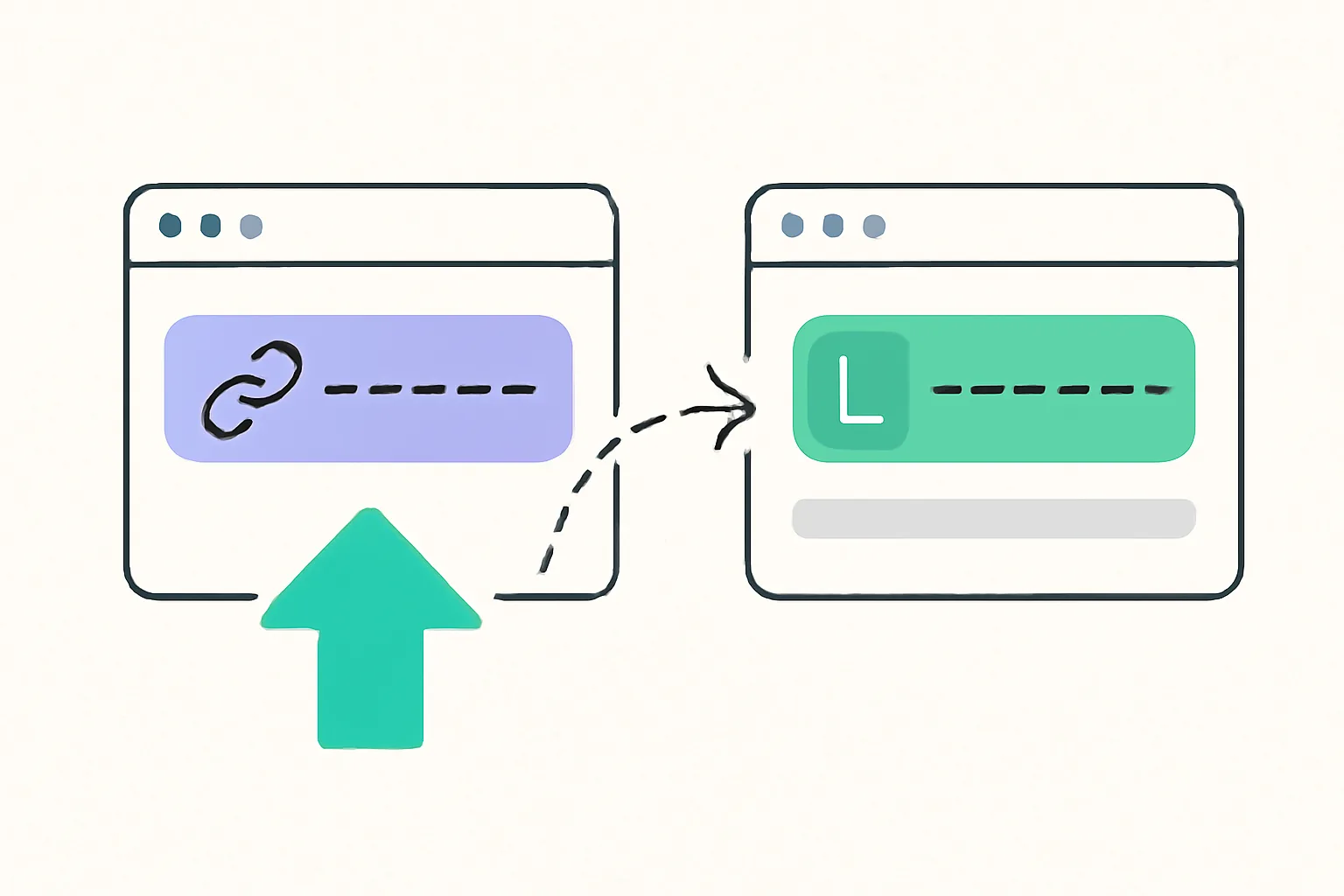
This step decides whether old links keep working. If your old shortener lets you change the destination behind an existing short code, point that old code to the matching Urlik link or directly to the final URL, depending on your setup. If you cannot change the old link, create a redirect chain that lands on the Urlik link without turning the path into a maze. Shorter is better. Always. When planning to migrate short links without breaking redirects, the rule is to keep the path simple and test it end to end.
Redirect choice matters. A permanent move should usually behave differently from a temporary campaign swap. If your old links were indexed, bookmarked, or embedded on partner sites, preserving the redirect path helps keep traffic and reduces avoidable dead ends. For a deeper comparison of redirect behavior, see 301 vs 302 redirects. One code can change how browsers and search engines treat the move.
Do not forget link equity in the plain-language sense: reputation, familiarity, and the habits built around the old link. A link that has lived in customer emails for 2 years should not suddenly disappear because someone decided to “clean things up.” Keep the old link alive long enough for the audience to forget there was a switch. That is not dramatic; it is practical.
If you use QR codes, this step needs care. A printed code cannot be edited after it is on a wall or shipping box, so the best fix is usually to point the old QR destination to the new Urlik link while the printed material stays in circulation. If your workflow includes live-editable codes, the article on dynamic QR codes is worth a look before you retire any old path.
6. Update links across your website and campaigns
Replace old short links wherever your team controls the source. Start with the website, then move through emails, social posts, ads, help docs, landing pages, and slide decks. A public FAQ is one thing; a paid campaign with 18 variants is another. Make a checklist and work through it line by line.
Email is usually the messiest place. A link may appear in a live nurture sequence, a support auto-reply, a sales template, and a CEO signature block. Social posts are easier to scan, but old scheduled posts can keep firing for weeks. Ads deserve special attention because one stale short link in a high-spend campaign can burn budget for days before anyone notices. That is a bad day.
Landing pages and forms are simple to forget because they are often “done.” They are not done if they still point to the old shortener. Search your CMS for the old domain name, the old slug pattern, and any campaign naming convention you used before. Then replace those links with the Urlik version, test each page, and publish in batches of 10 or 20 so you can catch mistakes early.
Track the public-facing link types that matter most. If you use QR codes in brochures, make a separate pass for them. If you run affiliate campaigns, review the rules around affiliate link cloaking before you touch the destination or the public path. A migration can change more than the URL; it can change attribution if you rush.
7. Test, monitor, and clean up
Test every migrated link at least once. Click the short link on desktop, click it on mobile, and check the final destination after any redirect. Confirm the slug, the query string, and the page content. A link that lands on the right domain but the wrong page is still broken. If the link has a country rule or expiration rule, test that too.
Monitoring should start on day 1, not day 30. Watch for 404s, unusual drop-offs, and weird referral spikes. If one old campaign link gets traffic from an unexpected source, note it before you retire the old shortener. Sometimes that surprise traffic comes from a partner site or a long-lived forum post. Sometimes it comes from a sales deck someone forgot to mention. Either way, you want evidence, not guesses.
Use a small rollback window. Keep the old shortener active until your tests pass, the top links are verified, and the quiet links are checked by a real click, not just by reading the spreadsheet. If you have 50 critical links, sample all 50. If you have 500, sample the ones with the most traffic first and then the odd ones with special settings. A link migration is not complete until the last edge case works.
One more pass helps. Search your site, your docs, and your campaign tool for the old shortener domain name. Fix the leftovers. Then set a reminder for 2 weeks later to look for broken clicks again. If nothing is failing and the old links are no longer needed, you can retire the old shortener with confidence instead of hope, which is a much better way to end a migration.
Put this into practice
Paste a link and get a short URL, a QR code and click stats in seconds — free, no sign-up.
More from the blog
How to migrate from Bitly to Urlik without breaking links
Learn how to migrate from Bitly to Urlik without breaking links by preserving redirects, updating tracked URLs, and keeping old links live.

How to Track QR Code Scans on Printed Marketing Materials
Learn how to track QR code scans on printed marketing materials with unique codes, trackable links, testing, and clear reporting.

What Changed Recently in URL Shorteners and What Should I Do Now
What changed recently in URL shorteners and what should I do now? Audit links, fix redirects, and update ownership before problems spread.