
QR Code Menu for Restaurants
Learn how a QR code menu for restaurants improves access, updates, and service with dynamic QR code options.
On this page
What a QR Code Menu for Restaurants Is
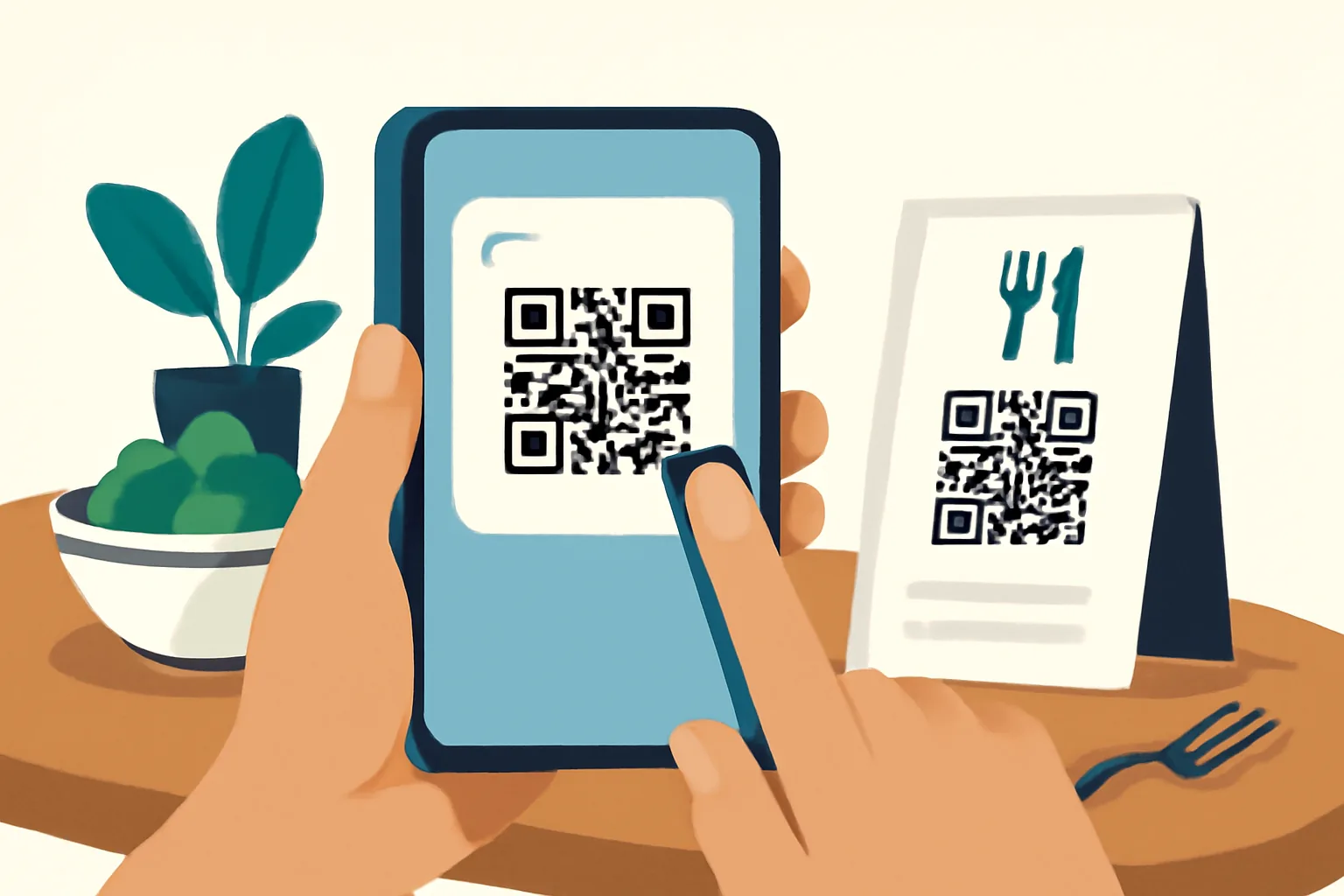
A QR code menu for restaurants is a simple bridge between a printed surface and a digital menu, and a guest opens their phone camera, scans the code, and lands on the restaurant’s menu page, usually in a browser. No app, no account, no waiting for a server to bring a paper menu. In practice, it can sit on a table tent, sticker, receipt, window sign, or even a takeaway bag. The idea is straightforward: make the menu easy to reach at the exact moment a guest wants to look at it.
That sounds almost too plain, but the usefulness is in the timing, and a hungry customer often wants to decide quickly, compare a few dishes, and move on. A QR code menu does that well because it removes a layer of friction. Instead of handling a stack of menus that may be worn, missing, or out of date, the guest gets a clean mobile view that opens in seconds. If you’re looking at the wider world of link-based tools, the same logic applies to other formats too; for example, custom short link domain helps make digital touchpoints feel more polished and recognizable.
Restaurant QR menus are not just for dine-in tables. They work at host stands for waiting guests, at café counters, at patios, and in takeaway orders where the menu is bundled into packaging. Some venues also use them to route different guests to the right menu version: breakfast, lunch, dinner, bar, or seasonal specials. In other words, the code is only the doorway. The real experience is what loads after the scan.
Why Restaurants Use QR Code Menus
The first reason is convenience. Guests can view the menu immediately, at their own pace, without asking staff to bring a physical copy, and that matters in busy service periods, when every small delay can ripple into the rest of the dining room. A QR code menu also helps groups, because multiple people can scan the same code and browse on their own phones instead of crowding around one laminated sheet.
The second reason is flexibility. Printed menus are expensive to replace whenever a dish changes, an ingredient runs out, or a price needs adjusting. A digital menu can be updated once and reflected everywhere the QR code points. For restaurants with seasonal menus, chef specials, or rotating drinks, that difference is huge, and a paper menu that is “almost right” tends to become a headache; a digital one can stay current.
There is also a practical benefit on the operations side. Fewer reprints mean less waste, fewer design files to update, and fewer chances of a typo slipping into circulation. Staff do not have to cross out items by hand or explain that a listed dish is unavailable. The menu can do that work quietly. And for guests, that quiet reliability matters more than it gets credit for.
Some restaurants use QR menus alongside other digital link strategies. For example, if you also share promotions, private offers, or special event pages, it can help to know how controlled access works in general; password-protected links are a useful model when you want to share something selectively without building a separate system.
Dynamic QR Codes vs. Static QR Codes
Not all QR codes behave the same way. A static QR code contains a fixed destination, and once it is printed, the destination is effectively locked in. If the menu link changes, the code itself cannot be edited. That can work for a simple, permanent page, but it is limiting for restaurants where menus evolve often.
Dynamic QR codes are more practical for most restaurant use cases, and the printed code stays the same, but the destination behind it can be changed later. That means you can update the menu page without reprinting table tents or stickers every time a dish is removed, a new brunch menu launches, or a holiday menu goes live. This is one of the main reasons dynamic QR codes have become the preferred option for businesses that need flexibility.
They can also be useful for tracking how often people scan a menu, which tables or locations get the most scans, or which campaign materials perform best. Those insights are only helpful if they are accurate and handled responsibly, but they can still give a restaurant a better sense of how guests interact with the code. If you want a deeper look at this approach, dynamic QR codes are worth understanding before you print anything in bulk.
There is one caveat worth stating plainly: dynamic does not mean magical. It still relies on a working destination page, a reliable QR code tool, and a good internet connection on the guest’s side. But compared with static codes, dynamic ones are better suited to restaurant life, where the menu is rarely static for long.
How to Create a Restaurant Menu QR Code
Creating a QR code menu for restaurants is a fairly simple process, but it pays to do it carefully the first time. Start with the menu itself. Before you generate any code, make sure the menu link leads to a page that works well on mobile, and guests will almost always scan from a phone, so the page should load quickly, be easy to read, and allow smooth scrolling.
Next, decide where the menu lives. Some restaurants use a PDF, though a responsive web page is usually easier for guests to use. A PDF can be acceptable if it opens cleanly and doesn’t force tiny text or awkward zooming. Better still is a mobile-friendly landing page with clear categories, readable item names, and simple pricing. If the menu includes daily specials, make sure the update process is easy enough that the staff can actually keep it current, and a perfect menu page that nobody updates is still a bad menu.
Then generate the QR code using a tool that matches your needs. If you need editability later, choose a dynamic code rather than a fixed one. Once the code is created, test it on multiple phones if possible, and scan it in daylight, under indoor lighting, and from a normal table distance. This is the part people skip and then regret. A QR code that looks fine on a laptop screen can behave differently once printed at a small size.
After testing, place the code where guests can easily find it, and it should be visible without feeling intrusive. The nearby text should explain what the code does, such as “Scan for menu” or “View today’s menu.” Keep the instruction plain. Guests do not need a marketing slogan when they are deciding between soup and tacos.
Best Practices for Menu Design and Scanning
A QR code works only if people can scan it without effort. That starts with contrast. A dark code on a light background is usually the safest choice. Avoid placing the code over a busy photo, textured pattern, or reflective surface. If the code is printed on a shiny table tent or laminated menu insert, glare can become a real nuisance, especially near windows or bright pendant lighting.
Size matters too. If the code is too small, guests will lean awkwardly over the table and then give up, and if it is too large and dominates the design, it can make the menu feel clumsy or overly technical. The sweet spot is a code that is easy to notice but still fits the physical item naturally.
The mobile menu itself deserves just as much attention as the code. Use readable typography, clear headings, and a structure that mirrors how people order. Group starters, mains, drinks, desserts, and specials in a way that makes sense on a phone screen. Keep descriptions concise but useful. A guest wants enough detail to decide, not a paragraph of culinary poetry for every item.
Also avoid clutter. Too many pop-ups, slow animations, or unrelated banners can frustrate users, and if the menu page takes a long time to open, some guests will simply stop waiting. That is especially true in a restaurant setting, where patience is usually measured in bites, not minutes. The cleaner the experience, the better.
Finally, test the flow from the guest’s point of view. Scan the code, wait for the page to load, scroll through the menu, and tap a few sections. If anything feels awkward to you, it will likely feel awkward to customers too, and this is where small adjustments make a noticeable difference.
Where to Place QR Code Menus in a Restaurant
Placement can make or break adoption. A QR code menu only works if guests notice it at the right time. Table tents are a classic choice because they sit directly in front of the diner and are easy to scan. They also allow a short instruction line to sit right beside the code, which removes guesswork.
Receipts and check presenters can be useful too, especially if you want to encourage repeat visits, takeout reorders, or feedback after the meal, and window placement works well for passersby who want to preview the menu before entering. Host stands are another smart location, particularly when there is a waitlist and guests want something to browse while they wait. For takeaway and delivery, packaging inserts or stickers can direct people to the current menu or a reorder page.
Some restaurants also place QR codes near the bar, on patio signage, or at self-service stations, and the best placement depends on the service style. A casual café may want the code near the counter, while a full-service dining room may prefer discreet table placement. The key is to match the physical context. Guests should not have to hunt for the code or wonder whether it is relevant to them.
One useful rule: place the code where a person naturally pauses. People scan when they have a moment to look down, not when they are rushing past a doorway. That small detail can improve usage more than any decorative flourish ever will.
Common Problems and How to Fix Them
The most common issue is a broken or outdated link, and if the QR code points to a page that no longer exists, guests will hit a dead end. That is embarrassing and avoidable. Check the destination regularly, especially after website updates or menu changes. If you use a dynamic code, make sure the target URL is still set correctly after edits.
Poor scan quality is another frequent problem, and if a printed code is smudged, distorted, too small, or placed on a reflective surface, phones may struggle to read it. The fix is usually simple: improve contrast, increase size, and reprint on a cleaner surface. Also remember that some phone cameras need a little extra distance. A code that is too close to the edge of a table tent can be awkward to capture.
Slow-loading pages can be just as damaging as broken links. Guests expect speed. If your menu page is heavy with large images, unnecessary scripts, or auto-playing elements, it may feel sluggish on mobile data. Trim it down. A restaurant menu is not the place to show off a complicated front-end design.
Outdated content is a subtler problem. The link may work, but the menu may no longer reflect what is actually available, and this leads to confusion at the table and more pressure on staff. To prevent that, assign a clear update process to someone on the team. The menu should have an owner, not just a filename.
If your restaurant uses other link-based campaigns, keep an eye on destination safety and consistency there too. For background on checking links before sharing them broadly, are short links safe? is a useful companion read.
Choosing the Right QR Code Tool for Restaurants
Not every QR code tool is well suited to restaurant use, and the features that matter most are the ones that reduce friction over time. Editability is near the top of the list, because a restaurant menu changes. Branding matters too. A tool that lets you align the code with your visual identity can make the final print piece feel more intentional and less generic.
Mobile-friendly landing pages are essential. The QR code is only the entry point; the destination should be clean, fast, and readable on a small screen. If the tool offers analytics, those can be helpful for understanding usage patterns, though the value depends on how clearly the data is presented and whether you can act on it. For some restaurants, simple scan counts are enough. For others, deeper reporting may inform which locations or menu versions get the most attention.
Support for multiple destinations can also be valuable. A restaurant might want one code to point to breakfast early in the day, then update it to lunch, dinner, or a special event page later, and that kind of flexibility is exactly where dynamic QR systems earn their keep. If you are exploring broader ways QR technology can be used in business settings, dynamic QR code business examples offer a practical frame of reference.
Finally, think about maintenance. The best tool is the one your team can actually use without needing a technical workaround every time the menu changes. In a restaurant, speed and clarity usually beat complexity. A good QR code system should fade into the background and let the food take center stage.
Conclusion
A QR code menu for restaurants is not a novelty anymore, and it is a practical service tool that can make ordering easier, keep menus current, and reduce printing headaches. When it is done well, it feels almost invisible: the guest scans, browses, and orders with minimal fuss. That is exactly the point.
The strongest setups combine a clear printed code, a fast mobile menu, and a process for keeping content fresh. Static codes can work in simple cases, but dynamic QR codes are usually the better choice for restaurants that update menus often. Add thoughtful placement, readable design, and routine testing, and the system becomes dependable rather than decorative.
In the end, the best QR code menu is the one that helps guests get from curiosity to decision without friction, and in a restaurant, that is worth a lot more than it sounds.
Put this into practice
Paste a link and get a short URL, a QR code and click stats in seconds — free, no sign-up.
More from the blog
How to Create QR Codes for Small Businesses
Learn how to create QR codes for small businesses with the right goal, generator, design, testing, and placement for better scans.

Dynamic QR Code Examples for Business
Explore dynamic QR code examples for business and learn how to update QR code after printing without reprinting materials.
How to migrate from QR code stickers to dynamic QR codes
Learn how to migrate from QR code stickers to dynamic QR codes by auditing stickers, prioritizing replacements, and rolling out managed links.