
301 vs 302 Redirect for Short Links
Learn the 301 vs 302 redirect for short links, when permanence or flexibility matters, and which redirect type fits your campaign.
On this page
What a Short Link Redirect Type Does
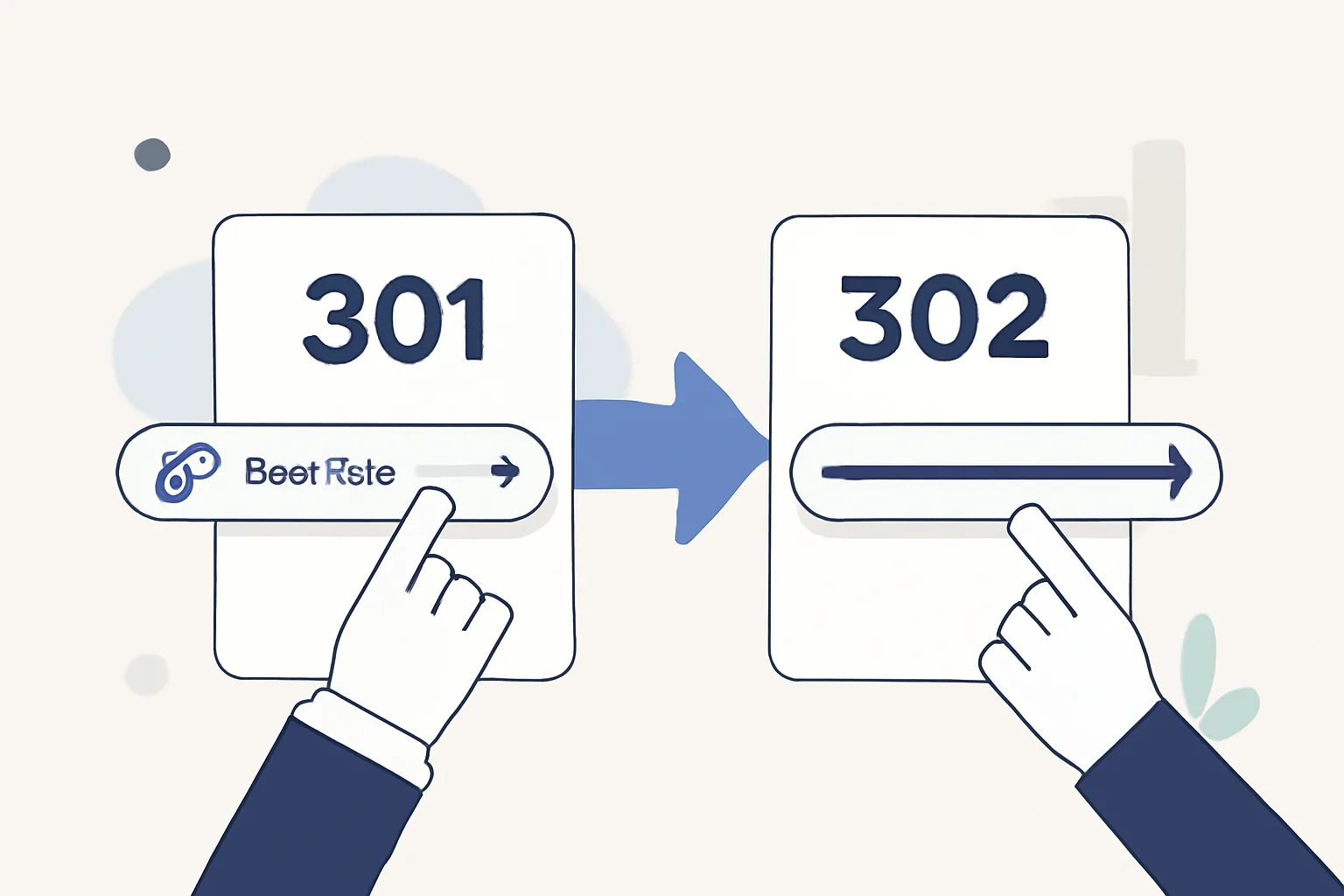
A short link is a small URL that sends a visitor somewhere else. The redirect type decides how that handoff works. A 301 says the move is permanent. A 302 says it may change later. Simple? Yes. Simple to ignore? No.
That choice affects three things at once: user experience, tracking, and link management. If you run a campaign with 50 links, the redirect type can shape how quickly a destination change takes effect and how search engines read the link, which is why the question of 301 vs 302 redirect for short links comes up so often. A brand team may care about that on day one, not day ninety.
Think about a short link on a printed flyer. If the landing page changes next week, a 302 gives you room. If the link is meant to live for years, a 301 may fit better. The redirect is not decoration. It is part of the link itself.
Short links also sit inside larger workflows. Teams use them in newsletters, QR codes, social bios, and paid ads. If you need a destination that can move without breaking the printed code, a related option like dynamic QR codes solves the same problem from another angle, and the redirect type still matters underneath.
Criteria to Compare 301 vs 302 Redirects
Before choosing, compare the redirects using the same set of criteria. The first is permanence: is the destination fixed, or can it change after launch? The second is SEO signal, because search engines may treat a permanent move differently from a temporary one. The third is caching behavior, which affects how browsers and crawlers remember the redirect.
The fourth criterion is flexibility. A short link used in a promo needs a clean way to point to a new page without reopening every ad. The fifth is analytics. If your team tracks clicks by channel, device, or campaign, the redirect must not get in the way of accurate reporting. The sixth is the actual use case: branded evergreen link, campaign link, test link, or private share.
One extra question helps a lot: will the destination change after the link is distributed? If the answer is yes, that is already a strong clue. If the answer is no, the decision becomes easier. Not always easy. Easier.
301 Redirect vs 302 Redirect: Side-by-Side Comparison
| Criteria | 301 Redirect | 302 Redirect |
|---|---|---|
| Meaning | Permanent move | Temporary move |
| Best for short links | Evergreen brand links and fixed destinations | Campaign links, tests, and destinations that may change |
| Search engine interpretation | Usually treated as a signal that the old URL should pass its value to the new one | Usually treated as a signal that the old URL should remain the primary address |
| Cache behavior | Browsers and crawlers may store it more aggressively | More likely to be rechecked sooner |
| Flexibility | Lower, because it implies a fixed target | Higher, because the target can change without contradicting the redirect type |
| Analytics use | Good for stable reporting over time | Good for active campaigns and testing |
| Common preference | Permanent or long-lived short links | Temporary or experimental short links |
The table shows the core trade-off in one line: 301 favors permanence, while 302 favors flexibility. For a short link platform, that difference can affect how fast you can change destinations after a campaign has shipped. It can also affect how confidently a team treats the link as a fixed asset.
SEO, Indexing, and Search Engine Interpretation
Search engines generally read a 301 redirect as a permanent move and a 302 redirect as a temporary one. That distinction matters because search engines may pass signals differently depending on the redirect type. For short links, the destination page usually matters more than the short URL itself, but the signal still travels through the redirect chain.
A 301 is often used when the short link replaces an old address and you want search engines to associate the new destination with the old path. A 302 is usually safer when you do not want to imply that the destination is final. If you are sending traffic to a page that may change after a sale, a 302 is the cleaner choice.
There is a practical wrinkle. Search engines do not all behave the same way every day, and redirect handling can shift. That is one reason teams should not build their entire plan on a theory. Test the live link, check the index status, and watch the destination page over time. Three checks beat one assumption.
For people who also care about link safety, the redirect type is only one part of the picture. A short link should still be checked before sharing, especially if it comes from a source you do not know. Our guide on are short links safe covers the practical checks that make a click less risky.
Practical Use Cases for Short Links
A permanent brand link is the clearest case for a 301. If your company creates a short link for a homepage, a product page, or a long-lived campaign hub, a 301 fits the idea that the address is meant to stay. A printed brochure from last quarter should still send people to the same place next quarter. That is the point.
A campaign link is different. A launch email may point to a landing page for 14 days, then switch to a general product page after the offer ends. In that case, a 302 gives you a cleaner operational path. The link stays live, but the destination can move without breaking the campaign history. Handy. Very.
A/B tests also fit 302 better. If you send one short link to two destination variants over a short period, the target may change during the test. A 302 tells the system that the destination is not fixed. A 301 would make the setup look like a permanent move, which is the wrong message for an experiment.
Temporary promotions are another obvious case. Think of a Black Friday page, an event registration page, or a limited-time app download. Once the deadline passes, you may want the same short link to point somewhere else. That is exactly why temporary redirect behavior exists.
Some teams use a short link as a private handoff tool, not a public asset. In that case, access control can matter as much as redirect type, and a password-protected short link may be the better fit when you need to share a URL with a small group. See password-protected links if private access is part of the job.
Pros and Cons of Each Redirect Type
301 has one big advantage: clarity. It tells browsers, crawlers, and teams that the destination is meant to stick. That makes it good for fixed short links and long-term brand use. It can also support cleaner canonical behavior over time. The downside is obvious. If the destination changes often, a 301 can feel too final.
302 has one big advantage too: flexibility. It gives you room to change the destination without contradicting the redirect itself. That is useful for tests, seasonal offers, and links that live across multiple campaign phases. The trade-off is that a 302 may not send the same permanence signal, which matters if your goal is to establish a single lasting destination.
There is also a human cost. A team that uses 301 for everything may spend time undoing premature permanence. A team that uses 302 for everything may lose the clear signal that a link was supposed to stay put. Both mistakes happen. Both are fixable. Neither is elegant.
If your short links are part of affiliate work, the redirect choice can affect how clean the link looks and how confidently you manage destinations. Our article on affiliate link cloaking walks through a related setup where the destination matters, but the public-facing link stays tidy.
Which Redirect Should You Choose for URLik Short Links?
For most URLik short links, the best default is 302 when the destination might change, and 301 when the destination is fixed for the long term. That sounds obvious, but defaults save time. If the link is tied to a campaign calendar, a product test, or a season-specific page, choose 302. If the link is a permanent brand asset, choose 301.
For most users, 302 is the safer operational default during setup because it keeps room for change. Many teams do not know on day one whether a landing page will survive the next release cycle. A 302 avoids locking in the wrong promise. Once the destination proves stable, a switch to 301 can make sense. That switch should be deliberate, not automatic.
For a small number of special cases, 301 is the better first choice. Use it when the short link will point to the same destination for months or years, such as a company profile page, an evergreen support page, or a permanent campaign hub. If you are building a branded link family, a custom domain can make that setup feel cleaner; see custom short link domain for the branding side of the decision.
One practical rule works well: if changing the destination would confuse people, use 301. If changing the destination would help people, use 302. That is the shortest rule in this article, and it saves more trouble than a dozen abstractions.
Quick Decision Checklist and Final Takeaway
- Use 301 if the short link destination is permanent.
- Use 302 if the destination may change after launch.
- Use 302 for campaign links, A/B tests, and temporary promotions.
- Use 301 for evergreen brand links and fixed resource pages.
- Ask whether search engines should treat the move as permanent.
- Ask whether the link will be printed, shared, or reused for months.
- Choose the redirect type before the campaign starts, not after.
One last practical detail: if your short link is going into a bio, poster, or profile card, think about how often the destination will shift during the next 30 days. A printed code with a changing destination is a 302 problem. A long-lived brand code is a 301 problem. Different tools. Different jobs.
The cleanest choice is the one that matches the truth of the link. Permanent means 301. Temporary means 302. If the destination might move next week, do not pretend it will stay forever.
Put this into practice
Paste a link and get a short URL, a QR code and click stats in seconds — free, no sign-up.
More from the blog
How to migrate from Rebrandly to Urlik
Learn how to migrate from Rebrandly to Urlik safely, preserving links, custom domains, tracking, and team workflows.

UTM Tags for Short Links
Learn how UTM tags for short links preserve campaign tracking, improve sharing, and connect click data with analytics.

How to Use a Short Link in Slack Without Breaking Previews
Learn how to use a short link in slack without breaking previews by keeping URLs clean, reducing redirects, and avoiding formatting issues.