
On this page
Why My Short Link Shows the Wrong Destination
A short link that lands on the wrong page usually has a plain explanation. The bad news is that there are several of them. The good news is that most are fixable in under 10 minutes if you check the right place first.
Start with the simplest possibility: the long URL was typed incorrectly, the destination changed later, or the short link points to a page that no longer exists. One extra character can send a visitor to the wrong product, the wrong article, or a 404 page. That happens more often than people admit.
Why does my short link open the wrong page?
The common causes are boring, but they matter. A typo in the long URL can turn a campaign link into a dead end. An outdated destination can still work, but it may now lead somewhere else. A copied link may point to a different target than the one you meant to share. And if a link shortener rule was edited after the link was created, the same short link can start sending people to a new page without warning.
That last one catches teams off guard. Someone changes one setting in a dashboard, saves it, and moves on. The short link keeps the same slug, but the destination behind it is different. One click later, a customer is on the wrong page and support gets the blame.
If you are using branded links, a custom short link domain can make these errors easier to spot because the link looks familiar, but it does not stop the wrong destination problem by itself. The destination still has to be correct.
Could the short link be redirecting to a cached or old destination?
Yes. Cache is a frequent troublemaker. Browser cache can make a link appear to go to the old page even after you changed the destination. App cache can do the same inside social apps, in-app browsers, and email clients. Link preview cache is another layer, especially when a platform stores the first version it saw and keeps showing it until the cache refreshes.
This is why one person says the short link works and another says it does not. They are not always seeing the same thing. A browser on desktop may fetch the latest redirect, while a mobile app keeps an older preview and a stale redirect path. Not ideal. Not rare either.
If the short link was posted on a social platform, check whether the preview card still shows the old title, image, or URL. That often means the platform has not refreshed its cache. A fresh test in a private window can help separate a cache problem from a destination problem.
Did I create the short link with the wrong target URL?
This is the first thing to verify, because the mistake may have happened at creation. A pasted destination can be wrong by one slash, one parameter, or one copied line from a spreadsheet. If a test URL was left in place, the short link may have been correct for staging but wrong for the public site. That happens after late-night edits and rushed launches.
One common example: a marketer pastes /thank-you-test instead of /thank-you and shares the link in an email to 5,000 people. The short link works perfectly. It just works perfectly on the wrong page. Another example: the dashboard auto-fills the last saved destination, and nobody notices before publishing.
When you are checking this, open the link settings and compare the saved destination character by character. If the dashboard supports it, copy the target URL into a plain text editor and inspect the path, query string, and protocol. A tiny paste error can cost a campaign more than a broken image ever would.
Has the destination been changed after the link was shared?
Yes, and this is a very common source of confusion. If you edit the original destination after the short link has already been sent, anyone clicking the old short link will now be taken to the new target. That may be useful for updates, but it also explains why a previously shared short link can lead somewhere unexpected.
Teams often do this during launches. They rotate campaign links, swap landing pages, or repoint a slug from one offer to another. The short link stays alive, but the meaning changes. If the email went out on Monday and the destination changed on Wednesday, Friday’s click may no longer match the original message.
There is also a human version of this problem. Someone sees a short link in a document, edits the destination to “fix” it, and assumes the old users will not notice. They usually do. A short link is not a note to yourself; it is live traffic.
Is the short link being altered by a website, app, or email client?
Sometimes the short link is fine, but another system changes what users see. Messaging apps may rewrite URLs when they create previews. Email tools can strip parameters they think are unnecessary. Website plugins may add their own tracking layer. Some clients even show a preview destination that is not the final one users reach.
That can create a strange report: “The short link shows one page on my phone and another on desktop.” The short link itself may be identical. The path through the app is not. Email clients are especially good at making this messy, because they sometimes turn a clean link into a wrapped link, then unwrap it in a different order than you expected.
If your audience comes from email, this is a good place to compare behavior with how to stop spam email style filtering and link handling, because some mail systems treat redirect chains and suspicious parameters differently. The result is not always blocked mail; sometimes it is a link that arrives altered.
Could tracking parameters or redirects be changing the final page?
Yes. UTM parameters, multiple redirect hops, and conditional routing can all affect the final page users see, even if the short link itself is correct. One hop sends users through a tracking layer. Another checks device type. A third might route by country, language, or campaign source. After three or four hops, the destination can look different from the one you expected.
Here is a simple example. You share a short link that points to a product page. The first redirect adds tracking parameters. The second sends mobile users to an app store page. The third sends desktop users to a pricing page. On paper, the short link is one URL. In practice, there are three outcomes.
Conditional routing is useful, but it needs testing. If you run campaigns with different audiences, compare the final URL on desktop, mobile, and inside at least one messaging app. If the routes vary, document the rule. Otherwise, the short link will look “wrong” to the next person who clicks it.
For campaigns that depend on clean measurement, 301 vs 302 redirects matters more than people expect. The redirect type can change how quickly systems update and how some tools cache the path.
How can I check and fix a short link that shows the wrong destination?
Use a direct checklist. First, inspect the short link settings and confirm the saved destination. Second, test the link in an incognito window so your browser cache does not interfere. Third, compare the final URL with the one you intended. Fourth, clear cache in the browser, the app, and any preview tool showing the wrong page. Fifth, update or recreate the short link if the target is wrong.
Do not guess. Open the redirect chain and see where it actually goes. If the short link has one destination in the dashboard and another in the browser bar, the issue is either a cached route or a changed redirect. If the dashboard itself shows the wrong target, the fix is to correct the link at the source. That is the part people skip when they are in a hurry.
If you need to test the target against other link features, you can also compare behavior with affiliate link cloaking or Password-Protected links, because those setups often reveal whether the redirect or the destination is the real problem. Different tools, same basic check: where does the click land?
Keep one more number in mind: test from at least 2 devices. A desktop browser and a phone are enough to catch many cache and app issues before a campaign goes live. If those two devices disagree, the short link needs another look.
How do I prevent this from happening again?
Double-check the destination before publishing. Every time. A short link is fast to share and equally fast to misroute. If the destination matters, paste it into the dashboard, then inspect it again before you press save. One wrong paste can survive for weeks.
Avoid reusing slugs for different campaigns. Reuse makes reporting harder and increases the odds that an old post, old email, or old QR code lands on a page you no longer want. If a slug has already been shared once, treat it as public history. Changing it later is how confusion starts.
Document changes. Write down the date, the old destination, the new destination, and the reason for the change. A simple log with 4 fields can save a lot of support time later, especially when someone asks why my short link shows the wrong destination and nobody remembers which team edited it. Human memory is not a system.
Test on different devices before and after updates. A link that works in Chrome on desktop may behave differently inside Instagram, Gmail, or a native app browser. If you publish a new redirect rule, click it from 3 places: a desktop browser, a phone browser, and one in-app browser. That small habit catches most surprises.
Watch link behavior after updates. The first hour matters. The first day matters too. If a campaign changes destination, monitor clicks, preview cards, and the final page for mismatches. If you need help comparing link behavior across campaigns, A/B testing links is a useful way to separate “different audience” from “wrong destination.”
One last habit pays off: keep your link system tidy. If you are managing many campaigns, browse urlik.xyz for related notes on redirects, tracking, and link behavior, because the problem is rarely one single setting. It is usually a mix of 2 or 3 small ones.
Put this into practice
Paste a link and get a short URL, a QR code and click stats in seconds — free, no sign-up.
More from the blog
Short Link Redirects for Mobile Devices: How They Work and Why They Matter
Learn how short link redirects for mobile devices route users to apps, mobile pages, or fallbacks, and why they improve campaigns.
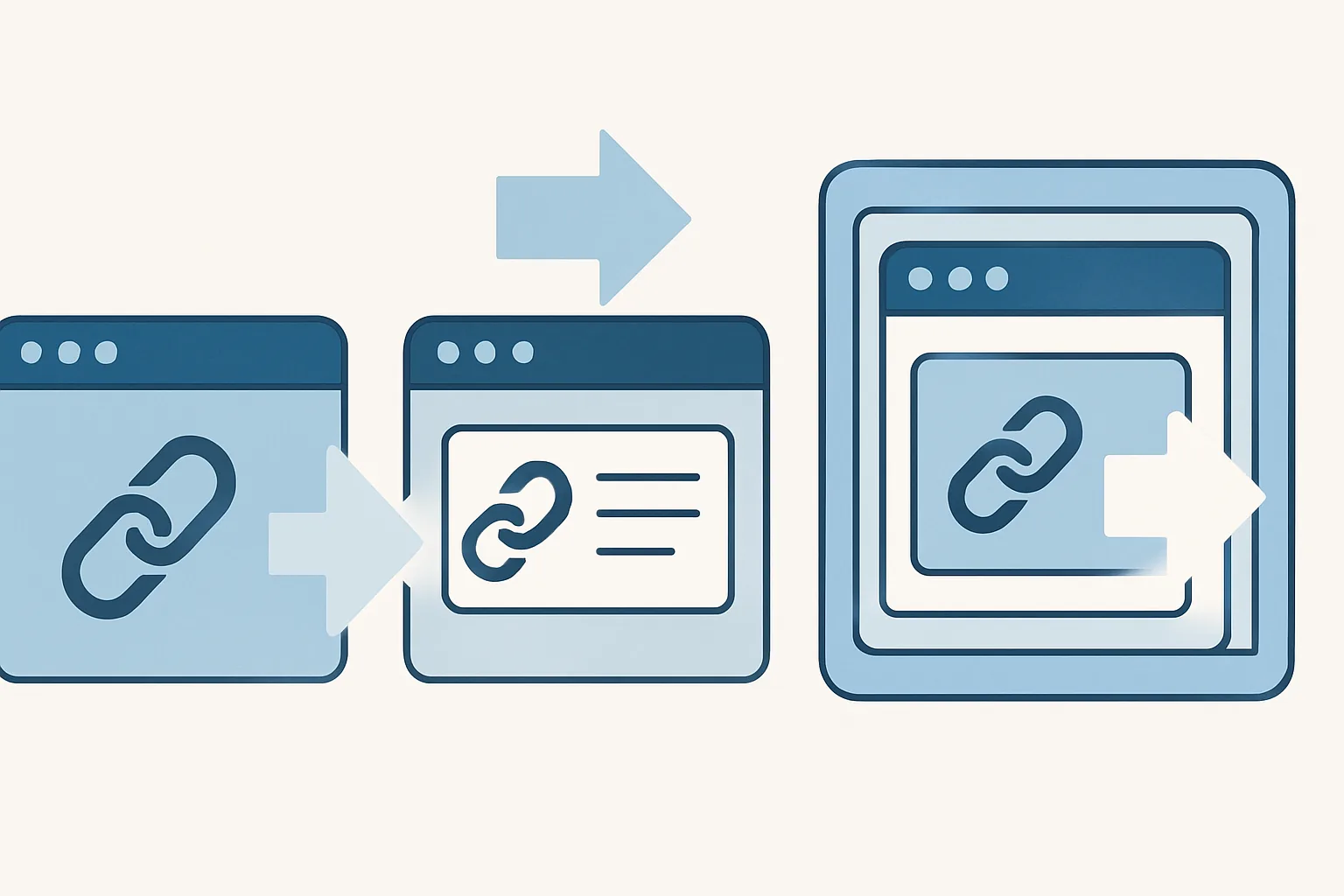
Redirect modes for short links
Learn redirect modes for short links, including direct redirect, a preview page, and frame mode, plus when each option works best.

How to Use a Short Link in Slack Without Breaking Previews
Learn how to use a short link in slack without breaking previews by keeping URLs clean, reducing redirects, and avoiding formatting issues.