
On this page
What a custom short link domain is
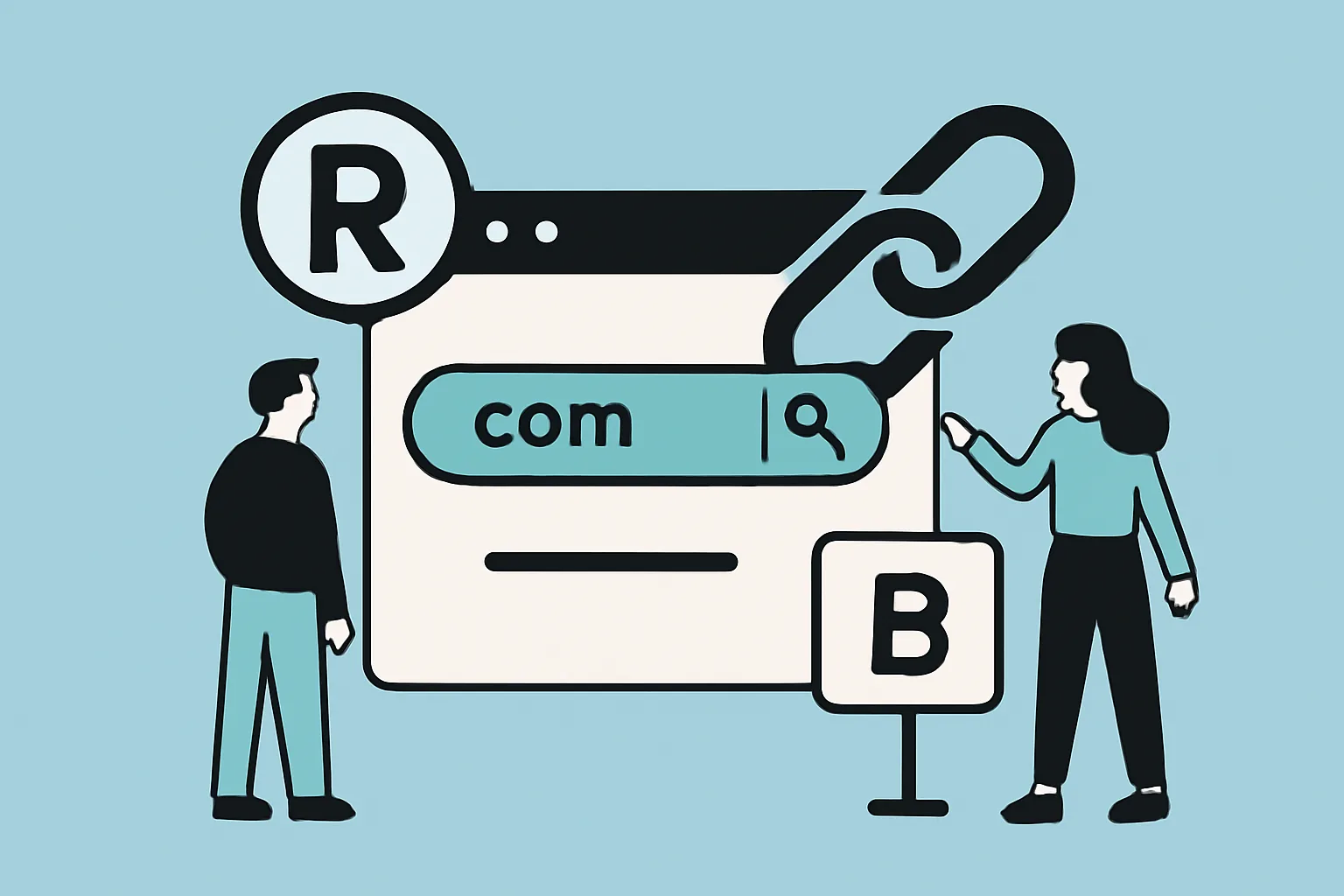
A custom short link domain is a branded web address used to create short, trackable links under your own name instead of a generic shortening service. In practice, that means a link like urlik.xyz instead of a long, messy URL or a random public short link that says nothing about the brand behind it, and the difference may seem small at first glance, but it changes how people perceive the link before they even click.
Think of it as the digital version of putting your own label on a package. A generic short URL can work, but it is anonymous. A custom short link domain gives you a recognizable identity in the link itself, which matters when the link shows up in social posts, emails, QR codes, printed flyers, or customer support messages. If you want a broader explanation of the branding angle, the article on custom short link domain goes deeper into the strategic side.
Businesses use custom domains for link sharing and tracking because the links are easier to trust and easier to manage, and instead of sending traffic through a black-box-looking URL, the brand stays visible at the point of click. That can be helpful for campaigns, but also for everyday communication. A sales rep can send a polished product page link. A support team can share a help article. A creator can post a tidy link in a bio or video description, and the format stays consistent, and the brand gets repeated exposure without shouting about itself.
Benefits of using branded links
Branded links do more than look neat. They influence how people behave. The first benefit is trust. When a user sees a domain they recognize, they are more likely to believe the link belongs to the company or project they expect. That matters because users have learned, sometimes painfully, to be cautious. A clean branded URL can reduce hesitation in the split second before a click.
There is also the question of memorability. Short links are easier to remember, repeat, and type manually if needed, and a branded link can be read aloud on a podcast, shown on a poster, or shared in conversation without becoming a puzzle. That becomes especially useful when a URL is not just decorative but part of the campaign itself.
Brand consistency is another quiet advantage. If your website, emails, QR codes, and social posts all lead through the same branded short domain, the experience feels coherent. That coherence matters in marketing because it makes the brand look organized. It is a small signal, but small signals add up, and a polished link structure can make a campaign feel deliberate rather than improvised.
There is a practical side too: branded links can make tracking cleaner. Many link tools attach analytics to each short URL, letting teams measure clicks by channel, campaign, or placement. That means a team can compare a link in a newsletter to one in a social bio, or a link on a flyer to the same destination on a landing page, and the link itself becomes both a pathway and a reporting layer.
How a custom domain redirect works
Under the hood, a custom short link domain depends on redirects. When someone clicks the short link, the request hits your custom domain first. The server or link platform then sends the visitor on to the destination URL, and in most cases, this is handled by redirect rules that tell the browser where to go next.
The domain itself needs to point somewhere, which is where DNS comes in. DNS records connect the custom domain to the service that manages the short links. Depending on the setup, that may involve pointing a subdomain such as go.example.com to the link platform, or configuring records so the root domain routes correctly, and once the domain is mapped, the platform can issue short links under that address and manage redirects for each one.
This approach is useful because the visible link stays branded, while the destination can be anything you choose. One short URL can redirect to a homepage today and a seasonal offer next month. If the platform supports editing the destination after creation, you can update links without changing the printed material or old post that already contains them, and for static assets, that flexibility can save a campaign from becoming outdated too quickly.
In everyday terms, the system is simple: the custom domain is the front door, and the redirect is the hallway that leads to the actual room. The visitor sees your brand on the door, but ends up exactly where you want them to go.
Setting up a custom short link domain
The setup process usually starts with choosing a domain or subdomain that fits your brand and is easy to remember, and many businesses prefer a short subdomain such as go, link, or click attached to the main domain. The goal is clarity, not cleverness. If people have to guess how to pronounce or type the address, the benefit disappears.
Next comes DNS configuration. You add the records your short link platform tells you to create. DNS changes do not always appear instantly across the web, so it is normal for the new setup to take some time before everything resolves consistently. This is one of those behind-the-scenes details users never see, which is usually a sign the setup is working properly.
After that, you connect the domain to the link tool, and most platforms will ask you to verify ownership and then assign the domain to your workspace or account. From there, you can create short links that use the custom domain as their base. At this stage, it is wise to test multiple examples: a plain link, a link with tracking parameters, a link opened on mobile, and a link opened in a private browser window.
Testing matters because small configuration issues can produce surprisingly awkward results. A redirect might work on one device but not another. A certificate may not be active yet. A copy-pasted link may have an accidental slash or an extra character, and better to catch those problems before customers do.
Best practices for creating short branded URLs
Good branded URLs are not just short; they are readable. Keep the structure simple enough that someone can glance at it and understand what it is for. If a link is meant for a summer sale, the path should feel like summer-sale or a similar clear label, not a cryptic string of letters that only a spreadsheet could love.
- Use a consistent domain and naming pattern across campaigns.
- Keep the path short and descriptive.
- Avoid unnecessary punctuation, special characters, and inside jokes.
- Match the link style to your brand voice and visual identity.
- Use lowercase where possible to reduce typing mistakes.
- Reserve especially important links for memorable paths that are easy to say out loud.
Consistency is the quiet superpower here. If every campaign uses a different naming style, people lose the sense that the links belong together. A simple pattern, on the other hand, helps teams create links quickly and helps audiences recognize them across different channels, and that is useful in a newsletter today and in a conference handout six months from now.
It also helps to think about the end user rather than the internal team. Internal shorthand may be efficient for staff, but external links should be understandable to the public. A product launch link should feel like a product launch link, and an event registration link should feel like an event registration link. Clear naming makes the link easier to trust and easier to remember.
If your links are used in sensitive contexts, such as private documents or partner communications, it can be worth pairing branded links with other controls. For example, password-protected links can add an extra layer of privacy when a short URL should not be freely opened by anyone who sees it.
Common use cases for custom short links
Custom short links show up almost everywhere once a team starts using them. Email campaigns are a natural fit because the links look cleaner and more trustworthy than long URLs with tracking clutter. A branded short link can also reduce the visual noise in a message, which is important when every line in an email is competing for attention.
Social media is another obvious use case. Space is tight, and presentation matters. A branded link in a post, bio, or story looks more intentional than a generic shortener. It also gives the impression that the destination is tied to the brand rather than an unrelated tool. That small detail can affect whether people tap or scroll past.
Printed materials benefit as well. Flyers, product packaging, posters, trade-show banners, and business cards all gain from short links that are easy to type or scan, and when a URL is printed, every extra character becomes a tiny source of friction. A custom short link domain keeps the clutter down and the call to action clearer.
Affiliate campaigns are another strong fit. A branded short link can keep affiliate URLs tidy and easier to share while still supporting attribution. If you want a closer look at that use case, the article on affiliate link cloaking explains how clean links can preserve both appearance and earning potential.
Event promotions, webinars, and seasonal launches also benefit because links often need to appear in multiple places at once: emails, social posts, partner pages, and on-site banners. One branded link can be reused or redirected as the campaign evolves. And for teams who share internal resources often, a custom short domain can make links feel less cluttered in chat apps and project docs too.
If your campaign includes scannable materials, branded short links work nicely alongside QR code workflows. The related article on dynamic QR codes covers why the ability to change a destination after printing can be such a practical advantage.
Troubleshooting and maintenance considerations
Like any piece of web infrastructure, a custom short link domain needs occasional maintenance, and the most common issue is a redirect that fails because the DNS is not fully set up or the destination is wrong. When that happens, the first step is usually the boring one: check the records, check the spelling, and test the link again from a clean browser session.
SSL setup is another common stumbling block. If the certificate is not active or the domain is not correctly secured, browsers may flag the link or refuse to load it properly. That is not the kind of surprise you want in the middle of a campaign. A quick test across devices and browsers can save a lot of embarrassment later.
Propagation delays can also make setup feel mysterious, and a record may be correct in one place but not yet visible everywhere else. That can create the impression that something is broken when the system simply needs time. Patience is not glamorous, but in DNS work it is often part of the job.
Maintenance does not end after launch. Old links should be reviewed periodically, especially if the destination pages move or campaigns expire, and a good platform makes it easy to update destinations, retire links, or organize them by team and campaign. If the links are used externally for marketing, customer service, or partner communication, keeping them tidy becomes part of brand care rather than just technical upkeep.
For teams concerned about link safety more broadly, it is worth understanding how to evaluate a short URL before clicking or sharing it. The article on are short links safe? is a useful companion piece on that topic.
Choosing the right tool for custom short links
Not every link platform is built the same way, and the right choice depends on how the links will be used. At minimum, look for custom domain support, clear analytics, editable destinations, and a straightforward interface. If a tool makes the setup process feel like a puzzle box, that is usually a warning sign rather than a charming feature.
Analytics matter because they turn links into insight. A good platform should let you see how many clicks a link receives, where those clicks come from, and how performance changes over time. That information helps marketers compare campaigns, but it is also useful for support teams, product teams, and anyone who needs to know whether a shared link is actually being used.
Editing and management features are just as important, and if a destination URL can be changed without replacing the short link itself, the tool becomes much more flexible. If campaigns can be grouped, tagged, or assigned across a team, the system stays usable as the number of links grows. Collaboration gets messy quickly if every short link lives in isolation.
Security and access control deserve attention too, and depending on the use case, you may want permissions, audit trails, or other administrative controls. A small team may not need much, but a larger organization usually benefits from having a clear record of who created what and why.
Finally, check whether the tool fits your wider marketing stack. If it works well with your website, QR code workflow, email platform, and social content process, it will get used. If it creates friction, people will quietly go back to long URLs and manual workarounds, and the best tool is the one that makes the branded link feel like the easiest option, not the most complicated one.
Why custom short link domains matter
A custom short link domain may look like a small technical upgrade, but it changes the way links function as brand assets. They become cleaner, more trustworthy, easier to track, and easier to reuse across channels. That combination is hard to beat, especially when a link has to do more than simply send someone from point A to point B.
For businesses, creators, and teams that share links often, the payoff is partly visual and partly operational. The branded domain reinforces identity. The redirect system keeps campaigns flexible. The analytics help teams learn what works. And the result is a link that feels like part of the brand rather than an afterthought attached to it.
In a digital environment full of noisy messages and cautious clicks, that matters more than it might seem, and a good custom short link domain does not just shorten a URL. It makes the link itself worth noticing.
Put this into practice
Paste a link and get a short URL, a QR code and click stats in seconds — free, no sign-up.
More from the blog

What Changed Recently in URL Shorteners and What Should I Do Now
What changed recently in URL shorteners and what should I do now? Audit links, fix redirects, and update ownership before problems spread.
What branded short links are
Learn how branded short links improve trust, visibility, and tracking with a custom short domain for branded URLs across channels.
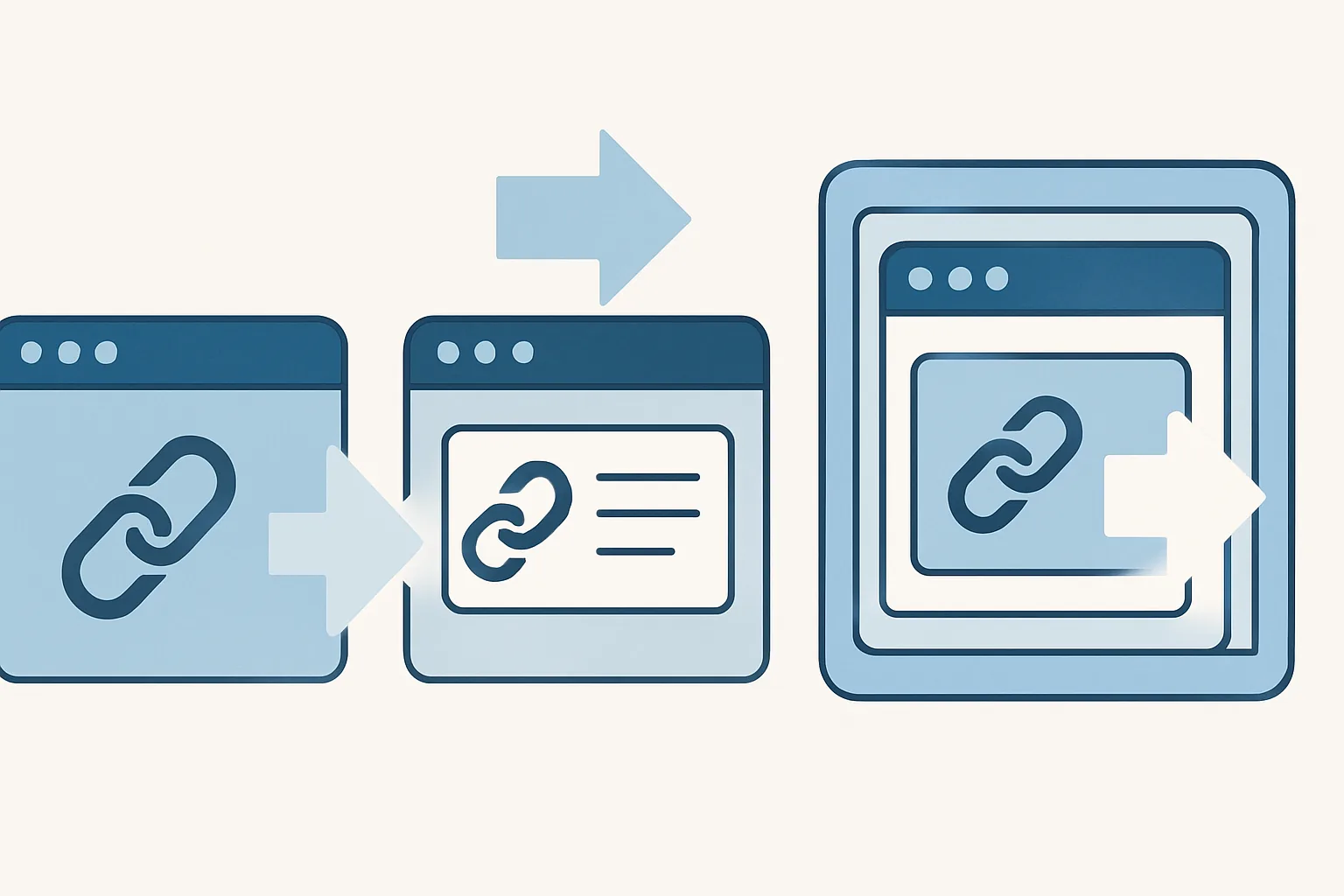
Redirect modes for short links
Learn redirect modes for short links, including direct redirect, a preview page, and frame mode, plus when each option works best.