
On this page
What a Custom Short Link Domain Is and Why Businesses Use It
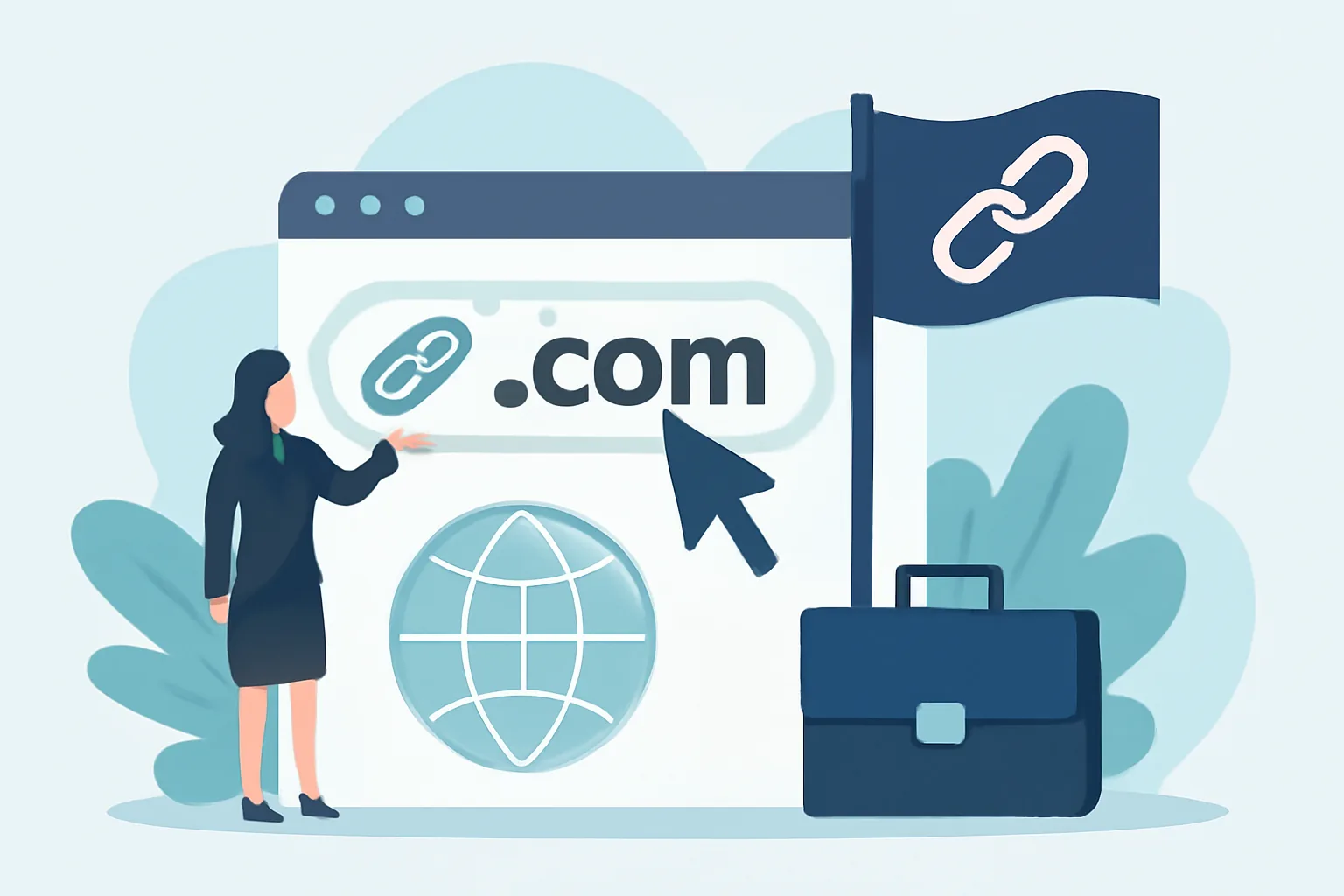
A custom short link domain is exactly what it sounds like: a short-link setup that uses your own domain instead of a generic one. Instead of sending someone to a link that looks like it came from a public shortener, you send them to a branded address that belongs to your business. That might be a dedicated short domain such as links.yourbrand.com, a compact vanity domain, or another structure built for redirects and tracking.
The difference is not cosmetic alone, even if the first impression matters. A generic shortener can work well for personal sharing or one-off posts, but businesses usually need more control. They need links that match their brand, work across campaigns, support analytics, and can be managed by multiple people without turning into a tangle of mystery URLs.
Common use cases include marketing campaigns, email newsletters, social posts, printed materials, partner sharing, and customer support. A custom short domain helps keep long destinations tidy while giving the business a single place to organize, update, or retire links. If you are running a product launch, sending a press kit, or handing out a QR code at an event, this kind of setup can save time later. It also makes the link itself part of the brand experience rather than an anonymous bridge.
For businesses that also care about routing, expiry, or private sharing, a branded short-link system can sit alongside other features such as password-protected links, so the same infrastructure supports both public campaigns and more controlled distribution.
Branded Short Links: How They Support Recognition and Click-Through
Branded short links are more than shortened URLs with a nicer coat of paint. They are a small but useful marketing asset. When the domain itself is familiar, the link is easier to recognize in an inbox, on social media, or in a chat thread. People may not consciously think, “Ah yes, this is a custom short domain,” but they do notice when a link looks consistent with the sender.
That recognition can matter in practical ways. Someone scanning a crowded email inbox is more likely to trust a link that matches the brand they expect. A partner posting your campaign on their social account has less friction if the URL looks clean and deliberate. And for teams that share links across departments, a branded domain helps keep the experience coherent instead of scattered across multiple generic shorteners.
There is also a memory advantage. Short, readable links are easier to say aloud, paste into a message, or type from a flyer. If a sales rep can point a prospect to a concise branded URL during a call, the interaction feels smoother. If a customer sees the same domain on a landing page, in a QR code, and in follow-up email, the thread feels connected rather than improvised.
Click-through itself is affected by several things, and a domain is only one piece of the puzzle. Clear copy, relevant placement, strong offer, and audience fit still do the heavy lifting. But in the messy real world, presentation influences whether someone pauses long enough to click. A branded link may not guarantee action, yet it often removes one small point of hesitation.
There is also a brand-asset angle that teams sometimes overlook. A short domain is reusable. Once it is established, it can support seasonal campaigns, referral programs, product updates, and support documentation without needing a fresh explanation each time. That consistency becomes part of the brand’s visual and verbal rhythm.
Link Trust: Why Custom Domains Can Improve Confidence
Link trust is the quiet part of the link conversation, but it is often the part that decides whether someone clicks. People have been trained to be cautious online, and for good reason. A string of unfamiliar characters can look suspicious even when it is harmless. A familiar branded domain, by contrast, often signals that the destination is legitimate and expected.
That does not mean a custom short link domain automatically creates trust. It simply gives you a better starting point. A business that uses a recognizable domain, stable naming patterns, and clean redirects gives visitors fewer reasons to pause. This matters for customers, of course, but it also matters for partners, journalists, and internal teams who may be deciding in a hurry whether to open the link at all.
Several design and naming choices influence perceived trust. Short, readable names tend to work better than cryptic abbreviations. Consistent use across channels helps too. If one link uses your brand, another uses a random campaign code, and a third looks like a test URL from last year, people may not know what to make of the pattern. The same is true for excessively long paths or strange punctuation. The cleaner the link looks, the less cognitive effort it demands.
There is a balance here, naturally. A custom domain should feel branded, not forced. If the short domain is too clever, too obscure, or too close to another well-known company name, it can create the wrong impression. Users should be able to glance at it and understand, at least broadly, who is behind the link and why it exists.
For businesses that want to understand how people judge unfamiliar links in general, it can help to read broader guidance such as Are Short Links Safe? How to Check Before You Click. The main point is simple: trust is built from consistency, clarity, and maintenance, not from branding alone.
Choosing the Right Custom Domain for Your Brand
The best custom short link domain is usually the one that disappears into the task. It should be easy to read, easy to say, and hard to mistype. That sounds obvious, but in practice a lot of domain decisions get made for internal reasons rather than user comfort. A shortener domain might be approved because it is available, not because it is pleasant.
Start with length. A shorter name is not automatically better, but it is usually easier to use. People copy links into messages, handwrite them on paper, and read them from screens with poor lighting. Long or complicated names increase the chance of mistakes. If you expect the link to be spoken aloud, pronunciation matters too. A domain that is ambiguous when heard over the phone can become a support headache later.
Consider the extension as well. Some businesses prefer common extensions because they feel familiar. Others use country-specific or industry-specific options where they make sense. There is no universal winner. The right choice depends on audience, geography, and the tone you want the domain to carry. The important thing is that it should not feel like an afterthought.
It is also worth avoiding names that are hard to spell or visually confusing. Doubled letters, unusual abbreviations, and strings that rely on inside knowledge can all create friction. If the domain requires explanation every time it is shared, it is probably too clever.
A good test is the “say it once” test. If someone hears the domain in a meeting and can probably type it correctly on the first try, you are in decent shape. If they need it repeated, shortened, or explained, keep looking.
Setting Up a Custom Short Link Domain for Business Use
The setup process is fairly straightforward in concept, though the details should be handled carefully. First comes the domain purchase. Businesses often register a dedicated domain or subdomain specifically for link management so that traffic can be separated from the main website. That creates clearer operational boundaries and keeps the branding consistent.
Next is DNS configuration. In practice, this means pointing the domain or subdomain to the system that will handle redirects. This step depends on the platform and hosting setup. This is the step where many teams pause, because DNS changes can feel abstract until they are working correctly. Good documentation helps here, and so does a clean rollout plan.
SSL matters too. Modern browsers expect secure connections, and a short link that behaves oddly in a browser can make a user nervous. Certificate setup is usually handled during or after domain configuration, but it should not be treated as an optional extra. A short domain that is meant to carry campaigns, analytics, and customer traffic should be secure by default.
After that comes the redirect structure. Businesses typically want links to forward quickly and predictably to a destination URL, while preserving tracking parameters where appropriate. It is also wise to think in advance about how you will manage destination updates. A good short-link system lets you change where a link goes without changing the link people already have.
Finally, connect the domain to a link management platform that supports your workflow. Some businesses need simple redirects. Others want analytics, team permissions, tag-based organization, or campaign-level reporting. If your use case includes QR materials, the same setup may also help with tools such as Dynamic QR Codes, where the destination can be updated without reprinting every asset.
Best Practices for Managing Branded Short Links Across Teams
Once the domain is live, the real work begins: keeping it useful. A branded short-link system gets messy quickly if every department invents its own naming style. Marketing creates one pattern, sales creates another, support creates a third, and nobody can tell which links are active, stale, or duplicated. A little governance saves a lot of confusion.
Start with naming conventions. Decide how campaign names are formed, whether dates are included, and how internal projects are labeled. The goal is not bureaucracy for its own sake. The goal is to make a link understandable six months later when someone asks what it was for. A clear path like /spring-launch is easier to maintain than a code that only makes sense to one person who has since moved on.
Permissions matter just as much. Not everyone needs to create, edit, or delete every link. Assign roles carefully so that accidental changes do not break live campaigns. If one team is responsible for customer-facing links and another handles internal assets, keep those permissions separate. Small safeguards prevent large embarrassing moments.
It also helps to define link expiration and review habits. Some links should live indefinitely, especially if they point to evergreen content. Others should expire or be retired when a campaign ends. Regular housekeeping reduces clutter and lowers the risk of people finding old links that no longer lead where they should.
Consistency across departments has a pleasant side effect: it makes analytics easier to read. If every team labels links in a comparable way, reporting becomes simpler, and campaign performance is easier to compare. That kind of operational clarity is one reason branded link infrastructure scales better than ad hoc shortening habits.
Security, Deliverability, and Common Mistakes to Avoid
Any link system can cause trouble if it is poorly maintained, and a custom short domain is no exception. Broken redirects are the most obvious failure. A link that once worked but now returns an error is more than inconvenient; it creates doubt. If people encounter too many dead ends, they start hesitating even when future links are fine. Reputation is cumulative, and link trust is no different.
Another common mistake is using a domain too aggressively. If every message, every asset, and every internal note contains a different branded link with a different pattern, the result can feel spam-like even when the content is legitimate. Overly noisy naming can also trigger concern among email recipients or platform filters, especially if the path looks random or stuffed with marketing jargon.
Deliverability depends on more than the short domain alone. Sender reputation, message content, authentication, and list quality all play a role. But link presentation is part of the overall picture. A clean branded domain supports the rest of your email and outreach stack; a neglected one can work against it.
Security hygiene matters too. Keep domain records current, renew certificates and registrations on time, and audit old destinations regularly. If a link is reused for a new campaign, verify that it still points to the intended page. If a partner-managed campaign ends, make sure no one is accidentally sending traffic to a page that no longer exists or should no longer be public.
One more practical point: do not let branding eclipse utility. A short domain should be recognizable, yes, but it also needs to be maintainable by the people who actually use it. If the system is so tightly controlled that basic updates become a bottleneck, the setup may be more impressive than helpful.
When a Custom Short Link Domain Makes Sense, and When It Doesn’t
A custom short link domain makes the most sense when your business shares links often and cares about how those links look and perform. If you run campaigns across email, social, print, and partner channels, a branded domain can bring order to the mix. If you need analytics, destination control, or a consistent identity across teams, the case becomes even stronger.
It is also a good fit when trust matters. That includes customer communications, onboarding flows, press outreach, event materials, and anything else where a recipient may hesitate before clicking. In those moments, a recognizable domain can reduce friction in a way that is easy to overlook until you compare it with a generic shortener.
That said, not every business needs one immediately. If you only share links occasionally, have a tiny team, or do not yet have a reliable process for maintaining redirects, a custom setup may be more infrastructure than you need. The domain itself is not the hard part; the discipline around it is. Without ownership, naming rules, and ongoing checks, the system can become a forgotten corner of the stack.
There is also the matter of cost and complexity, which should be weighed honestly. Registering and maintaining a custom domain is not usually difficult, but it does introduce another moving part. If your organization is still working out basic link workflows, it may be smarter to start small and adopt a branded short domain once the use case is clear.
In the end, the best test is simple: does the custom short link domain make sharing easier, clearer, and more trustworthy for your audience and your team? If the answer is yes, it is doing real work. If the answer is “maybe someday,” it may be worth waiting until the setup can be used well, not merely used.
Put this into practice
Paste a link and get a short URL, a QR code and click stats in seconds — free, no sign-up.
More from the blog
Branded Short Links for Campaigns: A Practical Guide
Learn how branded short links for campaigns improve trust, clicks, and sharing with a custom domain and clear setup tips.
Custom Short Link Domain for a Brand
Learn how a custom short link domain for a brand improves trust, recognition, and cleaner sharing across marketing channels.

How to Use Short Links in Social Media Bios Without Losing Conversions
Learn how to use short links in social media bios without losing conversions by matching goals, copy, and destinations.