
Dynamic QR Code for Restaurant Menu
Learn how a dynamic QR code for restaurant menu use lets you update links after printing, save reprints, and improve guest access.
On this page
What a Dynamic QR Code Menu Is
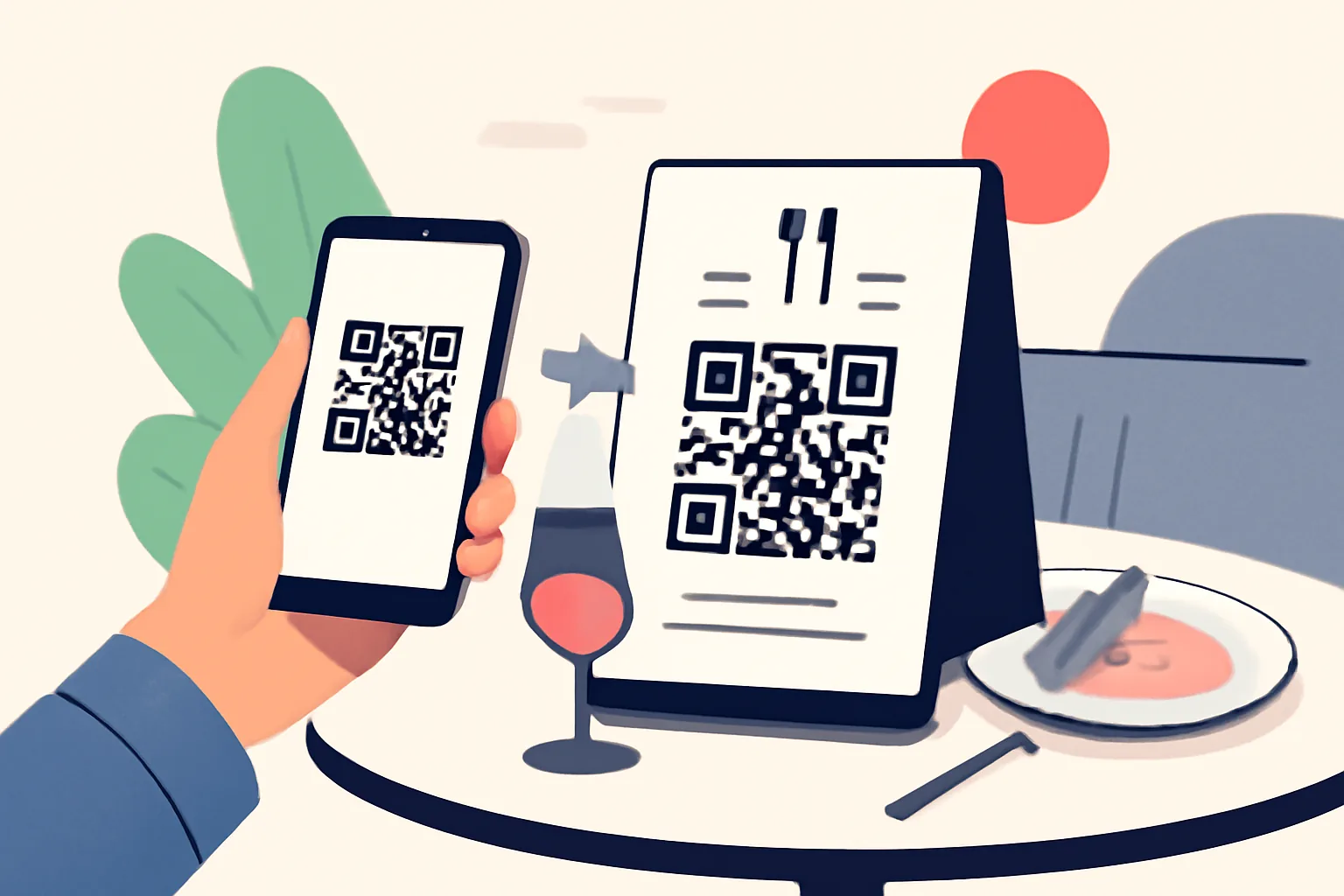
A dynamic QR code for restaurant menu use is a scannable code that points guests to a menu online, but with one important difference: the destination can be changed later without reprinting the code. That flexibility is the whole point. A customer scans the code on a table tent or window sticker, opens the menu on their phone, and sees the current version you want them to see.
With a static QR code, the destination is fixed, and if the menu URL changes, the code can’t follow along. You would need to generate a new code and replace every printed version. A dynamic code avoids that headache. It acts more like a pointer than a permanent address, which makes it especially useful for restaurants that update often, rotate specials, or run different menus for breakfast, lunch, and dinner.
In practice, that means a dynamic QR code can sit on a table all month while the destination changes behind the scenes. One week it leads to a brunch menu, the next to a holiday prix fixe, and later to an updated takeout page. For a restaurant, that kind of control matters, and menus are not static documents; they are living tools.
Why Restaurants Use a QR Code Menu
Restaurants use a QR code menu for a simple reason: it makes ordering information faster to access and easier to maintain. Guests no longer need to wait for a paper menu to be brought over, and staff do not need to keep chasing down missing copies or worn-out inserts.
The biggest benefit is speed. A guest can scan, browse, and decide without delay. That can be especially helpful during busy service, when a table is still settling in and no one wants to flag down a server just to ask about drinks or dessert. It also helps when guests want to compare dishes quietly at the table instead of holding up service.
Another advantage is easier updates. Restaurants change more often than people think, and prices shift, items sell out, ingredients change, and seasonal offerings come and go. With a QR code menu, you can revise the menu online and let that new version appear immediately. No printer. No re-laminating. No stack of outdated menus sitting in a closet.
There’s also the guest experience itself. A clean digital menu can be easier to read, easier to translate, and easier to organize than a crowded paper sheet. Photos, allergen notes, and category sections are often simpler to manage online. For some restaurants, that small improvement in usability makes a noticeable difference. If you’re also interested in how branded links can support a more polished look, see custom short link domain.
How to Change the QR Code Destination After Printing
This is where a dynamic QR code really earns its keep. Once the code is printed, you can still change where it sends people, which makes it easy to change QR code destination after printing. The printed image itself does not need to change, because the code is tied to a managed destination rather than a fixed page, and in other words, the QR code stays the same, but the menu behind it can be swapped out.
In practice, the process usually works like this: you create a QR code linked to a short redirect or a dashboard-managed URL. Later, when the menu needs updating, you log in to the QR code or link management tool and replace the target URL. Guests scanning the old printed code are then sent to the new destination automatically.
That matters more than it may sound at first. Imagine you’ve printed table cards for your summer menu, but the weather turns early and you switch to a fall lineup, and or you launch a limited-time tasting menu for a holiday weekend. With a dynamic code, you don’t need to rush out a batch of new prints. You change the destination once, and every existing code starts working for the new page.
It also helps when your menu is split across multiple versions. A restaurant might want to direct dine-in guests to one page, takeout customers to another, and private event visitors to a third, and a dynamic code can help steer those experiences more cleanly than a single fixed menu link. If you manage multiple links for different audiences, it may also be worth reading about Are Short Links Safe? How to Check Before You Click, especially if you want to think carefully about trust and clarity.
Still, one practical note: changing the destination is only useful if the new page is ready. If the menu URL is broken, incomplete, or not mobile-friendly, a dynamic code cannot rescue the experience. It only gives you flexibility. The destination still has to be worth the scan.
Best Ways to Set Up a Restaurant Menu QR Code
The best setup starts with deciding exactly where the code should send guests, and that sounds obvious, but restaurants sometimes skip this step and simply link to the homepage. A homepage is not a menu. It may be full of other content, or it may bury the menu under extra clicks. Guests should land directly on the page they came for, whether that is the dine-in menu, a PDF, or a mobile-friendly menu page.
Next, choose the format that fits your operation. A live web page is usually the easiest for quick updates and a better mobile experience. A PDF can work too, especially if your layout is already polished, but make sure it opens cleanly on a phone, and guests do not want to pinch and zoom just to read soup specials.
Then generate the dynamic QR code and test it before printing. Scan it with different phones if you can. Try it on both Wi-Fi and mobile data. Check whether it opens quickly, whether the page loads correctly, and whether the menu is readable without extra effort. A code that scans well but leads to a slow or cluttered page is still a poor experience.
After that, print in a size that is easy to scan from the expected distance, and a table card needs a different size than a window decal. The code should have enough quiet space around it, and the surrounding design should not crowd it. If the restaurant branding is strong, keep it neat rather than decorative. The QR code is there to work, not to win an art contest.
Finally, write a clear instruction nearby. Something as simple as “Scan to view the menu” is enough, and guests should never have to guess what happens after the scan. A tiny bit of guidance goes a long way, especially for first-time visitors or older guests who may not scan codes every day.
Where to Place QR Codes in a Restaurant
Placement affects whether guests use the code or ignore it. The best location is the one that is visible, convenient, and natural in the flow of the meal. Tables are the most obvious place, and for good reason. If guests are seated and waiting, a table tent or sticker is right in front of them at the moment they are ready to look at options.
Window displays are useful too, especially for walk-in traffic. Someone passing by can scan before entering, get a sense of the menu, and decide whether the restaurant fits what they want that day, and that can save time for both the guest and the host stand.
Receipts and takeout bags are another smart placement. A code on a receipt can bring guests back to the menu for a repeat order or direct them to catering information, rewards, or a feedback page. Takeout bags are valuable real estate as well. They reach customers after the meal, when the experience is still fresh.
Counter displays work well in cafés, fast-casual spaces, and bars where guests place orders in view of the service area, and the code should be easy to see without interrupting the line or cluttering the counter. If the restaurant offers dine-in and takeout, it can make sense to use different placements for different use cases. A code on the table can support seated guests, while a second code near the register can guide quick-service customers.
Common Mistakes to Avoid With QR Code Menus
The most common mistake is linking to the wrong page. It happens more often than people admit. A code gets connected to a temporary test page, a stale menu file, or a homepage that never should have been the destination in the first place, and always double-check the final link before printing.
Another problem is size. A QR code that is too small may still look fine on a design file, but fail in real life when guests try to scan it from across a table. Think about distance and lighting. If people have to lean too far or squint, they may simply give up.
Poor contrast is another easy way to cause trouble. Dark code on a light background is the safest option. Fancy gradients, busy patterns, and low-contrast color choices may look stylish, but they can interfere with scanning. The code has one job. Let it do that job clearly.
Some restaurants also make the mistake of using a static QR code when updates are expected, and if the menu changes often, a static code becomes a future problem. You end up reprinting cards, replacing decals, and dealing with old copies that still point to old information. A dynamic setup avoids that waste.
One more subtle issue: the code may work, but the destination may not. Slow pages, broken formatting, or menus that are difficult to read on a phone can frustrate guests just as much as a bad code can. The scan is only the start of the experience.
Tips for Keeping Your QR Code Menu User-Friendly
Usability starts with readability. The menu should open well on a phone, with text that is easy to scan quickly and category headings that make sense at a glance. Guests often browse while talking, ordering drinks, or juggling coats and bags, so they need a layout that is simple, not demanding.
Keep the language clear. Menu descriptions do not need to be stiff or overdesigned. A guest should be able to understand what they are ordering without decoding marketing copy. “Grilled chicken sandwich with herb mayo” is more helpful than something vague and overly poetic.
If your restaurant serves a diverse crowd, consider language clarity as part of accessibility, and a menu that is easy to navigate in one language may still be confusing to another audience. Some restaurants create separate landing pages or language toggles so guests can get to the right version with fewer taps.
It also helps to put a brief call to action near the code. “Scan to view today’s menu” is better than leaving the code floating on its own. A small cue tells guests exactly what they’re about to get. If the restaurant wants to add a layer of privacy for staff notes, seasonal previews, or invite-only menus, a tool such as Password-Protected Links: Share Privately, No Account can be useful in the right context.
Finally, test the full journey from the guest’s point of view. Stand at the table. Scan the code. Wait for the page to load. See whether the menu is easy to navigate with one hand, and those few moments reveal more than a design mockup ever will. Small friction points add up quickly in a busy dining room.
When a Dynamic QR Code Is Better Than a Static One
A dynamic QR code is the better choice whenever the destination is likely to change. That includes seasonal menus, rotating specials, holiday offerings, and businesses that adjust pricing or availability often. If your restaurant updates the menu more than occasionally, dynamic is simply the safer, cleaner option.
It is also the smarter choice when printed materials are expensive or hard to replace, and table cards, acrylic displays, wall decals, and outdoor signage can all take time and money to reissue. A dynamic code extends the life of those materials by separating the printed code from the online destination.
Restaurants with multiple service modes benefit too. Dine-in, takeout, catering, brunch, late-night service, and private events may each need different pages. Rather than printing different codes for every situation, a dynamic system lets you manage the flow from one place.
Static codes still have a place when the destination is truly permanent, such as a fixed contact page or a long-term brochure. But for a restaurant menu, permanence is rare. Menus evolve. That is part of the business. A dynamic QR code for restaurant menu updates reflects that reality and gives you room to adapt without starting over.
In short, choose dynamic when flexibility matters, when changes are likely, and when you want your printed materials to last longer than this week’s specials. It is a practical tool, not a gimmick, and for many restaurants it quietly solves a very ordinary problem: how to keep the menu current without making everyone redo the signage.
Put this into practice
Paste a link and get a short URL, a QR code and click stats in seconds — free, no sign-up.
More from the blog
How to Create a QR Code for a PDF File
Learn how to create a QR code for a PDF file with direct links, landing pages, mobile-ready PDFs, and update-friendly redirects.
QR Code Menu for Restaurants
Learn how a QR code menu for restaurants improves access, updates, and service with dynamic QR code options.

Dynamic QR Code Examples for Business
Explore dynamic QR code examples for business and learn how to update QR code after printing without reprinting materials.