
On this page
What Email Link Tracking Means
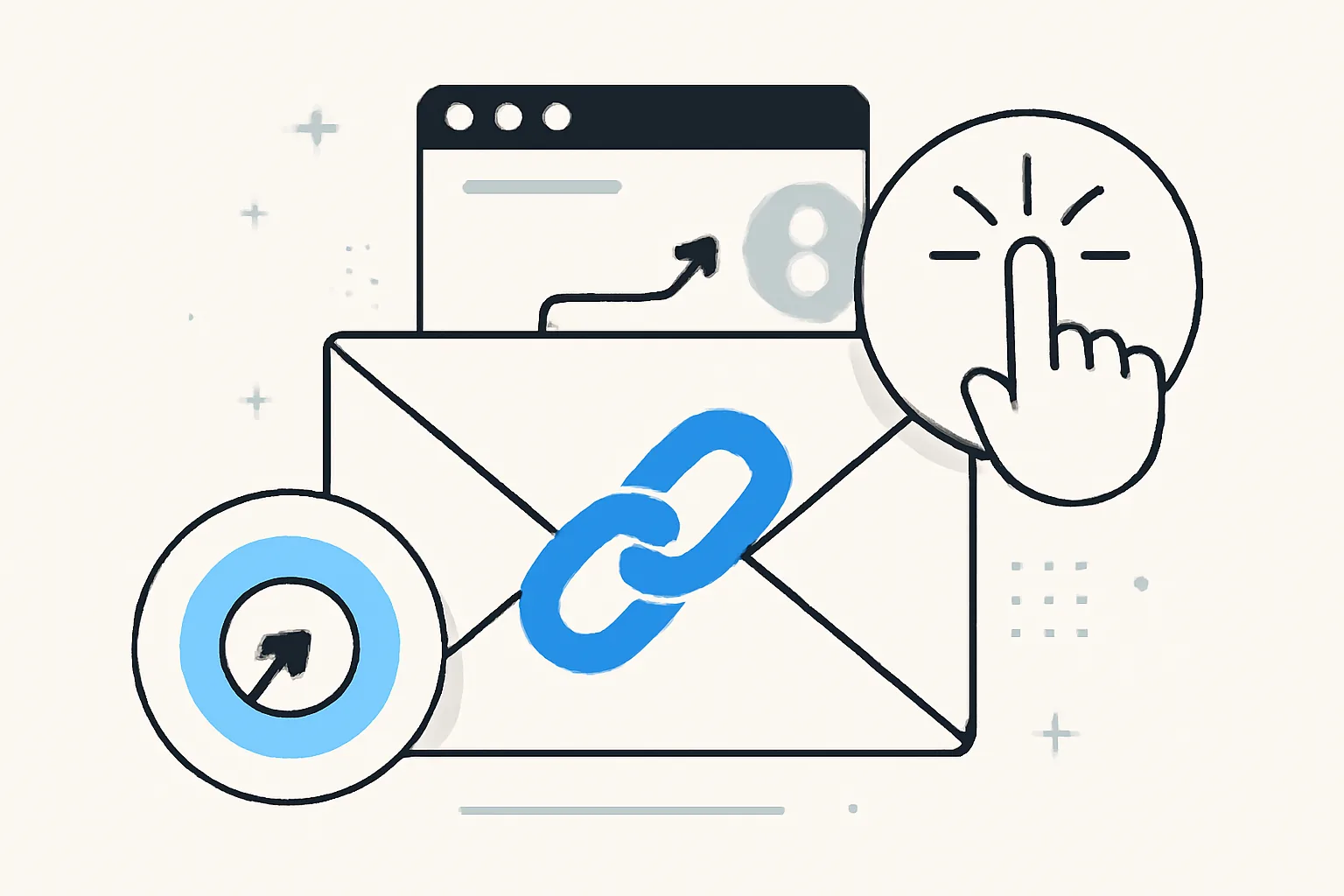
Email link tracking is the practice of measuring when someone clicks a link in an email and, in many cases, what happens after that click. In plain English: instead of sending a recipient straight to a landing page, the email service or tracking platform routes the click through a tracked URL first, records the event, and then sends the person on to the destination.
This is different from open tracking, which tries to detect whether the email itself was opened, and opens can be useful, but they are a weaker signal than clicks. A person may open an email by accident, glance at it for a second, or have image loading disabled entirely. A click, by contrast, shows active interest. Someone chose to engage.
That distinction matters because not every metric tells the same story. Open rates can hint at subject line performance, while link clicks often reveal whether the message, offer, or call to action actually landed. In email analytics, clicks are usually closer to intent than opens are.
It also helps to separate link tracking from broader engagement measurement, and a campaign dashboard might show opens, clicks, conversions, bounces, unsubscribes, and replies. Each metric answers a different question. Opens ask, “Did the message get seen?” Clicks ask, “Did the reader act?” Conversions ask, “Did that action turn into business value?”
How Click Tracking Works in Practice
The basic mechanism is simple, even if the plumbing is not. When you insert a tracked link into an email, the visible URL often points to a tracking domain or redirect endpoint. When the recipient clicks it, the tracking system logs the event first, then forwards the browser to the final destination.
That redirect step is where the useful data is captured. Depending on the platform, the system may store the time of the click, the email campaign or message ID, the recipient record, the specific link clicked, device information, browser information, and a rough location derived from IP address.
Many systems also append unique tracking parameters to the destination URL, and these parameters can include campaign tags, source labels, or recipient-specific identifiers. Used carefully, they make it easier to connect a click to a later visit, lead form submission, or purchase. Used carelessly, they can make links ugly, hard to trust, and difficult to maintain.
Some teams prefer to use a dedicated short link layer for this purpose, especially when they want more control over branding and analytics. If you are weighing that route, custom short link domain is worth a look because the domain itself can affect trust and recognition.
In practice, click tracking usually records two kinds of data:
- Event data: that a click happened, when it happened, and which link was used.
- Context data: enough technical detail to understand the environment of the click, such as device type, browser, or source network.
That context can be useful, but it is not always precise. IP-based location is approximate. Device classification can be wrong. And some email clients or privacy tools intentionally obscure parts of the trail.
Referrer Analytics and What It Can Tell You
Referrer analytics tries to answer a second question after the click: where did the visitor appear to come from? In a browser, the referrer is often the previous page or source that sent the user onward, and in email, that can sometimes help link a visit back to a campaign or client application.
Used well, referrer data can show what happens after someone clicks. Did they land on the home page and wander? Did they go straight to pricing, then to the signup page? Did traffic from a product announcement email behave differently from traffic in a newsletter? Those patterns can reveal intent more clearly than the click alone.
There is a catch, of course. Referrer data in email environments is messy. Some email clients strip or suppress it. Privacy-focused browsers may reduce it. Redirects can break it. Mobile apps often behave differently from desktop clients. So while referrer analytics can be helpful, it should be treated as one clue among several, not as a perfect map.
That is why teams often combine referrer signals with campaign tags, landing-page analytics, and conversion events. The click says a person moved. The referrer may suggest the source path. The landing page and downstream behavior tell you whether the move was meaningful.
If you want to go deeper into how links themselves can be used as a measurement and audience-building tool, Retargeting Pixels on Short Links: Audiences From Clicks is a useful related read. It expands the idea beyond analytics and into follow-up targeting.
Common Use Cases for Email Link Tracking
Marketers use email link tracking first and foremost to measure campaign performance. Which subject line supported more clicks? Which offer got traction? Which call to action earned attention? Those are practical questions, and tracked links give cleaner answers than guesswork does.
Sales teams use tracking a little differently, and a rep may send a follow-up email with a proposal, a case study, or a meeting scheduler. If the recipient clicks, that can signal interest and help the rep time the next message. It is not magic, but it beats sending a reminder into the void.
Product teams use tracked links for onboarding and activation flows, and a welcome email might include links to documentation, templates, tutorials, or an invite to complete a profile. When a new user clicks a specific link, that tells the team what kind of guidance is being noticed and what may still be confusing.
Segmentation is another common use. Click behavior can help separate readers into groups based on interest. Someone who clicks pricing pages may belong in a high-intent segment. Someone who keeps opening educational content may need more nurturing, and someone who only clicks support articles may be looking for reassurance, not a sales pitch.
Follow-up automation often depends on those signals. A click on a webinar link can trigger a reminder sequence. A click on a product page can route a lead to sales, and a click on an unsubtle “read more” link can add a contact to a content-interest audience. That kind of automation is only as good as the tracking underneath it.
There are also quieter uses. Internal communications teams track links in announcements to see what employees actually read. Nonprofits track donation or volunteer links to understand which stories move supporters. Publishers track article links to see what topics deserve a second headline or a different send time.
Benefits and Tradeoffs of Tracking Links
The biggest benefit of email link tracking is clearer attribution, and without it, you are left with vague impressions. With it, you can see which email, which link, and which audience segment drove an action. That makes optimization possible. You can test subject lines, calls to action, link placement, content length, and send timing with something more solid than instinct.
Another benefit is faster decision-making. If a campaign is underperforming, link data can show whether the problem is the offer, the audience, or the page itself. Maybe the email is getting opened but not clicked. Maybe the first link earns attention while the second goes ignored, and maybe the landing page is doing the damage after the click.
Still, tracking links comes with tradeoffs. Some recipients notice redirects and become wary. Long or unfamiliar URLs can look suspicious. This is especially true when links are masked poorly or when the tracking domain feels disconnected from the sender’s brand. Trust is fragile in email. One strange-looking link can spoil a careful message.
There are also deliverability and compliance considerations. Email systems and security filters may inspect links, rewrite them, or flag them if they look risky. On the compliance side, click tracking can fall under consent and privacy rules depending on jurisdiction and how the data is used.
If you share links privately or work with sensitive material, it is worth exploring options that reduce exposure while preserving control. A related topic is Password-Protected Links: Share Privately, No Account, which shows one way teams can keep access tight without making the process clumsy.
For affiliate teams, there is one more balance to strike: clean presentation versus traceability. Affiliate Link Cloaking: Clean Links That Keep Earning explains why that balance matters, especially when long tracking URLs begin to work against themselves.
Best Practices for Reliable Tracking
Good tracking starts with clean URLs. If possible, keep the destination simple and readable, then add tracking parameters in a disciplined way. The more predictable your structure, the easier it is to report on results without creating a maze of near-duplicate links.
Use consistent naming for campaigns, sources, and content categories. This sounds dull, but it saves time later. One team’s “newsletter,” another team’s “news,” and a third team’s “weekly_update” can become a reporting headache quickly, and a tidy taxonomy is not glamorous, but it is the backbone of useful analysis.
UTM parameters are still the workhorse for many teams because they help standardize attribution across email, ads, and social channels. The important thing is consistency. If “email” means one thing in one campaign and something else in another, your reports will drift.
Consent-aware tracking matters too. If your audience has not agreed to certain kinds of measurement, do not treat tracking as a technical afterthought. Make the policy explicit, keep the disclosure understandable, and align the implementation with your legal obligations.
Testing is just as important as naming. Before a campaign goes out, click every tracked link from several email clients and devices, and confirm that redirects work, that parameters are preserved, and that the final page loads correctly. Check whether links appear as expected in dark mode, plain text, and mobile email apps. Little failures are common, and they tend to show up at the worst possible moment.
It can also help to keep a short QA checklist:
- Verify destination URLs.
- Check tracking parameters for consistency.
- Confirm redirects on mobile and desktop.
- Review link appearance in the email preview.
- Test how the page analytics receive the click data.
Limitations, Privacy, and Compliance
Click tracking is useful, but it is not complete truth. Technical limits are everywhere. Some email clients prefetch links or route traffic in ways that distort timing, and some security tools scan links before the recipient ever touches them. Some browsers and privacy features strip referrer data, reduce identifier sharing, or block scripts that would otherwise help connect the dots.
Mobile apps deserve special mention. Email read inside an app may behave differently from the same message opened in a browser or desktop client. That means clicks may be recorded accurately while surrounding context is fuzzy, or the reverse. In other words, the click happened, but the path around it may be incomplete.
Privacy settings also change the picture. People increasingly expect less surveillance, not more, and even when click tracking is technically permitted, it may feel intrusive if the sender does not explain it well. Transparency tends to travel farther than cleverness here.
Compliance depends on where you operate and who you email. Rules around consent, legitimate interest, and data retention vary by region and use case. If your tracking setup stores personal data or ties click activity to identifiable users, treat it as a regulated process, not a casual convenience.
For teams that care about safety and reputation, it is worth reading Are Short Links Safe? How to Check Before You Click. The concerns overlap: trust, transparency, and the difference between a link that is technically functional and one that feels safe to a real person.
How to Read and Act on the Data
The best way to read email link tracking data is to look at it in layers. Start with raw clicks. Then separate unique clicks from total clicks, since one person may click several times, and then compare clicks to landing-page visits, form submissions, and purchases or signups. Only then does the story become clear.
If an email gets a healthy number of clicks but the landing page shows few visits, the problem may be technical. A redirect may be failing, a browser may be blocking something, or a link may be opening in a way your analytics cannot follow cleanly. If clicks and visits both look strong but conversions are weak, the issue may be the offer or the page itself.
Referrer signals can help you go one step further. Suppose a reader clicks from an educational email and spends time on a knowledge-base article before moving to a pricing page, and that is a different intent pattern from someone who lands directly on a demo request form. Both are useful, but they call for different follow-up.
That is where segmentation pays off. Clickers on a specific topic can receive related content. High-intent visitors can be routed into a sales sequence. Dormant readers can be given a lighter, more useful touch, and the goal is not to chase every click with automation. The goal is to respond with judgment.
Content timing also improves when you read the data carefully. If readers consistently click certain links early in the day, send timing may matter more than you thought. If a particular article or product category keeps drawing attention, it may deserve a dedicated email rather than a passing mention buried in a larger newsletter.
In the end, email link tracking works best when you treat it as a decision tool, not just a reporting feature, and it helps you understand what people noticed, what they pursued, and where they hesitated. That is enough to make the next email better, which is the whole point.
Put this into practice
Paste a link and get a short URL, a QR code and click stats in seconds — free, no sign-up.
More from the blog

Short Link Analytics for Marketing Campaigns
Learn how short link analytics for marketing campaigns reveal clicks, sources, devices, and conversions across channels.

How Much Does QR Code Tracking Cost at Scale?
Learn how much does QR code tracking cost at scale, including scan volume, code counts, analytics depth, retention, and hidden ops fees.
How many clicks does my QR code get?
Learn how many clicks does my QR code get, what QR analytics count, and how to track scans, visits, and conversions accurately.