
On this page
QR Code for Instagram Link in Bio: A Practical Guide
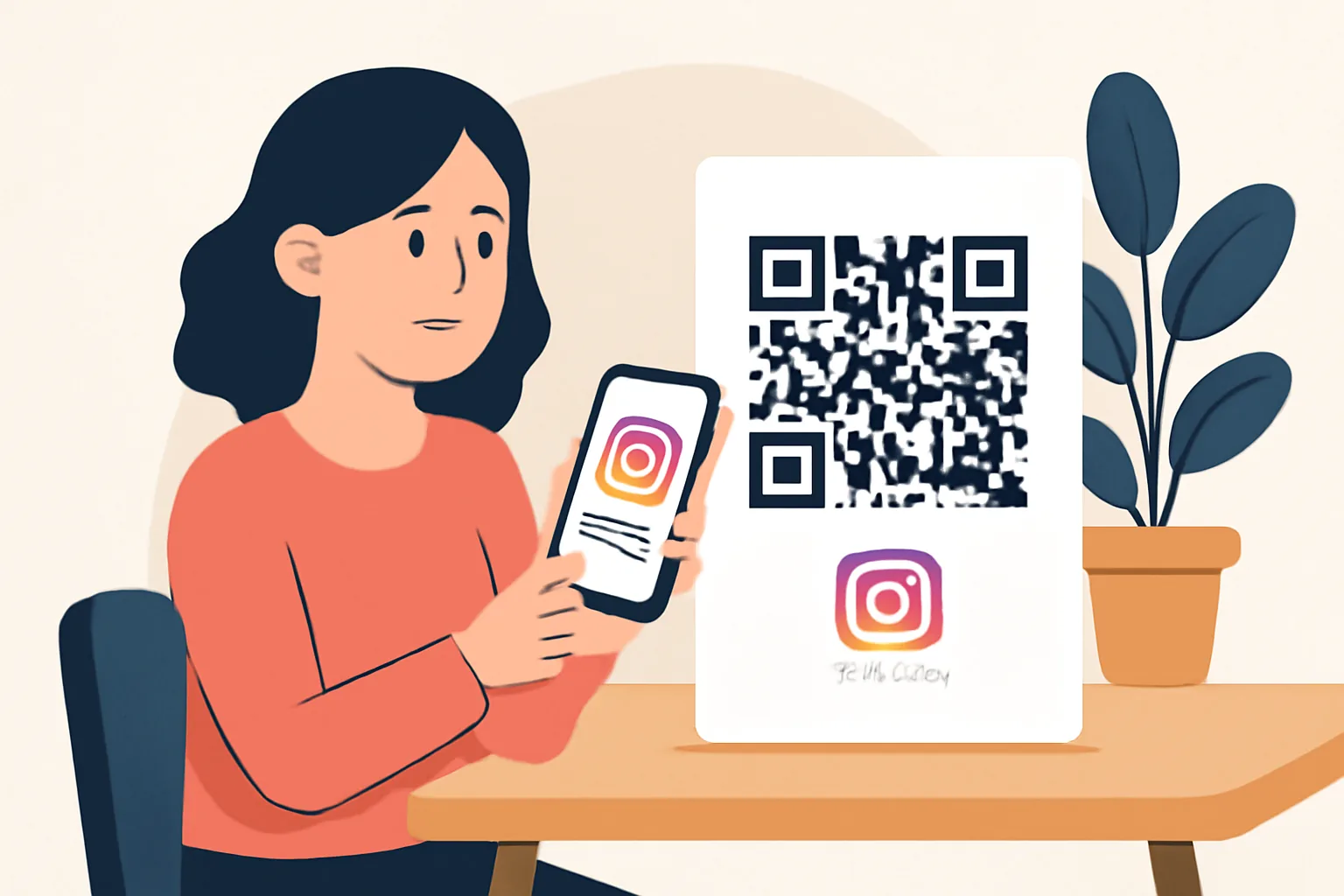
A QR code for Instagram link in bio looks simple: one scan, one jump to your Instagram profile or bio page, and the useful part is not the code itself, but the fact that it turns a printed surface into a live path. A poster in a café, a table tent at a market, even a shipping box can send someone straight to your Instagram link in bio without asking them to type a username.
That matters because typing on a phone is slow. Scanning is faster. A customer at a checkout counter has about 5 seconds of attention, maybe less, and a QR code can use those seconds better than a long handle or a handwritten note.
What a QR Code for Instagram Link in Bio Is
A QR code for Instagram link in bio is a scannable code that opens the URL you choose, usually the link in your Instagram bio or a landing page that your Instagram bio points to. The code does not “belong” to Instagram. It belongs to the web address you set. If that address changes, the QR code can point to a new place as long as the code is built to do that.
In practice, this means a customer scans the code on a menu, then lands on your Instagram profile, then taps the bio link. That is the basic path. It is short, and it works well when people already have their phones out. It also helps offline-to-online traffic, which is just a plain way of saying a person sees something in the real world and ends up on your screen.
Here is the tiny catch. If your bio link is messy, the QR code inherits that mess. A clean Instagram bio link makes the code more useful, especially when the goal is one action, not ten.
Why Use a Link in Bio QR Code
Creators use a QR code for Instagram link in bio because it lowers friction, and a festival visitor can scan a flyer and follow an account in two taps. A shop owner can put the code on a receipt and invite repeat visits. A bakery can print it on a cake box and send customers to seasonal posts or a new product launch.
Brands like it for the same reason. The code is easy to repeat across posters, packaging, menus, and event materials. One design file can serve many surfaces. You do not need a different web address for every printed item, and that saves reprints when the campaign changes after week 1 or month 1.
Small businesses get another benefit: the code is readable at a distance. A person standing 2 meters away can notice it on a window or counter, then scan when they are ready. That is useful for a one-person booth where nobody has time to explain “just search us on Instagram” six times in a row.
The code also works well for low-commitment encounters. Someone may not want to ask for a card. They may not want to type a URL. A scan feels lighter. For a lot of people, that is the difference between a lost lead and a saved one.
How a QR Code for Instagram Link in Bio Works
The flow is straightforward. A phone camera or QR scanner reads the code, recognizes the web address, and prompts the user to open it, and on most modern phones, the camera app does the work without a separate app. On older devices, a dedicated scanner may be needed. Either way, the result is the same: a browser opens your chosen destination.
That destination can be your Instagram profile, a bio landing page, or a link page that sits behind your Instagram bio, and if the code points to your profile, the visitor sees your posts, bio text, and the link area. If the code points to a landing page, the visitor can go directly to a product, form, video, or catalog. That choice matters because a 15-second scan should not lead to a page that asks for 4 more decisions.
Device behavior varies a little. Some phones show a banner above the camera preview. Others open the link after one tap. A few require the user to move closer if the code is blurry or too small. None of this is mysterious. It is just the phone trying to read the image cleanly enough to translate black squares into a URL.
If you want a related tactic for events and print pieces, Dynamic QR Codes: Change the Destination After Printing is worth a look. That becomes especially handy when the destination changes after a campaign has already been printed 500 times, which happens more often than people admit.
Best Use Cases for Instagram Bio Link QR Codes
Storefront signage is the obvious case. Put the code on a window, door, or counter sign, and ask people to scan for hours, opening times, or new drops, and a small “Scan for Instagram” label can do real work next to a logo. It lets passersby act without needing to search your name later, when they may have already forgotten it.
Business cards are another strong fit. A card has only a few square inches, so a QR code can carry more value than a line of tiny text. Many people keep cards for 1 day and then lose them. A scan at the table is faster than hoping they remember your handle after lunch.
Product inserts help too. If you ship skincare, stationery, coffee, or apparel, a QR code inside the package can send buyers to your Instagram bio link for care tips, styling ideas, or a follow request, and that is a simple way to keep the conversation going after delivery. A printed insert gets one more job before it ends up in the recycling bin.
Conference booths and trade shows are also good places for a QR code for Instagram link in bio. Attendees walk fast. They collect cards, brochures, and tote bags. A large code on the front of a booth can catch a passerby who has 10 seconds between sessions. One scan can do more than a stack of handouts if the booth is busy.
Cross-promotion on social media sounds odd at first, but it works. A printed card in a video thumbnail, an on-screen code during a live stream, or a code in a reel cover can bridge the gap between one platform and your Instagram. If you want to brand that bridge more tightly, custom short link domain can help keep the link itself consistent with your name.
How to Create a QR Code for Instagram Link in Bio
Start with the destination URL. Use the exact Instagram profile or bio page you want people to reach, and if your Instagram bio points to a landing page, check that page first. If the page has a typo, the QR code will faithfully send people to the typo. It is obedient that way.
Next, generate the code with a QR code tool that allows URL input. Enter the destination, create the code, and export it in a high-quality format such as PNG or SVG. For print, vector formats are often easier to place on posters or packaging without turning fuzzy at larger sizes. For a simple flyer, a sharp PNG can be enough.
Then test it on mobile devices. Scan it with at least 2 phones if you can, ideally one iPhone and one Android phone, and check the opening step, the loading time, and the destination page. If the scan works only when the image is held at arm’s length on your laptop screen, the code is not ready for print.
Test it from real distance, too. A code that works at 20 centimeters may fail at 2 meters on a wall sign. That is a layout problem, not a software problem. If the code is for a menu board, print a draft and stand where a customer would stand.
Design and Placement Tips for Better Scans
Size is the first design rule. A QR code should not be tiny on a crowded page, and if you want a person to scan from a counter, give the code enough room to breathe. A thumb-sized code can work on a business card. A window decal needs more space, or the scan rate drops fast.
Contrast matters just as much. Dark code on a light background is the safest choice, and avoid placing the code over a photo, a texture, or a pattern that fights with the squares. A black code on white is boring, which is exactly why it works.
Keep quiet space around the code. The scanner needs a clean edge. If text, logos, or decorative lines crowd the code, some cameras struggle. A simple border of blank space helps the reader identify the code quickly. Think of it as giving the code room to talk.
The call to action should be plain. “Scan to visit our Instagram” tells people what they get. “Scan for updates” is weaker unless the context makes it obvious, and if the code sits on a booth banner, put the CTA close to the code, not three feet away. People should not have to play detective.
Placement depends on the real setting. On a restaurant menu, place the code near the bottom where it does not interfere with food choices. On product packaging, put it where a hand can reach without folding the box. On event materials, keep it at eye level if possible, and a code hidden below a fold line is a code that stays invisible.
Common Mistakes to Avoid
The most common mistake is linking to the wrong page. It sounds basic because it is basic. If the QR code leads to an old Instagram profile, a dead campaign page, or a broken redirect, every scan wastes trust. One wrong URL can damage a whole print run.
Another mistake is using a poor-quality image. A blurred QR code on a flyer can look fine on screen and fail in print. If the code is pixelated, the scanner may not read it, and always inspect the final export at the size it will actually be used, not at some perfect zoom level on your laptop.
People also place the code too small. That saves space for a day and creates headaches for a month. If the code is on a poster, the scan distance matters. A code that works at 10 centimeters can be useless from 1 meter away.
There is also the classic problem of an outdated Instagram bio link, and the QR code may be fine, but the bio link it sends people to may have changed after a campaign update. That leaves the user at a dead end. Check the bio link before every print run, every launch, and every event.
One more issue: linking to a page that is not mobile-friendly. If the destination has tiny buttons, slow loading, or a form that asks for 12 fields, people leave quickly. A QR code gets the click; the landing page has to earn the second step. If privacy is part of the task, Password-Protected Links: Share Privately, No Account may be the better route for limited distribution.
Tracking and Improving Performance
Tracking matters because a QR code without data is guesswork, and use analytics tools that count scans, clicks, and device types. If you can separate scans by location or campaign, even better. A booth code and a packaging code should not be judged as if they were the same thing.
Watch the numbers over time, not just on day 1, and a poster in a shop window may get scans during lunch and after 6 p.m. A product insert may get clicks 3 days after delivery. That pattern tells you where the code is actually being seen.
Then adjust one thing at a time. If the scan rate is low, try a larger code or a clearer CTA, and if people scan but do not click the next step, fix the destination page. If the Instagram bio link gets clicks but not follows, the profile itself may need a stronger bio, a better pinned post, or a simpler offer.
For campaigns where the QR code is part of a broader link strategy, it helps to read more about Retargeting Pixels on Short Links: Audiences From Clicks. A scan is useful, but a tracked click can show which poster, booth, or package pulled its weight. That is the sort of detail that separates a hunch from a decision.
If you only have time for one review cycle, do it after 2 weeks, and check the code, the Instagram bio link, the landing page, and the call to action together. A QR code for Instagram link in bio is not a magic square. It is a printed shortcut, and like any shortcut, it works best when every turn after the scan is still easy to take.
Put this into practice
Paste a link and get a short URL, a QR code and click stats in seconds — free, no sign-up.
More from the blog

Link in Bio for Instagram: A Practical Guide for Creators and Brands
Learn how to use a link in bio for Instagram to drive clicks, organize destinations, and improve social media conversions.
How to Create a QR Code for an Email Address
Learn how to create a QR code for an email address with a mailto link, optional subject, and body for fast, scan-to-email replies.
How to Create a QR Code for a Website Link
Learn how to create a QR code for a website link by choosing the right page, generating the code, customizing it, and testing it.