
On this page
Password-Protected Short Links: A Practical Guide to Safer Sharing
Not every link is meant to be public. Sometimes you want to share a draft article with a client, a private file with a colleague, or a registration page with invited guests only. A password-protected short link gives you a simple way to do that without building a full access system from scratch. It keeps the link compact, easy to send, and, crucially, a little harder to stumble into by accident.
The appeal is straightforward: the recipient clicks a short URL, enters a password, and only then reaches the destination. That extra step can be enough to separate “for anyone” from “for the right people.” It is not a replacement for deep security controls, but in everyday sharing, it solves a very real problem: how to keep a link convenient without making it openly accessible.
What password-protected short links are
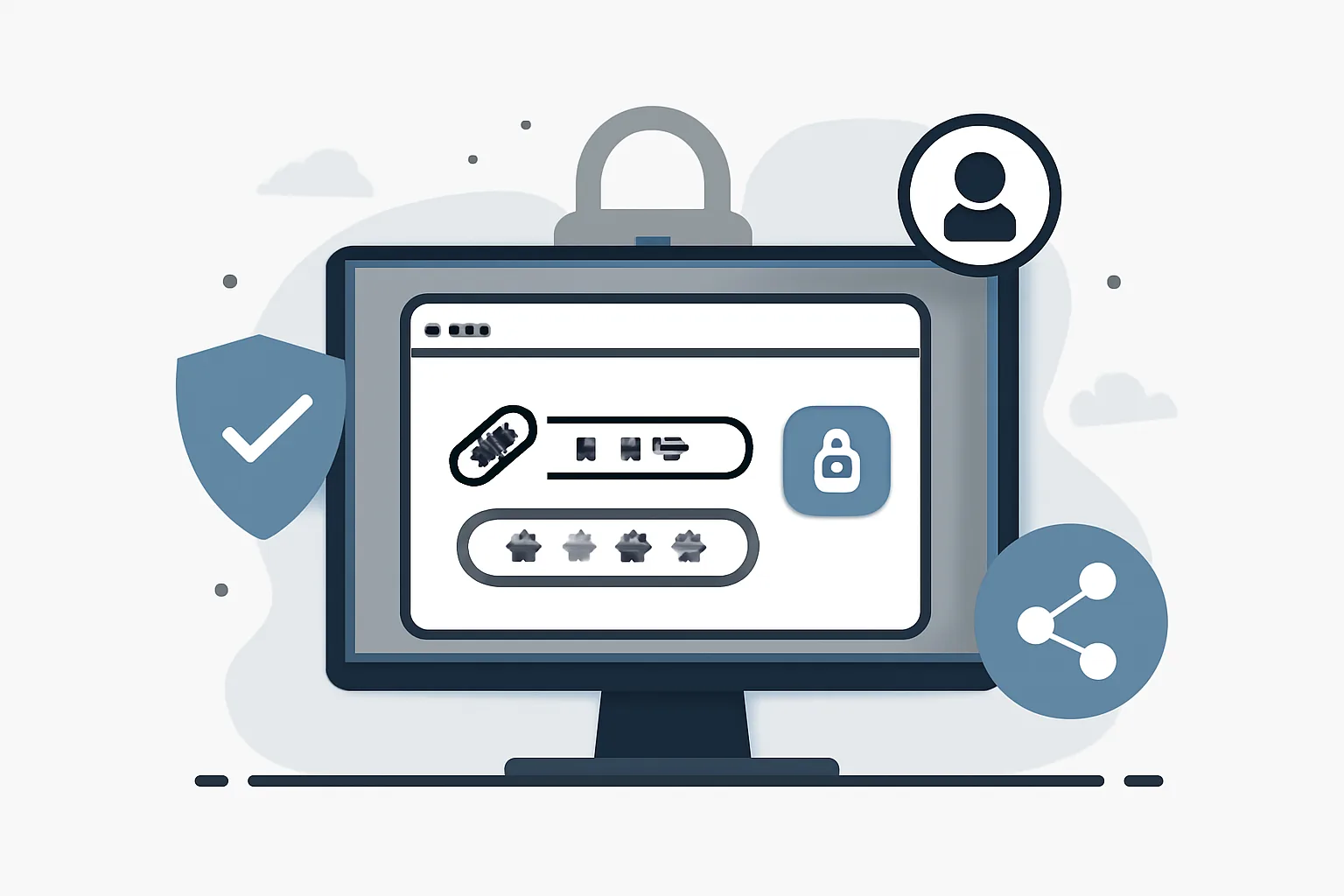
A password-protected short link is a shortened URL that does not immediately redirect to its final destination. Instead, it presents a password prompt first. Once the correct password is entered, the recipient is sent on to the original page, file, form, or resource.
From the sender’s side, the flow is usually simple. You create a short link, turn on password protection, choose a password, and then share the link. The password can be sent separately through email, chat, phone, or another channel. That separation matters. If the link is forwarded without the password, the destination stays hidden.
From the recipient’s side, the experience is also direct. They open the short link, see a password screen, enter the code, and proceed. Done well, it feels like a small gate rather than a burden. Done poorly, it feels like friction. The difference is usually in how thoughtfully the link is set up and how clearly the password is communicated.
Why people use password-protected short links
There are many reasons to add a password to a short link, and most of them are practical rather than dramatic. People use this feature when they want to reduce casual access without overcomplicating sharing.
- Sharing sensitive files, such as contracts, invoices, reports, or HR documents.
- Sending internal resources that should not be indexed, guessed, or casually forwarded.
- Distributing draft content to editors, partners, or clients before publication.
- Limiting access to event details, private RSVP pages, or invitation-only materials.
- Protecting temporary pages, such as early-access product demos or seasonal campaigns.
In each case, the point is not to create fortress-grade security. It is to add a controlled step between the audience and the destination. A short link with a password is often enough for the everyday privacy problems that teams actually face: the wrong person seeing the wrong page, a link being pasted into the wrong chat, or a resource turning public by mistake.
That is also why password protection pairs well with other link-management features. If you already use a link tool for cleaner sharing or tracking, adding a password can keep the same workflow while making the link more deliberate. For some users, it sits alongside password-protected links: share privately, no account as part of a broader approach to controlled access.
Private link sharing as a use case
Private link sharing is where password protection really earns its keep. Instead of treating every shared URL as public by default, you can distribute access selectively. That matters in small teams, agencies, classrooms, volunteer groups, and any setting where the same link should not be open to everyone who sees it.
Think about a marketing team sharing a campaign preview. The creative director, copywriter, and client need access, but the page should not be discoverable through random forwarding. A password-protected short link supports that kind of controlled distribution. It does not guarantee perfect secrecy—nothing that can be copied and pasted ever will—but it does reduce accidental exposure.
Selective access also helps when the audience is known but not yet final. You may want to send an event page to VIP guests before public launch, or share a training resource with only one department. In cases like these, the password is less about hard security and more about intent. It signals that the link is meant for a particular group, not the open web.
There is another subtle benefit: private link sharing creates a cleaner process for the sender. Rather than juggling multiple versions of the same file or explaining access rules in a long message, you can send one link and one password. That simplicity can save time, especially when the same resource needs to be shared several times with different people.
Expiring links and time-limited access
Expiration is related to password protection, but it solves a different problem. A password controls who can enter. An expiration date controls how long the link remains usable. Put differently, one is about identity or permission, the other is about timing.
That distinction matters in temporary sharing. If you are sending a document for review, you may want the link to work for 48 hours and then stop. If you are sharing a pre-launch page, you may want access to disappear once the launch is over. In these situations, a password alone is not enough, because the link may still be valid long after it is needed.
Combining the two often makes sense. A password protects against casual discovery. An expiration date prevents the link from lingering forever in old inboxes, chat threads, and screenshots. Together, they create a more disciplined sharing window. That is especially useful when a link is meant to be temporary, such as a private event page, a review draft, or a one-time download.
Of course, expiration is not a magic eraser. Someone may still save the destination content, and a password may still be shared. But time-limited access is one of the simplest ways to reduce the risk of old links remaining active long after the original purpose has passed.
Benefits and limitations of password protection
Password protection offers a useful middle ground between public and fully locked-down sharing. It is easy to understand, easy to explain, and often easy to manage. That combination is why it shows up in so many everyday workflows.
The benefits are clear. It adds a layer of privacy, reduces accidental exposure, and gives the sender more control over who reaches the destination. It can also make sharing feel less exposed when the link is likely to be forwarded inside a wider group.
Still, it is important to keep the limitations in view. A password-protected short link is only as strong as the password behind it. If the password is “1234,” or the project name, or something else obvious, then the protection is mostly ceremonial. Reuse creates another problem. If the same password is used across multiple links or services, one leak can expose more than intended.
There is also the forwarding risk. If a recipient sends both the link and the password to someone else, access is effectively shared. That may be acceptable in some contexts and unacceptable in others. It depends on the nature of the content and the trust level of the audience.
Forgotten passwords can be a nuisance too. If the password is not recorded carefully, recovery may be awkward or impossible depending on the system. For that reason, password-protected sharing works best when the process is simple and documented. The goal is controlled access, not administrative chaos.
And, as with any link-based control, protection stops at the content boundary you set. If the destination itself is public, downloadable, or easily duplicated, password protection only governs entry. It does not rewrite the nature of the content once someone is inside.
Best practices for creating and sending protected short links
Most of the value comes from how you use the feature, not just from turning it on. A few habits make protected sharing noticeably safer and less annoying.
- Use a strong, unique password for each important link.
- Share the password separately from the link, ideally through a different channel.
- Avoid obvious passwords such as names, dates, project titles, or repeated digits.
- Set an expiration date when the link is only needed for a short period.
- Test the recipient experience before sending widely, especially if the link matters.
- Keep a record of who received the link and when, if the content is sensitive.
Separate delivery of the password is worth emphasizing. If both the link and password sit in the same email, the extra protection becomes much less useful. Sending the password through a different message or channel adds a small but meaningful barrier.
Testing also saves embarrassment. Nothing is worse than sending a client link only to discover that the password prompt is confusing, the destination is wrong, or the link expires too soon. A quick check before distribution can prevent that kind of mess.
If you manage different kinds of audiences, it can help to standardize your process. For example, you might always use one pattern for internal drafts and another for external approvals. Consistency reduces errors, and errors are what usually undermine a privacy setup, not technology itself.
How urlik.xyz can support protected short links
For people who already use a link management platform, password protection fits naturally into the same workflow as shortening, organizing, and sharing links. On urlik.xyz, the idea is to keep setup straightforward: create a short link, add a password when you need a private handoff, and optionally combine that with an expiration rule or other access control settings.
The value here is not only security, but convenience. Instead of managing a long destination URL, you can share a cleaner short link that is easier to type, easier to send in messages, and easier to remember in conversation. If the link is part of a campaign or branded workflow, that can be especially helpful. A cleaner presentation makes the exchange feel more intentional and less improvised.
In practice, a platform-oriented approach also helps teams keep their sharing habits consistent. You may use one protected link for a proposal draft, another for a private event page, and another for an internal resource. Each can carry its own password and timing rules, which makes it easier to match the level of protection to the type of content.
If you are already thinking about broader link hygiene, it may be worth pairing this with other articles in the same ecosystem, such as are short links safe? how to check before you click or custom short link domain. Security and presentation tend to travel together more often than people expect.
Choosing the right protection strategy
There is no single correct setup for every link. The right choice depends on what you are sharing, how long it needs to be available, and how much risk you are willing to accept.
Password protection alone works well when the main concern is casual access. It is a practical option for private drafts, internal pages, and semi-confidential materials that should not be open to everyone.
Password protection plus expiration is better when the link has a short life span. That combination is especially sensible for temporary files, event information, or any resource that should disappear after a deadline.
For highly sensitive content, though, a protected short link may not be enough. If the material is truly confidential—legal documents, financial data, sensitive personnel information, or regulated records—you may need a more secure sharing method with stronger identity checks, account-based permissions, or a dedicated document system. In those cases, convenience should not outrank control.
The broader rule is simple: match the protection to the risk. Use password-protected short links when you want a lightweight gate, use expiration when timing matters, and use stricter tools when the content deserves them. That way, you get the balance most people actually need: easy sharing without unnecessary exposure.
And that, really, is the point. A short link should be short, but it should not be careless. A password gives it just enough restraint to be useful in the real world, where links are copied, forwarded, saved, and sometimes forgotten. Used well, it is one of the simplest ways to share a little more safely.
Put this into practice
Paste a link and get a short URL, a QR code and click stats in seconds — free, no sign-up.
More from the blog
What link expiration means for shared links
Learn link expiration for shared links, temporary access rules, and auto-expiring short links to keep sharing secure and time-limited.
What Secure Short Links Are and Why They Matter
Learn how secure short links reduce risk, protect users, and help you verify short links before clicking.

Is Link Tracking Legal for Employee Monitoring?
Learn when is link tracking legal for employee monitoring, how scope, notice, and data minimization affect compliance, and where the risks are.