
On this page
What Secure Short Links Are and Why They Matter
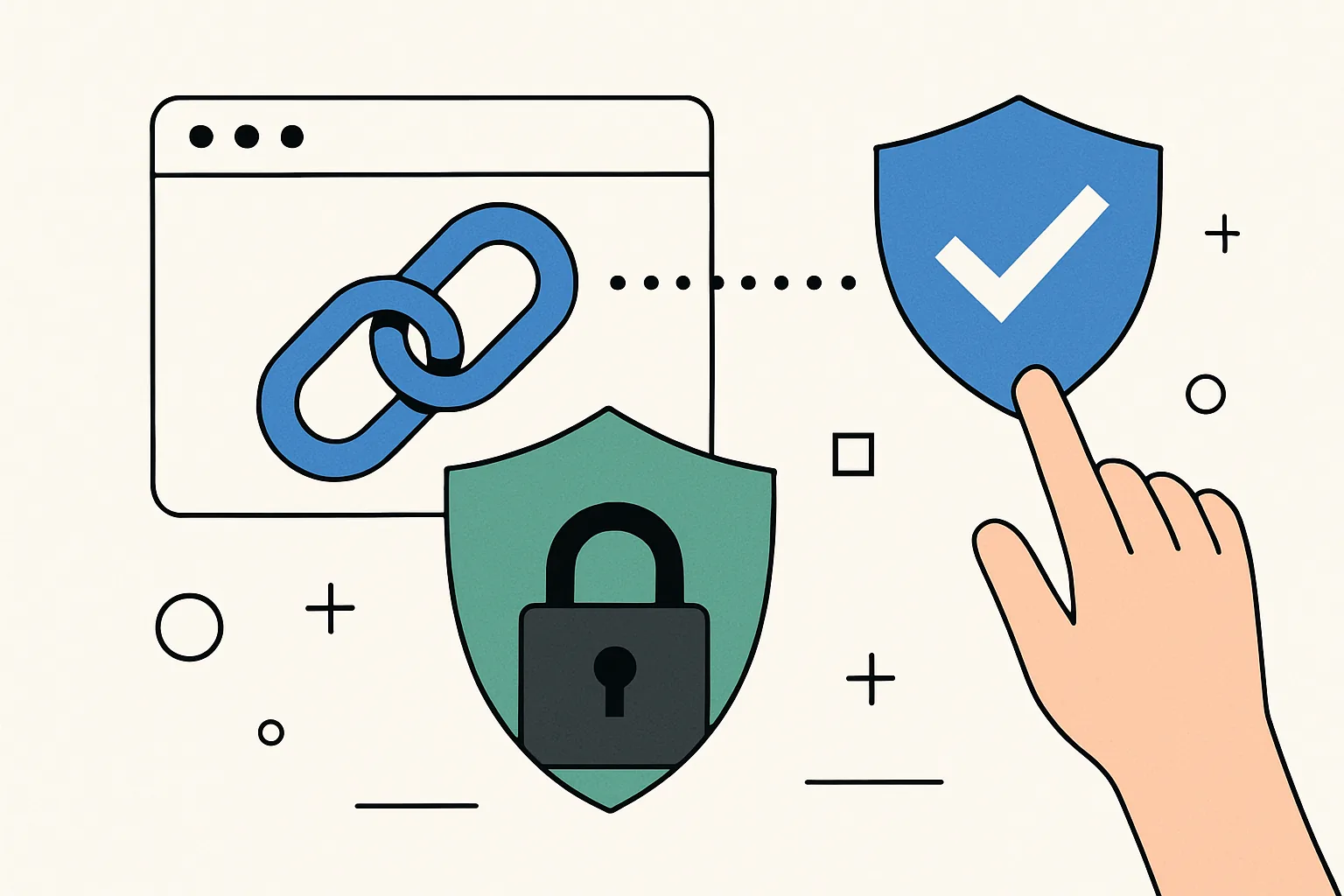
Short links are convenient by design. They take a long, messy URL and turn it into something compact enough for an email, a social post, a printed flyer, or a text message, and but a secure short link is more than a neat wrapper. It is a shortened URL created and shared with controls that help protect the person clicking it, the person sending it, and the destination behind it.
That distinction matters. A regular short link only promises brevity. A secure short link adds confidence: a trustworthy service, a clear destination strategy, and enough transparency that people can make an informed decision before they click. In practice, that means fewer surprises, fewer risky detours, and fewer opportunities for abuse.
For brands, the value is obvious. A short link that looks inconsistent or suspicious can undermine an otherwise polished campaign. If the destination changes without warning, if the link has been used for spam, or if the domain itself looks unfamiliar, users hesitate. And hesitation kills clicks. Secure short links help keep the path from message to landing page smooth and believable.
There is also a privacy angle. Teams often use short links in marketing, customer support, internal sharing, and event management, and not every link should be public forever, and not every recipient should see the same level of detail. A secure approach lets you share access more thoughtfully, especially when paired with options like password-protected links for private materials.
Common Risks Behind Shortened URLs
Short links can be useful, but they also create distance between the visible URL and the actual destination. That distance is exactly what bad actors try to exploit.
One of the most common concerns is the hidden destination, and a user sees a short, tidy link, but cannot tell where it leads without checking first. That uncertainty is not automatically dangerous, yet it is enough to make phishing easier. A convincing message with a shortened link can look harmless right up until the moment it sends someone to a fake login page or a malicious download.
Tracking abuse is another issue. Some links are built to collect data silently, which may be acceptable in a marketing context when disclosed properly, but unsettling when the recipient has no idea tracking is happening. The problem is not tracking itself; it is undisclosed tracking wrapped inside a link that appears ordinary.
There are also broken redirects. A short link may point to a page that is later moved, removed, or misconfigured, and if the redirect chain fails, the user ends up at an error page rather than the promised content. In campaigns, that is more than an inconvenience. It can mean lost trust, lost conversions, and a lot of avoidable cleanup.
Link spoofing deserves a mention too. This is when a link appears to belong to one place but actually routes somewhere else, and sometimes the trick is purely visual, relying on text that looks trustworthy. Sometimes it is more technical, involving lookalike domains or redirect chains that are hard to inspect at a glance. Either way, users are forced to rely on instinct instead of evidence.
That is why safe use of short links is not just a technical issue. It is a communication issue. If people cannot understand what they are clicking, the link starts working against you.
How to Make Safe Short URLs
The first rule is simple: use a trusted shortener. A reputable service should offer stable redirects, clear ownership, and controls that let you manage links without improvising every time you need to make an edit, and if the platform seems flimsy, opaque, or hard to audit, that is usually a bad sign.
Next, use HTTPS whenever possible. A secure connection does not make a link automatically safe, but it does reduce the chance that traffic is intercepted or altered in transit. It also signals basic care. Users may not inspect the certificate, but browsers do, and the little trust cues add up.
Custom aliases help too. A random string of characters tells recipients nothing. A readable alias, by contrast, gives people a clue about what they are about to open. For a campaign, that might be something like “spring-sale” or “event-register.” If you want the link itself to carry more brand context, a custom short link domain can make the whole experience feel more coherent and less generic.
Destination previews are another practical layer. Before publishing a short URL, make sure there is a straightforward way to inspect the final destination during testing and administration, and good link management tools usually let you review the target before sharing it, and that helps catch mistakes early. It is a small habit that saves large headaches later.
Restricted link management matters as well. Not everyone in a team should be able to create, edit, or delete the same links. When permissions are too loose, one accidental change can break a campaign or redirect traffic to the wrong place. A sensible workflow separates creation from approval and limits who can alter live links.
If the destination is likely to change, plan for that from the start, and short links are often used precisely because the final URL may not be known forever. A safe setup keeps ownership clear and makes changes deliberate, not improvised. That is especially important in time-sensitive campaigns where a broken link can spread quickly and be hard to retract.
How to Verify Short Links Before Clicking
Verifying a short link is mostly a matter of slowing down. The whole point of a shortened URL is to hide the destination at first glance, so the safest habit is to reveal that destination before you trust it.
Start by previewing the link if the service offers a built-in preview mode, and many shorteners provide some form of expanded view, either through a preview page or a simple modification to the link. If the platform is legitimate, it should make verification easy rather than awkward.
Next, expand the redirect chain. A short link may not go straight to the final site. It may pass through one or more intermediate domains before landing on the actual page. That is not necessarily suspicious, but every extra step should be understood, and if you can inspect the redirect path, check whether the sequence makes sense for the source of the message.
Then look at the final domain, not just the page title. Scammers are fond of creating pages that look familiar while living on unfamiliar domains. A login page for a bank, shipping company, or cloud service should be on a domain you recognize and expect, and if the hostname looks off by a letter, a dash, or an odd subdomain, stop and re-check.
Suspicious patterns are often obvious once you know what to watch for. A link sent unexpectedly, a message that pushes urgency, a tiny sense of mismatch between the sender and the destination, or a URL that is trying very hard to look official should all slow you down. Trust is useful, but it should be earned.
When in doubt, verify the source through another channel. If a colleague sends a short link that seems odd, ask them to confirm where it leads. If a merchant includes a shortened payment or delivery link, visit the company’s main site independently and navigate from there, and a few extra seconds can prevent a lot of trouble.
If you want a broader checklist for evaluating suspicious links, this guide on are short links safe? is a useful companion piece. It focuses on practical checks rather than paranoia, which is usually the right balance.
Best Practices for Sharing Secure Short Links
How you share a short link matters almost as much as how you create it. A secure URL can still cause problems if it is dropped into a context that makes people uneasy.
In email, clarity beats cleverness. If the link is important, tell recipients what they should expect when they click, and a vague “click here” message is weaker than a sentence that names the destination or the action. For example, “Review the updated contract” is better than “Open this link.” It gives the user a reason and a boundary.
Social media calls for brevity, but not at the expense of trust. A short link can help keep a post clean, yet it should still be paired with enough surrounding context to explain why the click matters. If the post is promotional, a branded short link may feel more consistent. If the post is informational, a plain domain can be more reassuring.
SMS requires even more care. People are trained to be suspicious of text messages with links, and for good reason, and keep the message concise, identify yourself clearly, and avoid link-heavy texts that look automated in a sloppy way. If the message involves an account action or delivery update, it should read like something a real organization would send, not like a template pasted in haste.
Print brings a different challenge. A short link on a poster, menu, or handout needs to be easy to type, easy to scan, and easy to trust. That is one reason dynamic QR codes often work well alongside short URLs. They reduce typing errors and allow the destination to be updated later if needed, which is useful when a printed asset has a long shelf life.
Whatever the channel, avoid overloading the recipient with multiple links that all do the same thing. Redundancy is not the same as reassurance. One clear path is usually better than three confusing ones.
Features to Look for in a Secure Link Shortening Tool
A secure link shortening tool should do more than compress a URL. It should help you manage risk without making the workflow miserable.
Link editing controls are essential. Sometimes you need to correct a destination, update a campaign, or retire an old page, and the tool should allow changes in a controlled way, with clear ownership and a history of what was modified. If link edits are invisible or chaotic, you have a governance problem, not a convenience feature.
Analytics are useful too, but they should be transparent. Click data can help you understand which links are being used and where campaigns are working. At the same time, analytics should not become a black box that stores more information than necessary, and the best tools give you useful reporting without turning every click into a privacy puzzle.
Expiry settings are valuable when links are temporary. A registration page, a private document, or a limited-time offer should not remain active forever if it no longer needs to. Automatic expiration reduces stale access and helps prevent old links from circulating indefinitely.
Access permissions matter in team environments, and you may want some users to create links, others to review them, and only a few to approve changes. Role-based control is not glamorous, but it prevents simple mistakes from becoming public messes.
Anti-abuse protections are equally important. A shortener that is easy to exploit can quickly end up on blocklists or lose credibility. Look for safeguards against spam, malicious redirects, and unauthorized link creation. If a service is serious, it should protect its reputation as carefully as yours.
For marketers, integrations can also be part of safety. A link tool that connects cleanly with campaign workflows reduces copy-paste errors and makes it easier to keep records straight. If you are building campaigns that rely on tracking and audience segmentation, the relationship between secure links and retargeting pixels on short links deserves attention, especially when consent and transparency are part of the brief.
When Not to Use Short Links
Short links are useful, but they are not the answer to every situation, and sometimes a plain URL is the better choice, and choosing it is a sign of judgment, not technical hesitation.
High-risk communications are one example. If you are sending sensitive account instructions, payment updates, or any message where trust is already fragile, a full visible URL may be more reassuring. It gives the recipient more context and makes the destination easier to inspect before any click happens.
Transactions are another case where brevity should step aside. When people are entering credentials, confirming a purchase, or making a financial change, transparency matters more than neat presentation, and a plain URL can feel less like a trap and more like a direct path.
You should also think twice when the audience is likely to be cautious by default. Internal teams, compliance-sensitive environments, and customer support interactions often benefit from explicitness. If a shortened link could be mistaken for spam, the safer move is to avoid it and use the full domain.
There are also moments when the destination itself is too important to obscure. A public policy page, an emergency notice, or a legal document should usually be easy to recognize without any extra decoding. The point is not to eliminate short links. It is to use them when they help, and leave them out when they do not.
In the end, secure short links are about balance, and they offer convenience without sacrificing responsibility. Used well, they make sharing easier, not riskier. Used carelessly, they do the opposite. The difference comes down to a few disciplined habits: choose the right tool, verify before you click, share with context, and keep control of the destination. That is not flashy advice, but it is the kind that keeps people safe.
Put this into practice
Paste a link and get a short URL, a QR code and click stats in seconds — free, no sign-up.
More from the blog
Password-Protected Short Links: A Practical Guide to Safer Sharing
Learn how password-protected short links improve private link sharing, reduce accidental access, and pair well with expiring links.

Is Link Tracking Legal for Employee Monitoring?
Learn when is link tracking legal for employee monitoring, how scope, notice, and data minimization affect compliance, and where the risks are.
How to Create a Secure One-Time File Sharing Link
Learn how to create a secure one-time file sharing link with expiry, access controls, testing, and separate delivery channels.