
On this page
What a Custom QR Code for Business Cards Is
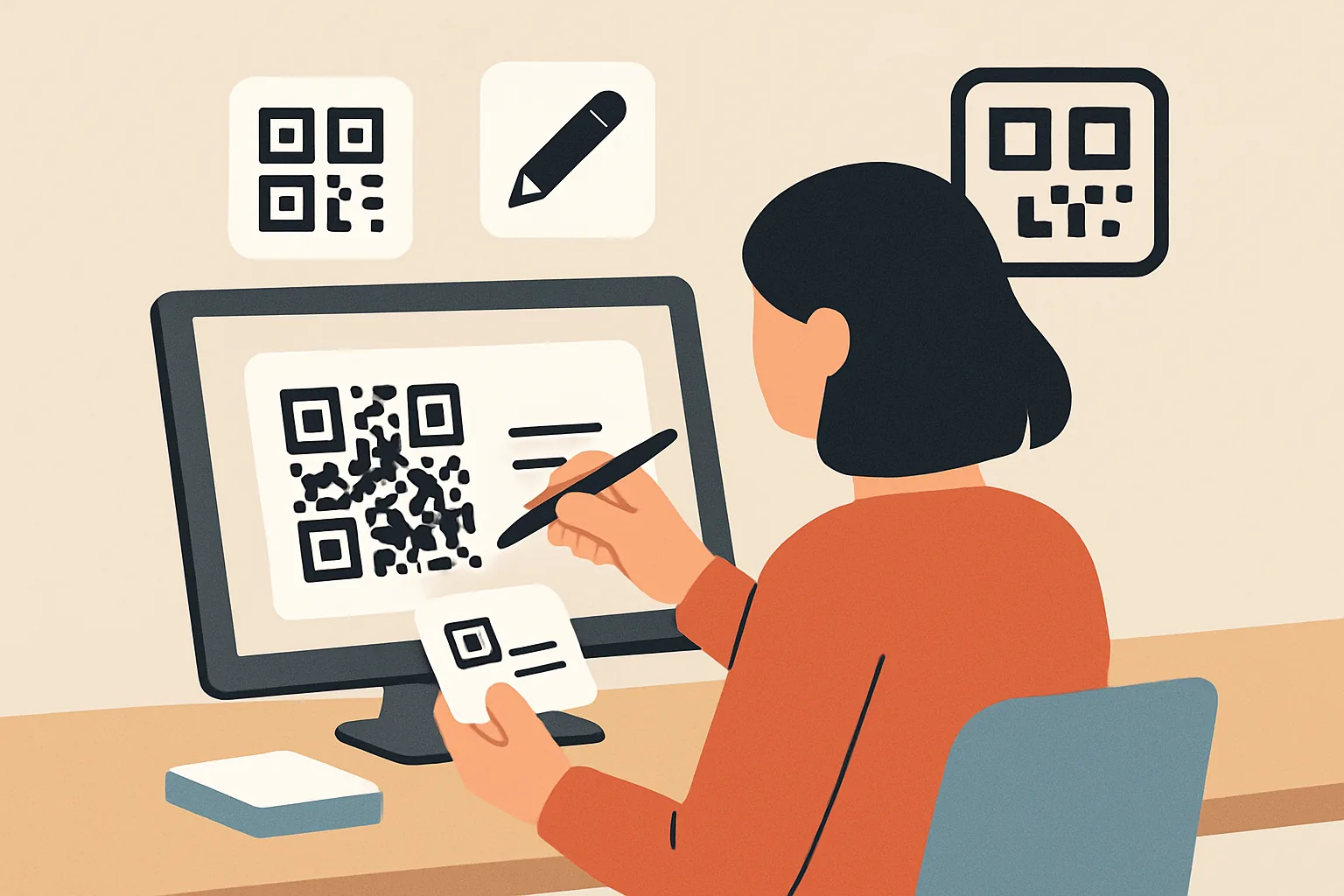
A custom QR code for business cards is a scannable code printed on a card that sends someone straight to your contact details, a profile page, or another destination you choose. Instead of asking a new contact to type your name, phone number, and email manually, the card does the work in a second or two, and that small shift matters more than it sounds like it should.
At its simplest, a QR code is just a machine-readable link. A standard QR code might take someone to a plain website URL. A custom QR code is usually set up with a specific destination and often a design that matches the brand behind the card. That could mean a logo in the center, a branded color palette, or a short link that leads to a contact page built for quick saving. If you want a deeper look at branded destinations, the custom short link domain approach is an useful companion idea.
The difference between a standard QR code and a custom one is not just visual. A standard code can be generic and inflexible. A custom QR code can support a business purpose: collecting leads, sharing a vCard, sending people to a portfolio, or directing them to a landing page that can be updated later. That flexibility is the real advantage.
Why Use a QR Code Business Card
A QR code business card solves a familiar problem: networking is fast, but typing details is slow. At an event, after a meeting, or even during a brief hallway introduction, people often intend to save a contact and simply never get around to it. A QR code removes the extra friction. One scan, and the contact information is ready to save.
There is also less room for mistakes. Manual entry creates room for typos in phone numbers, email addresses, and website URLs. Scanning a code is cleaner. The person on the other side does not need to guess whether your email ends in .com or .co, or whether the phone number had an extra digit, and that alone can save a surprising amount of follow-up trouble.
Another advantage is that your details can be easier to update. If the QR code points to a landing page or dynamic destination, you can change the content without reprinting the whole card. That is especially helpful for people whose roles evolve often, or for teams that want one printed asset to last beyond a single campaign. If you use tracking or audience tools, a QR-based workflow can also connect to retargeting pixels on short links, which is a very different use case but often part of the same modern marketing stack.
And then there is the experience itself. A QR code business card feels current. It suggests that you care about convenience and that you expect your contacts to be able to move quickly. That can be a subtle but real signal in sales, consulting, design, real estate, events, and any field where first impressions count.
vCard QR Code: How It Works
A vCard QR code is one of the most useful formats for business cards because it can store structured contact information. vCard is a widely recognized digital contact format, and when someone scans the code, their phone can offer to save the contact directly. In practice, this is what makes a QR code business card feel so smooth: the user does not land on a random webpage unless you want them to. They land on a contact record.
Depending on the setup, a vCard QR code can include:
- Your full name
- Company name
- Job title
- Phone number
- Email address
- Website
- Physical address
- Social profile links
Some systems also allow notes, multiple phone numbers, or extra fields. The main idea is straightforward: instead of making someone read the card and type later, the card itself hands over a ready-to-save contact entry.
This is useful for professionals who rely on quick follow-up. Sales representatives, recruiters, consultants, freelancers, and event marketers often need people to store a contact immediately, before the conversation gets buried under ten other conversations. A vCard QR code can reduce that lag. It is also practical for trade shows or conferences, where people may collect a stack of cards and forget which one belonged to which face.
There is a nice side benefit too: the same card can work for people who are cautious about clicking random links. A contact card feels less like a marketing trick and more like a clean exchange of information. That sense of utility matters.
What to Include in a Custom QR Code
The best custom QR code for business cards is not overloaded, and it should give the recipient enough information to act, but not so much that the card becomes cluttered or hard to scan. What you include depends on whether the code points to a vCard, a profile page, or a landing page.
In most cases, the strongest essentials are:
- Your name
- Your direct phone number
- Your email address
- Your website
- Your company or brand name
- One or two key social profiles, if they are relevant
If the QR code sends people to a landing page, that page can go a bit further. You might include a short bio, services, calendar booking, portfolio samples, or a quick way to request a quote. For some businesses, a dedicated contact page works better than stuffing everything into the code itself, and it gives people choices without overwhelming the printed card.
Keep in mind that every extra detail has a purpose test attached to it. Do you need the full street address on the front of the card, or is it enough to include the office city and a website? Do you really want to place five social icons next to a code the size of a postage stamp? Usually the best answer is to include what helps the recipient act now, and let the landing page handle the rest.
Design Tips for Making It Fit on a Business Card
A QR code can look polished on a business card, but only if it remains easy to scan. That means design has to support function, not fight it. The first rule is size: the code must be large enough to scan comfortably in real-world conditions, and if the code is too small, the card may look elegant but fail in the hand.
Contrast matters just as much. A dark code on a light background is the safest choice. You can use brand colors, but avoid combinations that make the code blend into the background or create weak edges. Fancy gradients may look attractive on a mockup and then fail the first time someone tries to scan under bright office lighting.
Leave a clear quiet zone around the code. That empty border is not wasted space; it helps scanners identify the code correctly, and crowding it with logos, text, decorative lines, or a frame can interfere with readability. You can still brand the card well without boxing the code in like a product label.
Placement also matters. Most people expect the QR code on the back of the card or in a corner on the front. Placing it where the eye naturally lands can improve use, but do not force it into a cramped corner where fingers cover it during scanning. A simple caption like “Scan to save contact” can help, though it should stay small and unobtrusive.
Branding should support trust. A logo near the code can reassure the user that the destination belongs to you, and if the card uses a dynamic link or branded short domain, it can feel even more coherent. For teams thinking beyond the card itself, password-protected links can also be useful when a destination should stay private while still being easy to share.
Best Practices for Creating a Reliable QR Code Business Card
If a QR code is going to live on a printed card, reliability matters more than cleverness. Start by testing the code on multiple devices. Scan it with different phones, different camera apps, and, if possible, both indoor and outdoor lighting. A code that works perfectly on a designer’s phone can still fail in the wild.
Use a short and stable link whenever the QR code points to a URL, and long, messy URLs are harder to manage and often less forgiving in print. A short link also makes it easier to change the destination later, especially if you want one code to live across several print runs. That is one reason many businesses prefer dynamic QR code setups, where the destination can be updated without reprinting the card.
Static QR codes are fine when the destination will never change. They are simple and dependable. Dynamic QR codes are better when you want flexibility, tracking, or future updates. The choice depends on whether the card is an one-off personal asset or part of an ongoing business process.
Avoid scan issues by checking print quality before you order in bulk, and low-resolution artwork, smudged ink, and paper texture can all affect readability. If your printer offers a proof, use it. It is boring advice, but it saves money.
Make sure the destination loads quickly. A slow page can feel like a broken page, especially on mobile data. If the page takes too long, the moment of interest passes. That matters even more with networking cards, because scan intent is usually brief. People are in motion, literally and mentally.
Common Mistakes to Avoid
One common mistake is treating the QR code as a decoration instead of a functional element, and a good-looking card that fails to scan is just expensive cardboard. Poor print quality, low contrast, and overly artistic styling are frequent culprits. The design has to be readable before it is memorable.
Another mistake is overcrowding the card. When designers try to fit a headshot, logo, tagline, website, multiple social handles, address, email, and a large QR code all in one view, something gives. Usually the code loses. Keep the layout breathable.
Outdated contact data is another trap. A card is supposed to make it easy for people to reach you, so if your phone number changes and the printed code still points to the old one, the whole purpose collapses, and this is one of the strongest arguments for dynamic destinations.
It is also risky to link to pages that are broken, slow, or awkward on mobile. A business card is rarely the place to send someone to a clunky desktop homepage. Use a page that is designed for quick action. If a page is not something you would comfortably open on your phone at a conference table, it is probably not right for the card.
Finally, do not forget the human side. Some people still prefer a simple card they can read without pulling out a phone. That is not resistance; it is context. A QR code should enhance the card, not erase the traditional information that still makes sense at a glance.
When to Use a Custom QR Code vs a Traditional Business Card
A custom QR code business card is ideal when speed, convenience, and flexibility matter. If you meet new people often, if your contact details change, or if you want to guide people to a specific page after the introduction, a QR-enabled card is the better fit. It is especially useful in sales, service businesses, networking events, and roles where digital follow-up is part of the job.
A traditional business card still has its place. Sometimes a clean printed card with just the essentials is enough, especially if your audience is conservative, formal, or unlikely to scan anything on the spot, and in some industries, the card itself is part of the ritual, and that ritual carries meaning.
In many situations, the best answer is both. A conventional front can present your name and role clearly, while the back carries a QR code for quick saving or deeper engagement. That way, you respect different preferences without forcing a choice. Some people will scan immediately; others will tuck the card into a wallet and type the details later. Good design makes room for both.
If you want the QR code to do more than store a contact, you can build on the same idea with a landing page, branded short link, or even a campaign-specific destination. For broader context on QR-based workflows, the dynamic QR codes article is a helpful next read, and if you are comparing different link formats, the urlik Blog has related practical guides.
At its best, a custom QR code for business cards is not a gimmick, and it is a small piece of infrastructure that helps a conversation continue after the first handshake. That is what a good business card has always done. The QR code just makes it faster.
Put this into practice
Paste a link and get a short URL, a QR code and click stats in seconds — free, no sign-up.
More from the blog
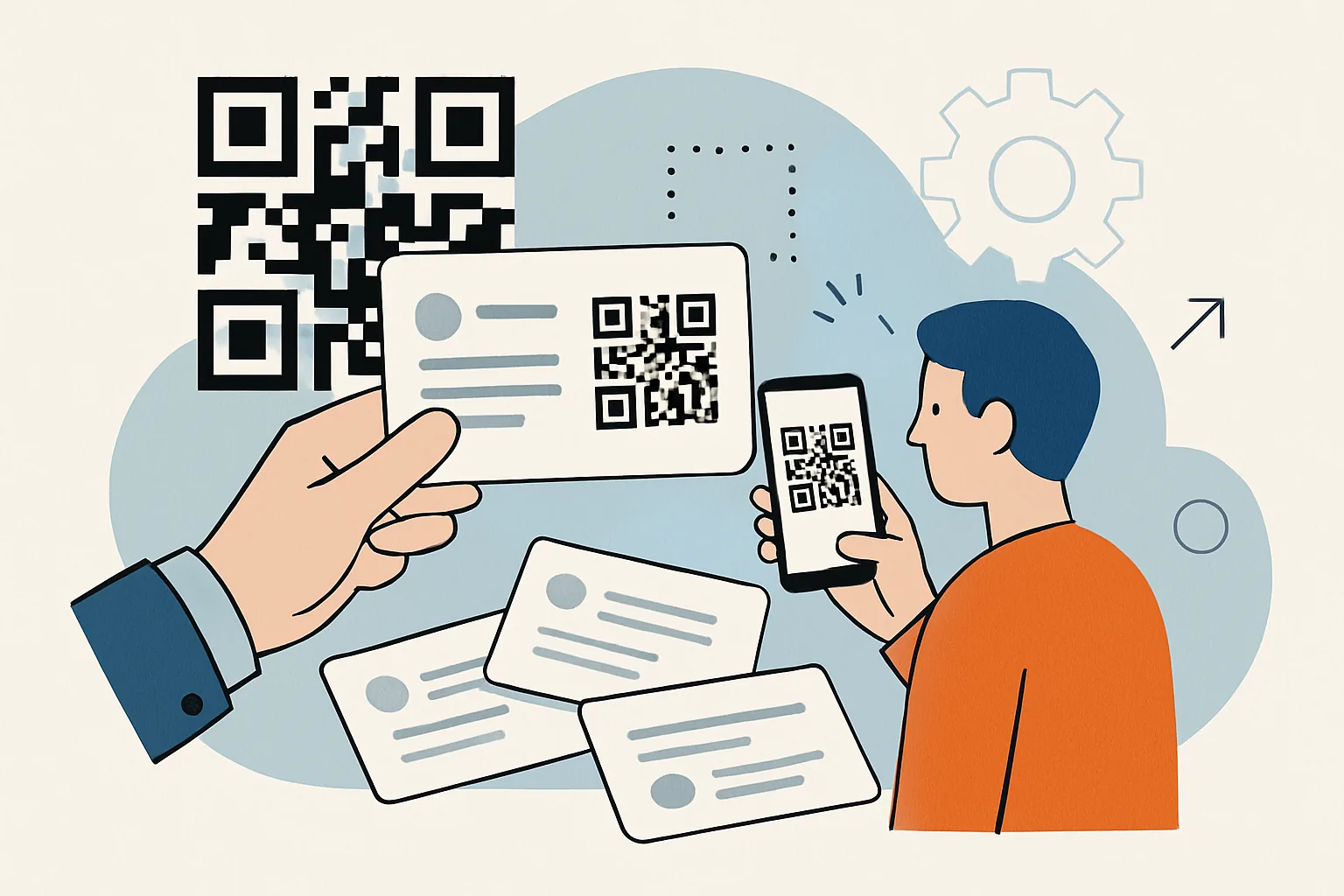
QR Code for Business Cards: A Practical Guide
Learn how a QR code for business cards speeds up contact sharing, from vCard setup to digital profiles and follow-up benefits.
What Changed Recently in QR Code Design and What Should I Do Now
What changed recently in QR code design and what should I do now? Focus on scan reliability, brand fit, and mobile landing pages.
What Changed in URL Shorteners in 2026?
Learn what changed in URL shorteners in 2026, from branded links and analytics to security, routing, and link management.