
On this page
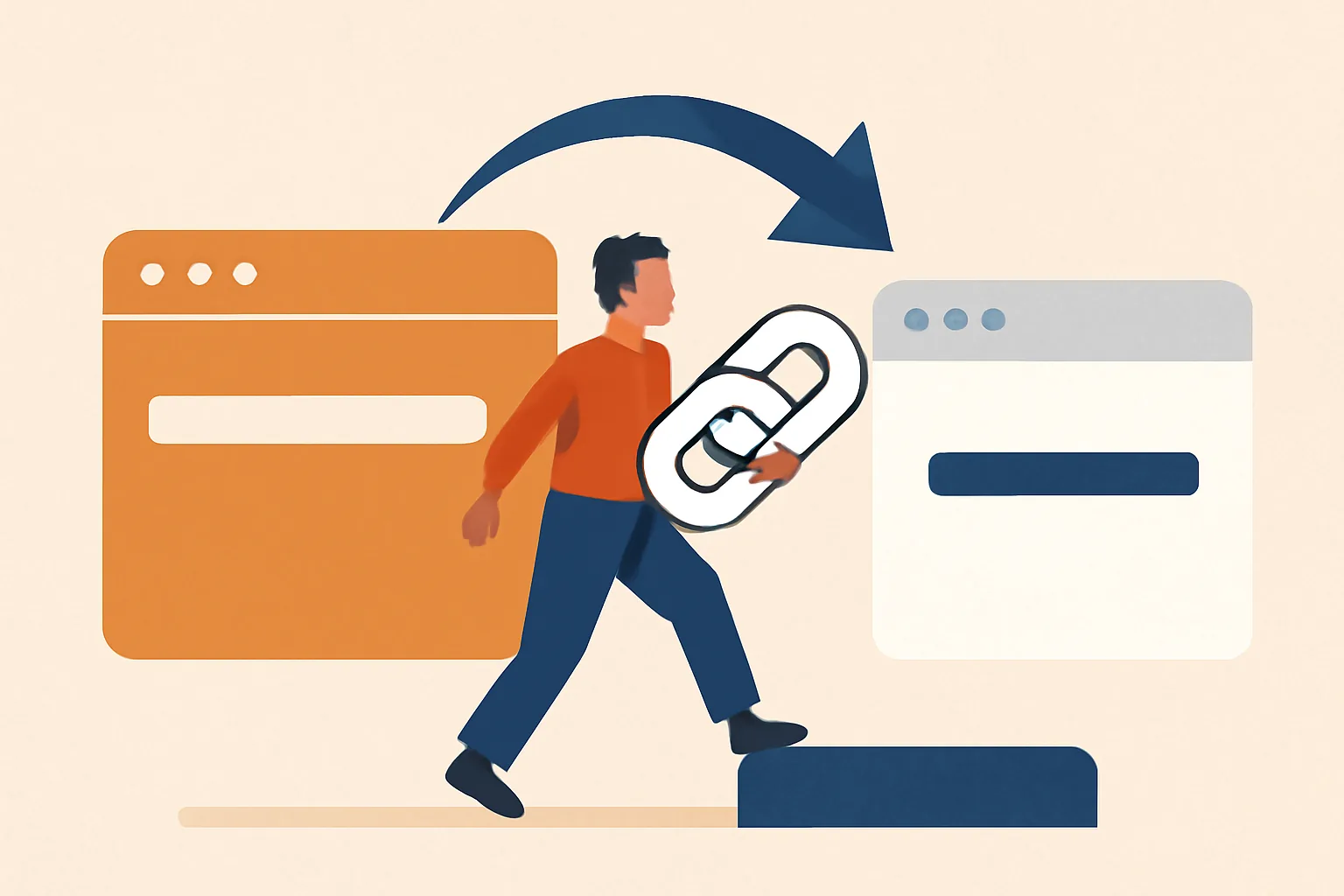
Confirm what “migration” means for your Bitly links
Before you change anything, define the job. Are you only moving future links, or are you replacing old Bitly links that already live in emails, ads, and PDFs? Those are three different projects, and each one has a different risk level.
If the answer is “all of them,” write that down as a 1-page plan. If the answer is “just new campaigns,” you can move fast and leave old Bitly links alone. If the answer includes branded links that already get clicks, treat those as assets, not scraps.
This is where people search for how to migrate from Bitly to a URL shortener and expect one clean switch. There usually isn’t one. A practical migration starts by naming the link groups you care about, such as shared links, campaign links, and branded links with traffic. That split decides the rest of the work.
Export your Bitly data and separate active from inactive links
Start with Bitly’s export tools and get a full list of links, destinations, and whatever performance fields are available in your plan. Do not sort later. Later has a habit of disappearing.
Once the list is in hand, separate the links by current use, destination, and importance. A link used in a live ad is not the same as a link buried in an old tweet from 2021. One still matters today; the other may only matter if someone clicks it by accident.
Use a simple three-part filter: active, semi-active, and dead. Active links appear in current campaigns, customer-facing documents, or QR codes. Semi-active links still sit in newsletters or evergreen posts. Dead links point to expired promotions, test pages, or destinations no one checks anymore. That classification saves hours.
If you have a team, add one name beside each link group. Sam owns email. Priya owns print. One owner per set makes the migration easier to track when there are 40 or 400 links on the sheet.
Map Bitly links to your new shortener’s link structure
Now decide how each Bitly short link should look in the new shortener. Some teams want the same back-half for recognition. Others want a fresh naming system that includes campaign names, regions, or product lines. Either way, decide before you create the first replacement.
A clear mapping sheet usually has five fields: old Bitly link, new short link, destination URL, owner, and status. If your new tool supports custom back-halves, write the exact string there. If it supports tags, add them now. If it supports folders, use them. Small structure decisions become big time savers later.
For branded setups, a custom short link domain can keep the new links recognizable, which matters when your audience has seen Bitly links for years. People notice the domain first. Then they click. That tiny trust cue is worth more than a clever name.
Keep the naming conventions boring enough to repeat. Campaign-25-spring is better than a witty inside joke that nobody outside your team understands. A migration only works well when the link structure is easy to read in a spreadsheet and easy to explain in a meeting.
Recreate high-value links first
Do the most important links before the rest. That means paid ads, top-performing emails, QR codes on printed materials, partner placements, and anything tied to a deadline. These links produce the fastest payoff and the fastest damage if you get them wrong.
If you have 12 high-value links, build those 12 first. If you have 120, rank them by traffic, revenue, or visibility. The first batch should be easy to verify and hard to ignore. A broken link in a brochure is embarrassing; a broken link in a paid campaign costs money.
For campaign teams, this is also a good moment to compare link performance using A/B testing links if your new shortener supports it. You do not need to test everything. Test one or two important paths and keep the rest simple.
Recreating the high-value links first gives you a working model for the rest of the migration. You learn which fields matter, which destinations need a clean redirect, and which team member keeps forgetting to copy the UTM string. That happens more often than anyone admits.
Handle existing Bitly links that cannot be replaced
Some Bitly links are already out in the world and cannot be edited. They are in printed flyers, old presentations, customer support macros, and public posts you cannot touch quickly. For those, the choice is not “move or not move.” The choice is whether to leave them active, point them to a new destination, or create a controlled forwarding path where possible.
If the link sits in a blog post with 5 years of traffic, leaving it in place may be the safest move. If the destination has changed, repoint the link only after you confirm the new page matches the promise of the old one. A link should not surprise people.
For links that sit in private documents, you can often replace them directly. For links in offline assets, you may need a short transition note in the asset owner’s checklist. Simple rule: if the asset can be updated in under 10 minutes, update it. If it cannot, record it and monitor it.
Sometimes the old link stays because it has earned trust. That is normal. Old links are not a problem by default; broken destinations are the problem.
Update your tracking setup after the move
Once the new links are live, check UTM parameters, analytics goals, and destination tracking. If your reporting depends on source, medium, and campaign fields, the new shortener must pass those values exactly as before. One missing parameter can make a month of reporting messy.
Do not assume the click tracking will match Bitly out of the box. Open one new short link, click through, and inspect the final URL. Then compare that session in analytics. If the destination page fires a goal, confirm that goal still records the visit. If it does not, fix the destination before scaling up.
A good tracking setup also helps with retargeting pixels on short links if your team uses them. The move should not break audience building just because the shortener changed. That would be an expensive oversight for a single redirect.
Keep one spreadsheet column for tracking notes. Write “UTM copied,” “goal fires,” or “pixel missing” in plain language. You will thank yourself later when you check 27 links and need to know which ones were verified on Tuesday and which ones were not.
Verify the migration with a small live test
Test a sample before you touch the full list. Pick desktop, mobile, and the apps or channels your audience uses most. Open the new links in a browser, in email, and if relevant, in social apps or messaging apps. Then check the destination page, redirect path, and analytics capture.
Run at least one test for each link type: a campaign link, a branded link, and a link with UTM parameters. If one fails, stop and fix that pattern before creating the rest. A migration is easier to correct in batches of 5 than in batches of 50.
People often skip mobile. Bad idea. Mobile apps can handle redirects differently, and some shortened links behave oddly inside in-app browsers. A quick 3-device check catches more issues than a room full of guesswork.
If a link is supposed to open a landing page with a form, submit the form once. If the flow is supposed to end in a thank-you page, confirm that too. One click is not enough. Two steps tell the real story.
Create a fallback plan for the remaining Bitly links
Keep a short operational checklist for the links that still circulate. List the owner, the destination, the date you created the replacement, and how long the Bitly link should stay active. A 30-day review cycle is enough for many teams, but write down your own number if your traffic pattern is different.
For public-facing links, decide when to retire them and who signs off. For internal links, set a stricter limit if the team can update them quickly. For partner links, keep a contact record so someone can alert you if a destination changes without warning.
If a link still matters, keep it safe. If a link no longer matters, remove it from your active list and note the retirement date. That simple discipline prevents the “we thought somebody else owned it” problem, which shows up in almost every migration.
You may also need to think about link access control if some short links carry sensitive destinations. In that case, Password-Protected links can be part of the fallback strategy for internal or limited-release materials. Not every link should be public forever. Some should never have been public at all.
One last practical point: if a Bitly link is still embedded in an asset you cannot replace, document the consequence of leaving it. Will it keep sending traffic to the wrong page? Will it still work after the campaign ends? Will the printed piece remain in circulation for 6 months? Those answers determine whether the old link stays, redirects, or gets retired with a note.
Put this into practice
Paste a link and get a short URL, a QR code and click stats in seconds — free, no sign-up.
More from the blog
How to migrate from Rebrandly to Urlik
Learn how to migrate from Rebrandly to Urlik safely, preserving links, custom domains, tracking, and team workflows.
How to migrate from Bitly to Urlik without breaking links
Learn how to migrate from Bitly to Urlik without breaking links by preserving redirects, updating tracked URLs, and keeping old links live.

How to Migrate QR Codes to a New Destination Without Reprinting
Learn how to migrate QR codes to a new destination without reprinting by checking editability, ownership, redirects, and analytics continuity.