
On this page
Mobile campaign context: what makes this decision different
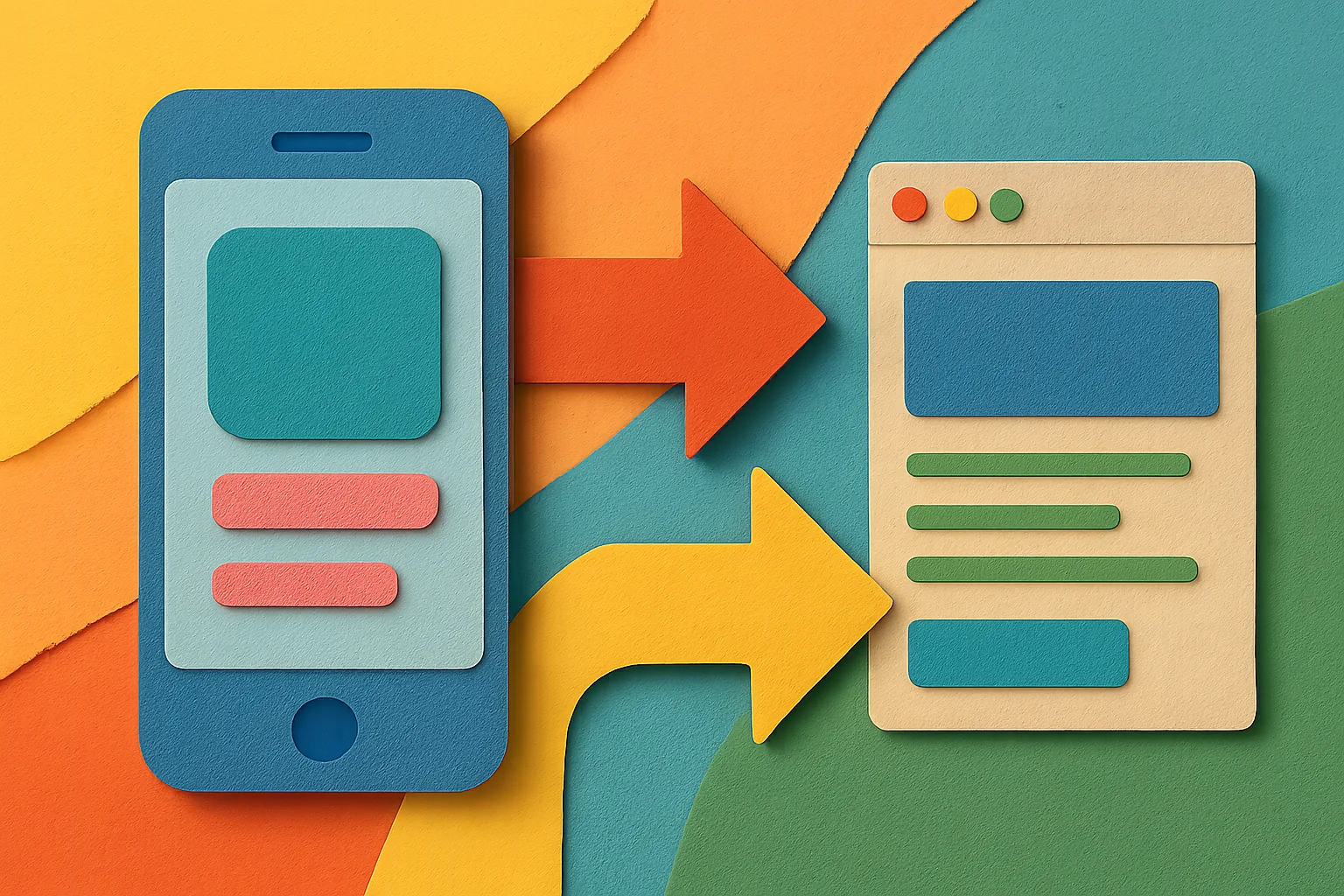
Mobile changes the click. A 6-inch screen leaves little room for explanation, and one extra tap can feel like work.
That matters whether the click comes from a paid ad, an SMS blast, a QR code on a poster, a social story, or an in-app placement. The source shapes the user’s patience, and mobile users do not all behave the same.
Some taps happen in a browser. Others open inside an app webview. That one detail can change how quickly a page loads, whether a login screen appears, and whether the user trusts the destination enough to stay.
On mobile, the question "should I use a direct redirect or preview page for mobile campaigns" is not just about convenience. It is about whether the first screen after the tap helps or gets in the way. One extra second can matter.
QR code traffic is a good example. A user scans while standing in a store aisle or on a street corner, and the phone is already in hand. If the page is slow or confusing, the campaign loses the moment.
SMS has a different shape. Text traffic often comes from a known sender and a short offer, so the user may already expect the destination. Social clicks are messier. A short caption can create curiosity, but it can also create doubt.
Direct redirect and preview page both work on mobile. The trick is matching the path to the tap. That sounds simple because it is simple, but only after you look at the source, the device, and the reason for the click.
Criteria first: the mobile factors that actually change the answer
Speed on mobile networks comes first. A page that takes 4 seconds on Wi-Fi can feel much longer on weaker mobile data, especially if the user is outdoors or switching between signals.
Trust before tap-through is next. If the link looks unfamiliar, a preview page can show the brand, the offer, and a clear reason to continue. If the link already feels obvious, that same page may only add friction.
Device and app handoff also matter. A tap from Instagram, TikTok, or another app can open in an in-app browser, and that browser may behave differently from Safari or Chrome. One extra redirect can break the flow.
Campaign intent is another divider. A flash sale with a 2-hour window wants speed. A campaign that explains a policy change, asks for consent, or sends users to a region-specific experience may need a stop along the way.
Age or region confirmation can change the answer too, especially if the destination needs a check before entry. If that confirmation is required, the preview page should handle it before the user reaches the destination. If not, the redirect may be enough.
Two practical tests help here. First, ask whether the destination can stand on its own in one tap. Second, ask whether the user needs any explanation before they arrive. If the answer to both is yes, direct redirect often wins. If the answer to either is no, a preview page starts to look useful.
For teams already tracking mobile links, this is the point where structure matters more than guesswork. A clean setup for [UTM tracking short links](https://urlik.xyz/blog/utm-tracking-short-links-guide?lang=hi) can keep the campaign readable even when the path changes.
Side-by-side: direct redirect vs preview page on mobile
Direct redirect removes one screen. That means less friction, fewer taps, and a faster move from ad to destination. On mobile, that speed often feels like a win because the user sees exactly what they expected, or close to it.
A preview page adds one screen. That screen can carry a headline, a short explanation, and a clear button. It gives you control, but it also asks the user to wait. On a smaller screen, that waiting can feel longer than it is.
Clarity is the biggest tradeoff. Direct redirect is clear when the source already says enough. Preview page is clear when the source does not. A user who taps from a branded message may not need the extra layer. A user who taps from a vague short link may.
Technical complexity is different too. Direct redirect is usually simpler to run, but it can hide problems because there is less room to explain them. Preview page adds design, copy, and often another step in analytics, which means more work and more chances to misconfigure the flow.
Bounce risk behaves in a slightly annoying way. Direct redirect can reduce early exits because the user lands faster. Yet if the destination is unclear, the user may bounce after landing. Preview page can reduce that confusion, but only if the page itself is fast and useful.
Message continuity is where preview pages often earn their keep. A mobile ad can promise one thing, and the destination can appear to say another. The preview page bridges that gap. A direct redirect skips the bridge and hopes the destination is self-explanatory.
Slower connections punish both options, but they punish extra steps twice. On 3G or a shaky signal, a direct redirect usually has the better chance of feeling quick. A heavy preview page can become the campaign’s weakest link, which is a polite way of saying it can fail before the real page loads.
When a direct redirect is the better mobile choice
Direct redirect works best when the tap is already high intent. A user who taps a 20% off offer in an SMS from a known brand is not asking for a detour. They want the deal.
Time-sensitive campaigns are a strong fit. If the offer expires at 8 p.m., every extra screen creates risk. Mobile users act fast when urgency is real, and direct redirect respects that speed.
Already-trusted destinations also belong here. A familiar app install page, a known login page, or a product page from a brand the audience recognizes can usually skip the preview page. The mobile user does not need a speech.
QR campaigns can go either way, but direct redirect often works when the code is placed in a controlled setting. A table tent at a café, a conference badge, or a store shelf label can be enough context on its own.
Direct redirect is also the cleaner choice when the message is complete in the source. If the ad, post, or text already tells the user what happens next, duplicating that message on a preview page may only slow the campaign down.
There is one more case: when the destination itself is lightweight and obvious. If the landing page loads quickly and the user knows what it is, a preview page is often just a pause. No one needs a pause to buy a ticket they already decided to buy.
For teams tracking region-bound traffic, a campaign can still stay organized through the right link structure. If the destination is already clear, a direct move usually does less damage than an extra layer of explanation.
When a preview page is the better mobile choice
Preview page earns its place when the link is opaque. A short code, a generic campaign URL, or a social post with little context can leave users unsure. One small page can fix that in 3 seconds.
It also helps when the campaign needs to preserve the message. Suppose the ad says one thing, but the destination is a catalog, a signup form, or a help page. A preview page can explain that path before the user takes it.
App handoff is another strong case. Some campaigns want users to open an app, install one, or switch from browser to app. On mobile, that transition can confuse people unless the page explains what will happen next. A preview page can make the handoff feel intentional.
Preview page is also useful when trust is fragile. If the audience does not know the sender, or if the link is being shared in a less formal channel, a visible brand, short copy, and a clear call to action help. The user can see where they are before they move.
Age or region confirmation is a practical reason too, especially when the destination requires a check before entry. In that case, the preview page can handle the gatekeeping cleanly. That is better than dropping the user onto a page that immediately asks questions.
Another case is campaign education. A new product launch, a policy update, or a service change may need one sentence of context. Not a long article. Just enough to tell the user why the tap matters.
Preview page can also save mobile campaigns built from QR codes on printed material. If the printed message is short and the destination is not obvious, one brief page can connect the physical cue to the online action. That is especially helpful when the scan happens fast and the user remembers only part of the offer.
Honest verdict: which usually wins for mobile campaigns
For mobile campaigns, direct redirect usually wins when the source already supplies context and the goal is speed. That is the common pattern for high-intent taps, known brands, and short-lived offers.
Preview page usually wins when the campaign needs explanation, reassurance, or a controlled handoff. That is more common with new audiences, unclear links, app transitions, and campaigns that need a short gate before the destination.
The best answer often depends more on the audience source than on the destination itself. A product page can work fine with direct redirect for an email list and still need a preview page for a cold social audience. Same page. Different click.
That is why mobile planning should start with the source, not the link format. A QR code in a store, a text from a known sender, and a paid social click can all point to the same URL, yet each one can call for a different first screen.
If you are already using a link management setup, pair the choice with your tracking rules. A good setup for [UTM link tracking campaigns](https://urlik.xyz/blog/utm-link-tracking-campaigns?lang=hi) can show which mobile source made the preview page earn its keep and which source would have been better off without it.
So the real answer is not “always direct” or “always preview.” It is “which one reduces uncertainty for this mobile audience in this exact channel?” That is the only question that matters on a 6-inch screen.
Comparison table for mobile campaign decision-making
| Factor | Direct redirect | Preview page |
|---|---|---|
| Speed | Fewer taps, usually faster | One extra screen adds time |
| Trust | Works when the source is already trusted | Helps when the link needs a brand cue or explanation |
| Clarity | Best when the destination is obvious | Best when the destination needs context |
| Control | Less room to shape the message | More control over copy, CTA, and handoff |
| Tracking setup | Simpler path, fewer moving parts | More steps, more places to configure |
| Best-fit scenarios | SMS offers, trusted brands, time-sensitive promos | Opaque links, app handoff, sensitive or explained campaigns |
Final recommendation by campaign type
For low-friction, high-confidence taps, use direct redirect. That covers most SMS offers, brand-led paid clicks, and urgent mobile promotions that cannot afford a pause.
For campaigns that need explanation, reassurance, or a controlled transition, use a preview page. That fits new audiences, vague links, app handoff flows, and cases where the user needs to know what happens next.
If the audience comes from a trusted channel and the destination is obvious, direct redirect is usually the cleaner mobile choice. If the audience comes from a colder channel or the destination needs context, preview page is usually the safer one.
The strongest mobile campaigns choose the first screen with care. One screen can be enough. Two can be too many.
Put this into practice
Paste a link and get a short URL, a QR code and click stats in seconds — free, no sign-up.
More from the blog
How to migrate from a different URL shortener to Urlik
Learn how to migrate from a different URL shortener to Urlik by auditing links, recreating redirects, and preserving traffic and tracking.
301 vs 302 Redirect for Short Links
Learn the 301 vs 302 redirect for short links, when permanence or flexibility matters, and which redirect type fits your campaign.

Why are my short link clicks not matching ad platform clicks?
Why are my short link clicks not matching ad platform clicks? Learn about filtering, redirects, consent, privacy tools, and timing gaps.