
Short Link Redirects for Mobile Devices: How They Work and Why They Matter
Learn how short link redirects for mobile devices route users to apps, mobile pages, or fallbacks, and why they improve campaigns.
On this page
Short Link Redirects for Mobile Devices: How They Work and Why They Matter
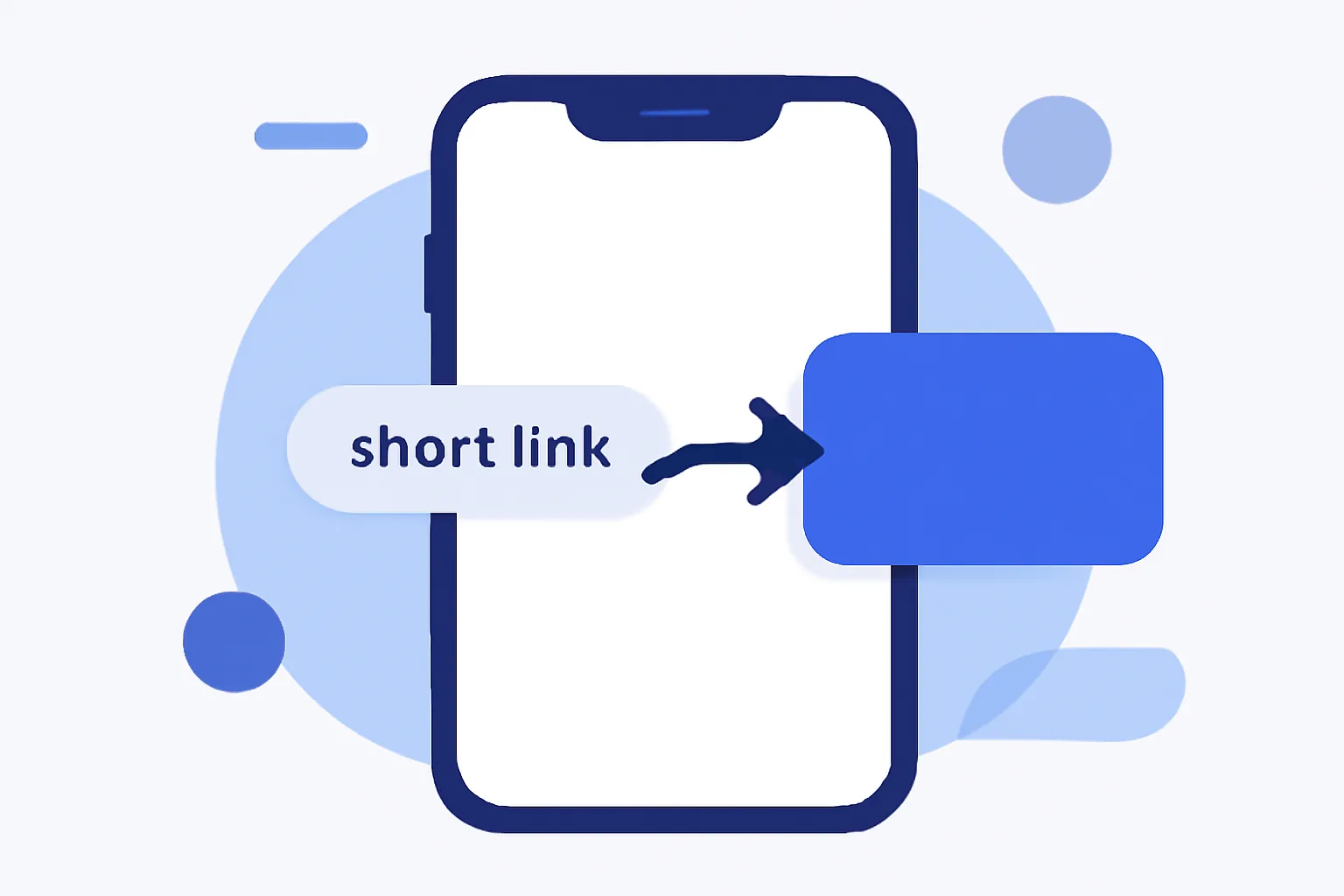
Short link redirects for mobile devices sound simple: someone taps a short link, and the link sends that person somewhere else. The small part is the link length. The larger part is the decision behind the redirect, which can change depending on a phone, a tablet, or a desktop browser. One tap can behave differently on an iPhone than on a laptop. That difference matters.
On a phone, a short link often does more than hide a long URL. It can send a user to an app, a mobile landing page, or a fallback page if the app is missing. A restaurant may send tap-to-order traffic to its app, while a magazine may send readers to a mobile article that loads faster than the desktop version. The redirect is doing routing work, not just shortening work.
What Short Link Redirects Mean on Mobile
A short link is usually a brief URL that points to a longer destination through a redirect. On mobile devices, that redirect is often checked against device signals before the final page loads. The result can be a different destination for the same link. One link, two paths. Sometimes three.
This is why mobile users experience links differently. A desktop browser may open a product page in the regular site, while a phone may be sent to the app store, a mobile app, or a stripped-down page designed for smaller screens. The phone does not just “open a link”; it gets classified first. If the setup is sloppy, the user feels it in the first two seconds.
A practical example helps. A concert promoter may post one short link in an email, on a poster, and in a social profile. On desktop, the link can send people to a ticket page. On Android, it can route to the ticket app if installed. On iPhone, it can land on a mobile site with Apple Wallet options. The short link does not care about the channel; the redirect logic does.
How Mobile Redirects Detect the Device
Most mobile redirects start with user-agent signals. The browser sends a short description of the device, operating system, and browser type, and the redirect rules read that signal before choosing a destination. It is not perfect. User-agent strings can be vague, outdated, or intentionally masked.
App context can matter too. If a link is clicked inside Instagram, TikTok, Gmail, or a native app webview, the browser behavior may differ from a standard Safari or Chrome session. That changes how the redirect behaves, especially when the target is an app deep link or a store page. Two taps, same phone, different path.
Browser behavior also gives clues. Some systems watch for screen size, touch support, or how the browser handles custom URL schemes. These signals can help decide whether the visitor should see a mobile page, an app prompt, or a desktop fallback. The safer the logic, the fewer surprises. And on mobile, surprises cost taps.
When the routing is more advanced, it can compare several signals at once. A link may check device type, app installation state, and the page context before selecting the destination. That kind of redirect logic can improve short link redirects for mobile devices, but only if the fallback is well planned and the rules are tested on real hardware.
Why Mobile Redirects Are Useful
Cleaner sharing is the first benefit. A short link is easier to paste into SMS, QR codes, bios, and printed material than a long URL with tracking parameters. On mobile, that matters because users often copy, paste, or tap from cramped interfaces. Shorter is easier to trust. Easier to tap too.
Faster navigation is another gain. A mobile visitor who lands on the right page immediately avoids extra choices, and fewer choices often mean fewer exits. A retail brand can send mobile traffic directly to a mobile checkout or a product page built for small screens. One extra hop can lose a sale.
App routing is especially useful for brands with both an app and a website. A user who already has the app installed can be sent straight into the right screen, which feels cleaner than forcing a browser page first. A user without the app can be sent to the store listing or a mobile web fallback. This is where short link redirects for mobile devices do real work instead of cosmetic work.
Campaign tracking is the quieter benefit. Marketers often want to know which taps came from mobile, which came from desktop, and which came from a specific campaign. A short link can carry those signals without making the URL look messy. If the campaign is tied to A/B testing links, the redirect can split traffic by device and still keep the test readable.
Common Problems With Mobile Link Redirects
Broken redirects happen when the target URL changes or the rule points to a page that no longer exists. On desktop, a user may notice the problem later. On mobile, they often notice instantly and leave after one failure. A dead end on a phone feels harsher because the screen is smaller and patience is shorter.
Slow loading is another problem. If the redirect chain passes through several tracking layers, the user may wait for each step. A 2-step redirect can already feel slow on a flaky mobile connection. Add a store prompt, a tracking pixel, and a fallback page, and the tap starts to feel expensive. People do not wait long on a bus or in a queue.
App-install friction shows up when the redirect sends users to the store too aggressively. If the app is not installed, that may be useful. If it is installed and the link still forces a store page, the user gets annoyed. Some systems try to open the app first and then fall back to the store, but that flow needs careful testing on both platforms. iPhone and Android do not behave the same way.
Incorrect device detection creates the most embarrassing errors. A tablet may be treated like a desktop. A browser in privacy mode may hide signals. A social app webview may block deep links. The user sees the wrong page and assumes the brand made a bad link. Sometimes it did. Sometimes the browser did the damage.
Poor fallback handling is the last common failure. If the app is unavailable, the link should still send the visitor somewhere useful. A blank page, a repeated redirect, or a confusing prompt creates friction that can be avoided with one simple rule: every mobile redirect needs a second choice. If you need stricter access control, Password-Protected links can help, but the password screen still needs a sensible fallback.
Best Practices for Creating Mobile-Friendly Short Links
Keep the redirect chain short. One redirect is ideal; two should be a warning sign. Each extra hop adds delay, and mobile connections are less forgiving than office Wi-Fi. A short link that passes through five services is a short link with a long wait.
Keep the routing rules readable. A future editor, developer, or campaign manager should be able to understand why an iPhone goes to one destination and an Android phone goes to another. If the rules are hidden in a maze of exceptions, the link will break the moment a new campaign starts. Clear conditions beat clever ones.
Use a mobile destination that matches the screen. If the page has large banners, small tap targets, or hidden content below the fold, it may look fine on a desktop and fail on a phone. A good mobile redirect does not just point somewhere; it points to something usable. That can mean a mobile checkout, a concise article, or a simple form with 3 fields instead of 9.
Test app links with and without the app installed. The same short link should handle both cases gracefully. If the app exists, open it. If not, go to the store or the mobile web page. That fallback should work after a cold install, a browser reset, and a failed deep link. No guesswork.
Brand the short link when possible. A recognizable domain makes the link feel more trustworthy, and trust matters on mobile where the whole interaction may happen in a single swipe. A custom short link domain can also make printed campaigns and SMS messages look cleaner. People notice the domain before they notice the route.
SEO and User Experience Considerations
Redirects can affect how search engines read a page. If a crawler sees multiple redirects, it may follow them more slowly or interpret the destination differently. That does not mean short links are bad for SEO. It means the setup needs to be controlled, especially when the same link serves both users and bots.
Page speed matters here too. A user on mobile expects the first screen quickly, not after a chain of hops and script checks. The redirect itself should be light. If analytics, pixel firing, and destination detection all happen before the page appears, the experience can become clumsy. Search engines notice delays. Users notice them faster.
User experience is not just about speed. It is about where the user lands. A phone visitor who taps a short link to a long article should not land on a desktop homepage and hunt for the real content. That one mismatch creates a bounce, and the bounce can be a consequence of redirect logic rather than content quality.
Some teams also pair short links with tracking tools such as retargeting pixels on short links. That can be useful, but it should not slow the redirect or block the user. Pixels should not become obstacles. They should stay invisible to the person holding the phone.
How to Test Short Link Redirects on Different Devices
Start with iPhone and Android. Test the same short link in Safari, Chrome, and in-app browsers such as Instagram or Facebook. The route should make sense in all three places. A link that works in desktop Chrome but fails inside a social app is not ready. One device is not enough.
Check tablets separately. A tablet may get treated like a phone in some systems and like a desktop in others. That can change the destination, the layout, or the app prompt. If the campaign will run on iPads or Android tablets, they need their own test pass. Tablets are not just big phones.
Test with the app installed and uninstalled. Then test after clearing the cache. Then test again on weak Wi-Fi. Each step can reveal a different failure, and a failure in a mobile redirect often hides until the exact moment a real user taps it. That is the worst time to discover it.
Watch the final URL, not only the first hop. A short link can appear to work while silently sending the user through a bad intermediate page. You need to confirm the destination, the speed, and the fallback behavior. If the campaign depends on QR entry, dynamic QR codes can be paired with the same redirect rules, but the phone test still matters.
Choosing the Right Redirect Setup
Direct redirects fit simple campaigns. If every visitor should go to one destination, keep the rule simple and predictable. That works well for an event page, a single article, or a one-off promotion. Simplicity wins when the content is fixed.
Device-based routing fits mixed traffic. Use it when mobile users need a different page, app, or store route than desktop users. That setup is common for app-first brands, retail campaigns, and SMS promotions. It is also where a small mistake can send a lot of people to the wrong place, so the rules should be reviewed before publishing.
Fallback pages fit uncertain conditions. If a user opens the link in a browser that blocks deep links, or if the app is missing, a fallback page can explain the next step in plain language. One good fallback can save a bad campaign. For teams comparing redirect logic, 301 vs 302 redirects is a useful companion topic, because the status code changes how the redirect behaves over time.
Pick the setup by asking one concrete question: what should happen if the phone cannot do the first choice? If the answer is “send them to a working page,” the redirect needs a fallback. If the answer is “open the app,” the app path needs a backup. If the answer is “show the page to everyone,” keep the redirect direct and stop there. The best mobile redirect is the one that still works on the worst day.
Put this into practice
Paste a link and get a short URL, a QR code and click stats in seconds — free, no sign-up.
More from the blog
Why My Short Link Shows the Wrong Destination
Learn why my short link shows the wrong destination, from typos and edits to cache, app rewriting, and redirect chains.
Redirect modes for short links
Learn redirect modes for short links, including direct redirect, a preview page, and frame mode, plus when each option works best.

How to Use a Short Link in Slack Without Breaking Previews
Learn how to use a short link in slack without breaking previews by keeping URLs clean, reducing redirects, and avoiding formatting issues.