
301 vs 302 Redirects: Which One Should Your Short Link Use?
The practical difference between 301 and 302 redirects, what each does to SEO and analytics, and why short links use a temporary redirect so you can edit them later.
On this page
Every short link is a redirect. You paste a long destination, the shortener hands back a tidy address like urlik.xyz/spring, and when someone opens it the server answers with an HTTP status code that tells the browser where to go next. The two codes you will meet most often are 301 and 302 — and choosing the right one quietly affects your SEO, your analytics and how much control you keep over a link after you have shared it.
What a redirect actually is
When a browser requests a short link, the server does not send back a page. It sends back a status code and a Location header pointing at the real URL. The browser then makes a second request to that destination. The whole hop takes a few milliseconds and the visitor rarely notices it. If you are new to the mechanics, our explainer on what a URL shortener is walks through the full round-trip.
301: a permanent redirect
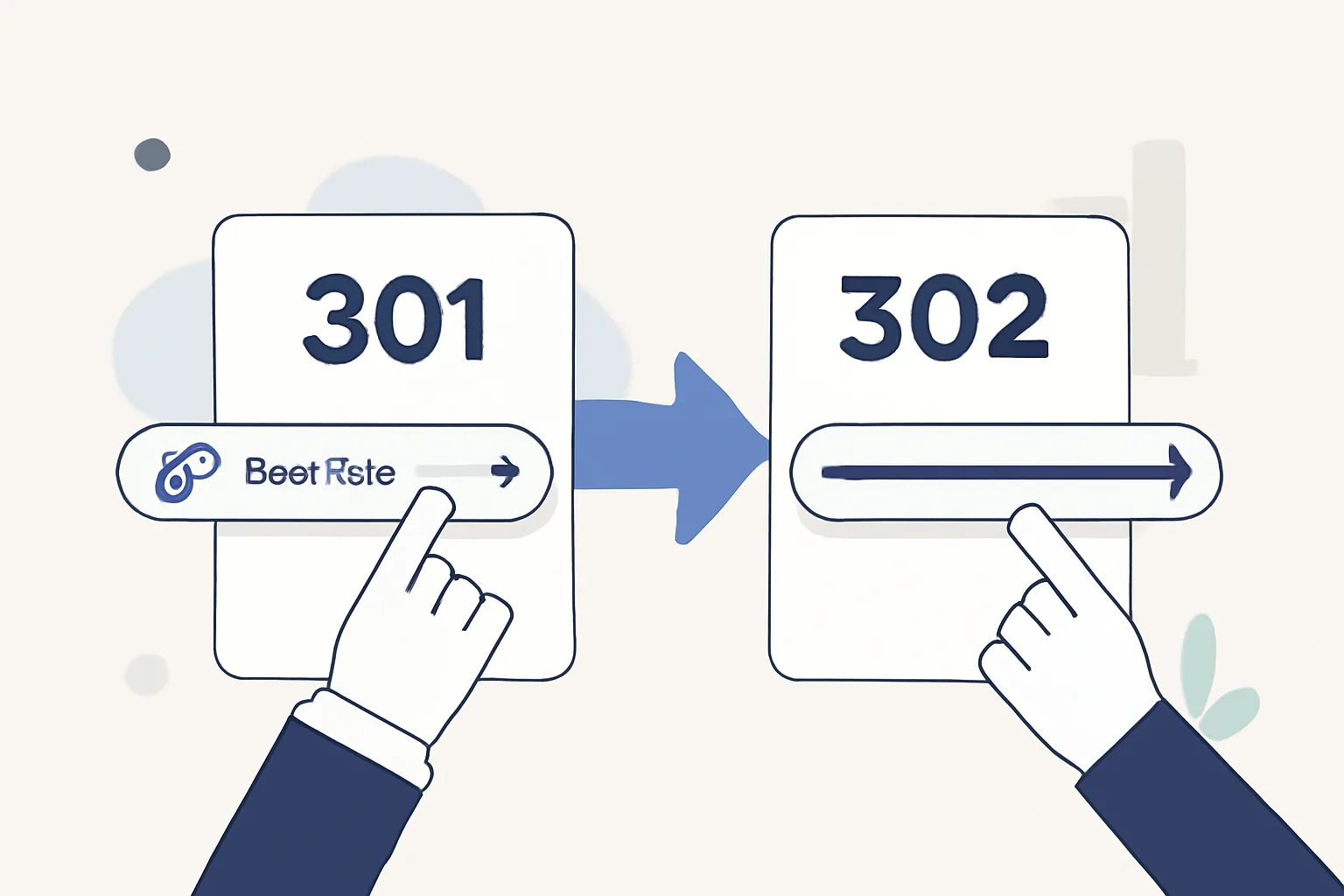
A 301 Moved Permanently tells browsers and search engines that the destination is the link's new, lasting home. Two things follow from that word "permanent":
- Search engines pass ranking signals through. A 301 consolidates the old and new URLs, so most of the link equity flows to the destination. That is exactly what you want when you retire an old URL and want its authority to survive.
- Browsers cache it aggressively. Once a browser has seen a 301, it may skip the shortener entirely on the next click and jump straight to the cached destination. That is fast — but it means you can no longer change where that link points for anyone whose browser remembers the old target.
302: a temporary redirect
A 302 Found says "go here for now, but keep asking me." Browsers do not cache it the same way, and search engines generally keep indexing the short URL rather than folding it into the destination. That has real advantages for a link you plan to manage:
- You can edit the destination later and every visitor immediately follows the new target — the foundation of editable links and A/B rotation.
- Because every click comes back through the server, your click analytics stay accurate instead of being swallowed by the browser cache.
That is why most link-management platforms, urlik included, default short links to a 302: it keeps the link a living, measurable object rather than a fossil baked into a million browser caches.
301 or 302 for a short link?
Here is the rule of thumb. Use a 302 when the link is a marketing or campaign asset you might edit, rotate or measure — which is almost every short link. Use a 301 only when you are permanently moving a page you own and want search engines to transfer its authority to the new address for good. Shortening a link for a campaign is the first case; migrating old-site.com/page to new-site.com/page is the second.
One nuance for the SEO-minded: a short link that 302s does not pass your destination's ranking power to itself, and that is fine — you are not trying to rank the short URL, you are trying to route and measure traffic. If you genuinely need link equity to move, do the 301 at the destination server, not through a shortener.
A note on 307 and 308
You may also see 307 (temporary) and 308 (permanent). They behave like 302 and 301 but with one strict guarantee: they never change the HTTP method. A browser following a 307 keeps a POST as a POST, whereas some old clients would quietly turn a 302 into a GET. For ordinary link sharing this rarely matters, but it is worth knowing if you are wiring redirects into an API. Speaking of which — if you create links programmatically, our URL shortener API guide covers how the redirect type is set per link.
How urlik handles it
With urlik.xyz you do not have to hand-pick a status code for everyday links: short links use a temporary redirect so you keep the ability to edit the target, rotate destinations and read honest stats. When you brand a link with a readable alias — see our guide to branded short links — that behaviour is unchanged; the pretty ending and the redirect logic are independent. The result is a link you can share once and steer forever.
Frequently asked questions
Is a 301 or 302 better for SEO?
It depends on intent. A 301 permanently consolidates ranking signals onto the destination and is right for a real page move. A 302 keeps the short URL as a separate, measurable, editable object and is right for campaign links. Neither is "better" in the abstract — they answer different questions.
Will a short link hurt my search rankings?
No. A short link routes visitors to your destination; it does not compete with your page in search. Because the destination keeps its own authority, using short links for sharing and tracking has no negative SEO effect on the page they point to.
Why can I still edit where my short link points?
Because it uses a temporary (302) redirect. The browser checks back with the server on each visit instead of caching the destination forever, so when you change the target in your dashboard, the next click follows the new one.
What is the difference between 302 and 307?
Both are temporary redirects. A 307 additionally guarantees the HTTP method is preserved — a POST stays a POST. For normal link sharing the two are interchangeable; 307 matters mainly for API calls that send data.
Shorten a URL on urlik.xyz — it uses a temporary redirect, so you can change the destination anytime and every existing link follows along.
Create an editable short linkMore from the blog

What Changed Recently in URL Shorteners and What Should I Do Now
What changed recently in URL shorteners and what should I do now? Audit links, fix redirects, and update ownership before problems spread.
301 vs 302 Redirect for Short Links
Learn the 301 vs 302 redirect for short links, when permanence or flexibility matters, and which redirect type fits your campaign.

Should I use a direct redirect or preview page for mobile campaigns
Learn when should I use a direct redirect or preview page for mobile campaigns based on speed, trust, device behavior, and campaign intent.