
On this page
Why switch from Rebrandly to Urlik?
People usually make the move for 5 plain reasons: pricing, simplicity, features, branding control, and whether the tool fits the way their team already works. That list sounds ordinary, but in practice it decides whether a link tool becomes part of the workflow or another tab nobody wants to open.
If you need to migrate from Rebrandly to Urlik, the first question is not “can it be done?” It is “what will break, what will improve, and what can stay exactly as it is?” A marketing team that depends on 40 campaign links will care about different details than a solo creator who only manages 12 branded links and 2 domains.
Urlik makes sense when the goal is less friction around everyday link work. One team may want cleaner setup. Another may want tighter brand control. A third may simply want a calmer dashboard. That last point matters more than people admit.
What to check before you migrate
Start with a link inventory. Count every active short link, every branded domain, and every rule that depends on Rebrandly behavior. If you have 250 links, do not trust memory. Export the list and sort it by campaign, destination, and status.
Then look at tracking settings. Check UTM templates, click event tracking, retargeting pixels, and any saved naming rules. A small miss here can make two months of reports harder to read than they need to be. One lost tag can turn a neat campaign map into a guessing game.
Team access comes next. Note which users have admin rights, which roles can edit domains, and who owns each branded link. If 3 people approve links today, those permissions need to be recreated in Urlik before anyone touches production links.
API usage is another checkpoint. Some teams call Rebrandly from a CMS, a CRM, or a scheduling tool 100 times a day. If your automation depends on endpoint names, token scopes, or custom webhooks, write those down before you begin. Also note any Rebrandly-specific features such as special redirect rules, branded link templates, or folder structures that may not map one-to-one.
Map your Rebrandly setup to Urlik
Do this as a side-by-side comparison. Put Rebrandly columns on one side and Urlik columns on the other. Include short links, branded domains, redirect type, analytics fields, tags, and campaign names. The point is not decoration. It is to find the mismatches before they become support tickets.
A useful way to work is by link type. For example, one product launch may have 18 links: 6 social links, 4 email links, 5 ad links, and 3 internal links for the sales team. Map each group separately. That way you can see whether the campaign structure stays intact or needs a minor cleanup.
Look closely at slugs. If Rebrandly used a pattern such as campaign-name-channel-date, keep the same pattern in Urlik unless you have a reason to change it. Consistency matters because people paste, share, and search these links later. A neat slug saves time in week 10.
Campaign tags deserve the same care. If your team tracks tags like spring-sale, webinar-q2, or partner-ny, copy that structure into Urlik rather than inventing a new one. Rebranding the tool should not mean reworking 200 labels. Small systems fail when they become hard to recognize.
How to migrate your links safely
First export from Rebrandly. If the export gives you CSV or JSON, keep both copies. One should stay untouched. The other can be cleaned for import. Save a timestamped backup, because a file with 80 links can be edited in 8 different ways by 3 different people.
Next recreate links in Urlik. For each link, confirm the destination URL, the slug, the domain, and the redirect behavior. If the old link used a 301 and you need the same behavior in Urlik, set it intentionally rather than assuming the default will match. This is where a tool like 301 vs 302 redirects can help your team decide what should stay permanent and what should remain temporary.
Some links can be copied by hand. Others should be recreated through bulk actions or API calls, especially if you have more than 50. Keep the old Rebrandly links active until the new Urlik links are tested. A hard cutover without tests is how teams end up with broken QR codes, stale ad links, and one very unhappy Monday.
Preserve redirect behavior where possible. If a link once pointed from a short branded domain to a landing page with a query string, make sure the same destination arrives in Urlik with the same parameters. Even one missing UTM can distort reporting across 4 channels.
What to do with custom domains
Custom domains usually carry the biggest risk, because DNS changes do not care about your deadline. Connect the domain in Urlik, then update the DNS records exactly as instructed. You may need to add or change CNAME, A, or verification records depending on the setup.
Before switching traffic, verify ownership and SSL setup. If a certificate is still pending, hold the cutover. A branded link that throws a browser warning is worse than no link at all. People do not click through uncertainty twice.
If your team already uses a custom short link domain, keep that brand decision consistent during the migration. One domain for marketing, one for support, and one for affiliate traffic may be enough for many teams. Add more only if there is a clear operational reason.
DNS propagation may take minutes or longer. That timing matters when you are moving 1 live campaign or 20. During the propagation window, test from different networks, not just your office Wi‑Fi. Home internet, mobile data, and a VPN can all show slightly different results.
How to preserve tracking and analytics
Tracking history usually does not transfer in a perfect way. You can preserve conventions, but not every old report. Expect click totals, geographic trends, and device breakdowns to remain tied to Rebrandly unless you export them separately before the migration.
Keep UTM naming identical. If your team has used utm_source, utm_medium, and utm_campaign in the same way for 2 years, do not change that during migration week. Reporting continuity depends on discipline more than software. One sloppy tag can split a campaign into 3 fragments.
If you rely on retargeting, make a note of every pixel and every rule attached to old links. You may want to read about retargeting pixels on short links before you recreate them in Urlik. Pixels, audiences, and ad-platform rules need to match destination logic or the data will drift.
Analytics continuity also means being honest about what cannot carry over. Historical dashboards from Rebrandly will not magically appear in Urlik. Export what you need, archive it in one place, and date the file. That small habit avoids arguments later when someone asks why a 90-day chart starts midstream.
Test everything before going live
Test 3 layers: the short link, the destination page, and the analytics trigger. Click every important link on desktop and mobile. Then click them again from a private browser window. Then do it one more time after clearing cache. Testing sounds boring until a slug typo sends traffic to the wrong product page.
Check branded link validation carefully. If a domain is meant to show your brand, it should resolve that way everywhere, not just on your laptop. Scan the result in a QR app, a messaging app, and a mobile browser. If your team uses QR codes at events, also read about dynamic QR codes before you print a stack of 500 cards.
Spot-check destinations with real use cases. A sales link should open the sales page, not the homepage. A webinar link should land on the registration form, not the blog. A support link should reach the exact help article, not a generic FAQ page. One wrong landing page can waste an entire campaign day.
If you have a team member in another region, ask them to test too. Different devices, carriers, and browsers catch odd behavior. A link that works on Chrome desktop may fail in one mobile app, and that failure may only show up after launch. Test like the traffic is already live. Because it is, once you post it.
Common migration issues and how to avoid them
Broken redirects usually come from one of 4 causes: wrong destination URLs, missing query parameters, a domain that has not finished propagating, or a slug that was recreated incorrectly. Fixing them is usually faster than diagnosing them, which is why the checklist matters.
Duplicate slugs can also cause trouble. If two teams both want the same short path, decide who owns the slug before the import starts. A clean naming rule prevents a lot of back-and-forth. One editor, one owner, one final version.
API integration gaps are another common snag. A CMS that posted links to Rebrandly may need new auth tokens, a different endpoint, or adjusted field names in Urlik. If you have an automation chain with 5 steps, test each step separately, not only the final outcome. One failed token can stop the whole chain.
Permissions problems tend to appear late. A user who could edit domains in Rebrandly may not have that right in Urlik until an admin assigns it. That delay can stall a launch by a day. Keep one admin available during the migration window, not after it.
If your team also uses link protection or special access rules, check those before switching traffic. A link might need a password, a different redirect, or a temporary restriction. If that sounds relevant, the Password-Protected links guide is a useful reference when a campaign needs one extra gate.
Some teams also find that tracking assumptions break because old habits were built around Rebrandly defaults. Do not assume Urlik will copy every behavior just because the interface looks familiar. Recreate the important rules manually, verify them, and keep the old setup alive until the new one passes the same 10 checks you used before launch.
If you plan to migrate from Rebrandly to Urlik while also changing your brand domain, your redirect map, or your analytics structure, split the work into 2 phases. First move the links. Then move the reporting rules. Mixing both on the same day is how small migrations become long afternoons.
Put this into practice
Paste a link and get a short URL, a QR code and click stats in seconds — free, no sign-up.
More from the blog
How to Migrate from Bitly to a URL Shortener
Learn how to migrate from Bitly to a URL shortener by mapping links, preserving tracking, and prioritizing high-value redirects.
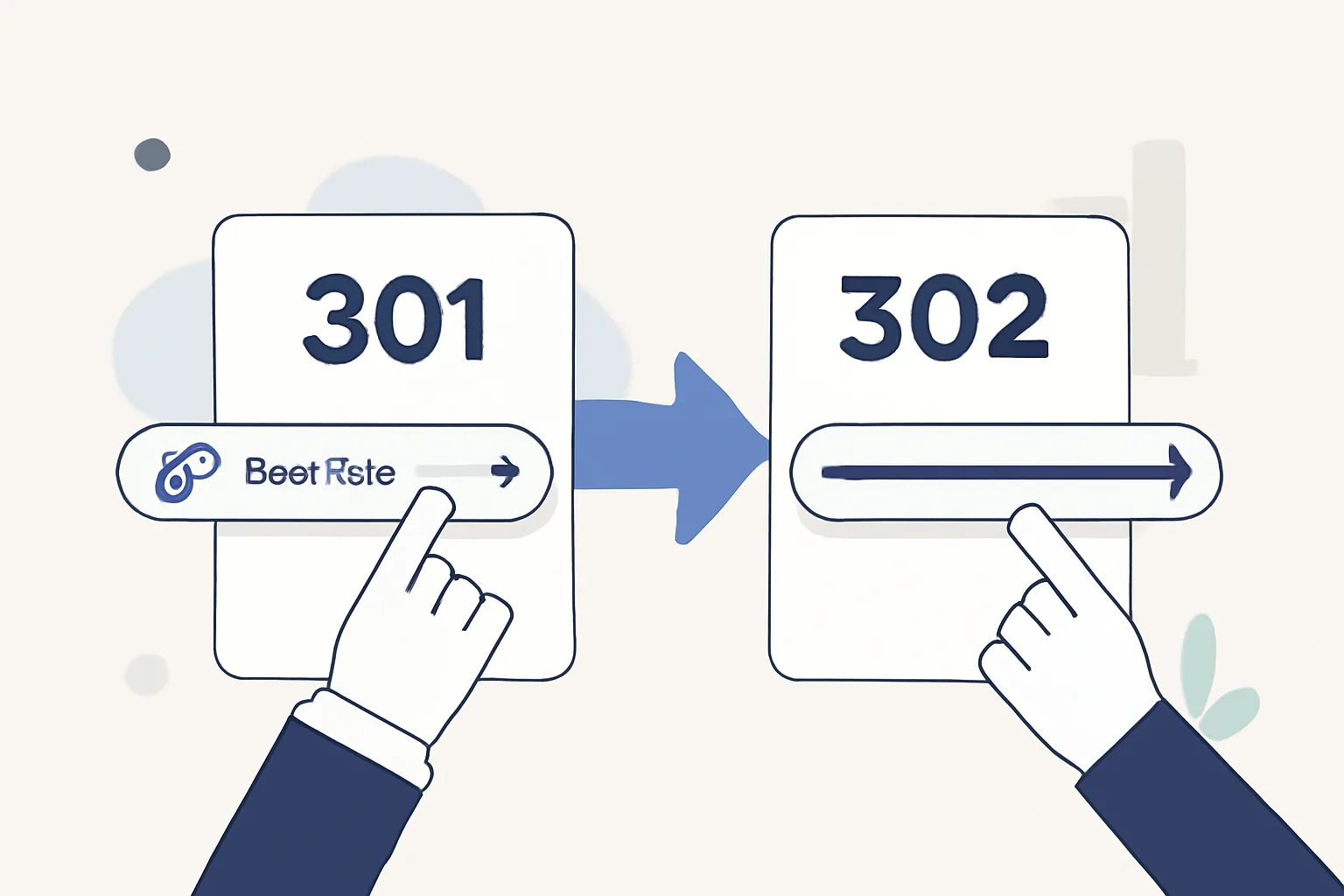
301 vs 302 Redirect for Short Links
Learn the 301 vs 302 redirect for short links, when permanence or flexibility matters, and which redirect type fits your campaign.

Short link pricing for agencies
A practical guide to short link pricing for agencies, covering seats, workspaces, usage limits, analytics, API access, and hidden costs.